


Kirzi
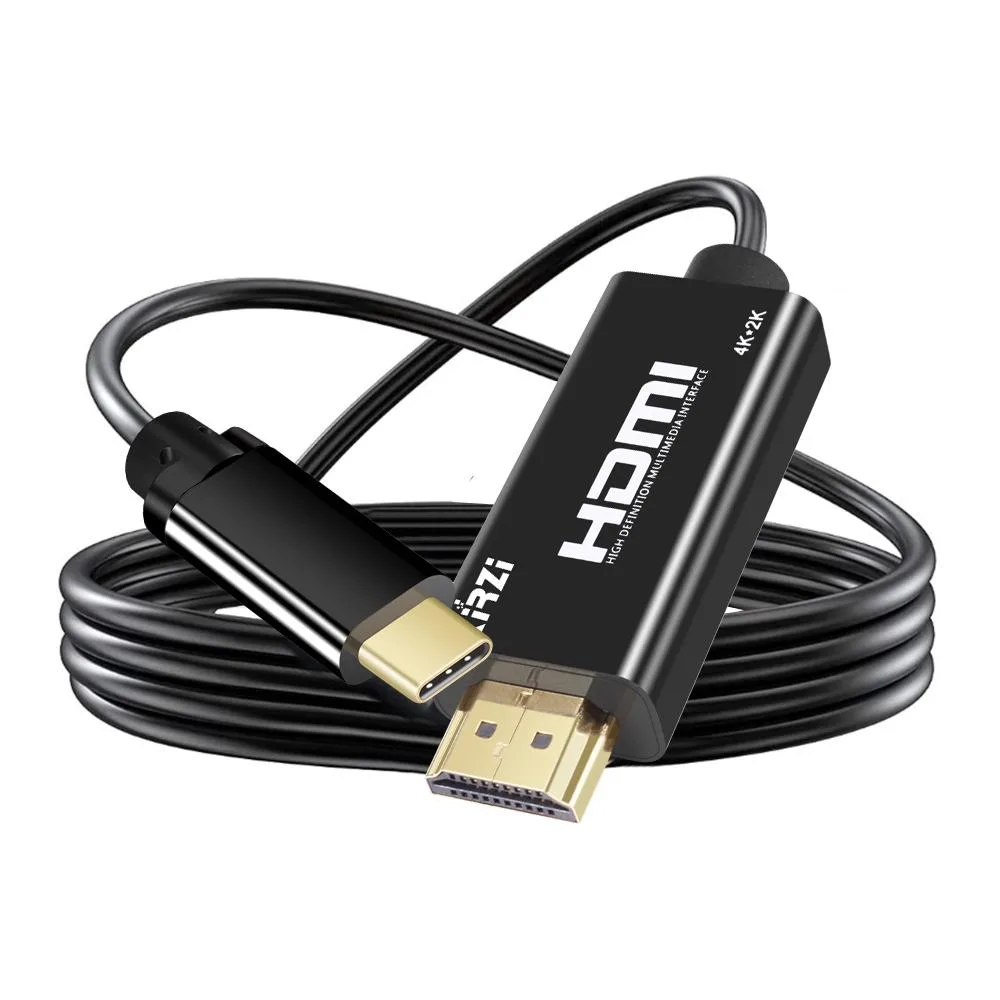
Kirzi USB-C to HDMI 2.0 Cable 15ft 4K@60Hz Thunderbolt 3/4 Compatible Black
Connects USB-C devices to HDMI displays at 4K@60Hz with 18Gbps bandwidth and HDR support over 15ft
- Enjoy 4K video at 60Hz with HDMI 2.0 bandwidth
- Backward compatible with 1440p at 144Hz and 1080p at 240Hz
- HDR and Dolby Atmos support for immersive home theatre
- Works with Thunderbolt 3 and 4 ports on laptops and tablets
- 15ft length gives flexible placement for home office setups
Versatile USB-C to HDMI connectivity
This USB-C to HDMI cable connects laptops, smartphones and tablets with video-output USB-C ports to HDMI displays for mirroring or extending the screen. It is aimed at home-office users and mobile professionals who need a simple plug-and-play link to monitors or TVs.
Replaces shorter or lower-bandwidth cables
The 15ft length suits setups where the display sits farther from the source than standard cables allow. Upgrading from HDMI 1.4 is worthwhile when 4K@60Hz, 1440p@144Hz or 1080p@240Hz refresh rates are required, and when HDCP 2.2 protected content from services such as Netflix or Disney+ must play correctly.
Practical limits of the HDMI 2.0 interface
Bandwidth caps at 18Gbps, so resolutions above 4K@60Hz or high-refresh 1440p beyond 144Hz are not supported. The cable is one-way only, transmitting video from USB-C devices to HDMI displays, and it requires the source port to provide video output or Thunderbolt 3/4 functionality.
Highlights
- Enjoy 4K video at 60Hz with HDMI 2.0 bandwidth
- Backward compatible with 1440p at 144Hz and 1080p at 240Hz
- HDR and Dolby Atmos support for immersive home theatre
- Works with Thunderbolt 3 and 4 ports on laptops and tablets
- 15ft length gives flexible placement for home office setups
Specifications
No published specifications for this item yet.
Other versions of this model
2 more in the same range
Same family, different memory, cooler or clock — compare before you commit.


Questions about this item
How much space does the 15ft cable need for routing?
The cable measures 15ft end-to-end, so allow that length plus slack for bends behind desks or through cable trays.
What step ensures the cable works with a Thunderbolt 3/4 port?
Confirm the host USB-C port supports video output, then plug the USB-C end into the port and the HDMI end into the display — no driver install is required.
When should the cable be replaced to keep 4K@60Hz performance?
Replace it if the connectors loosen, the jacket frays, or the link drops to lower resolutions, since the 18Gbps bandwidth depends on intact conductors.
New to this? Which coin should you pay with — what to check, what it costs to pay, and what is never asked for.
Also in this aisle
People compared these
Same shelf, same checkout — eight coins and a 30-minute rate lock.


Black Box Corporation
Black Box Corporation CAT6 EZ-RJ45 Modular Plugs 100-Pack
$95.99
0.00115782BTC
In stock
