


j5create
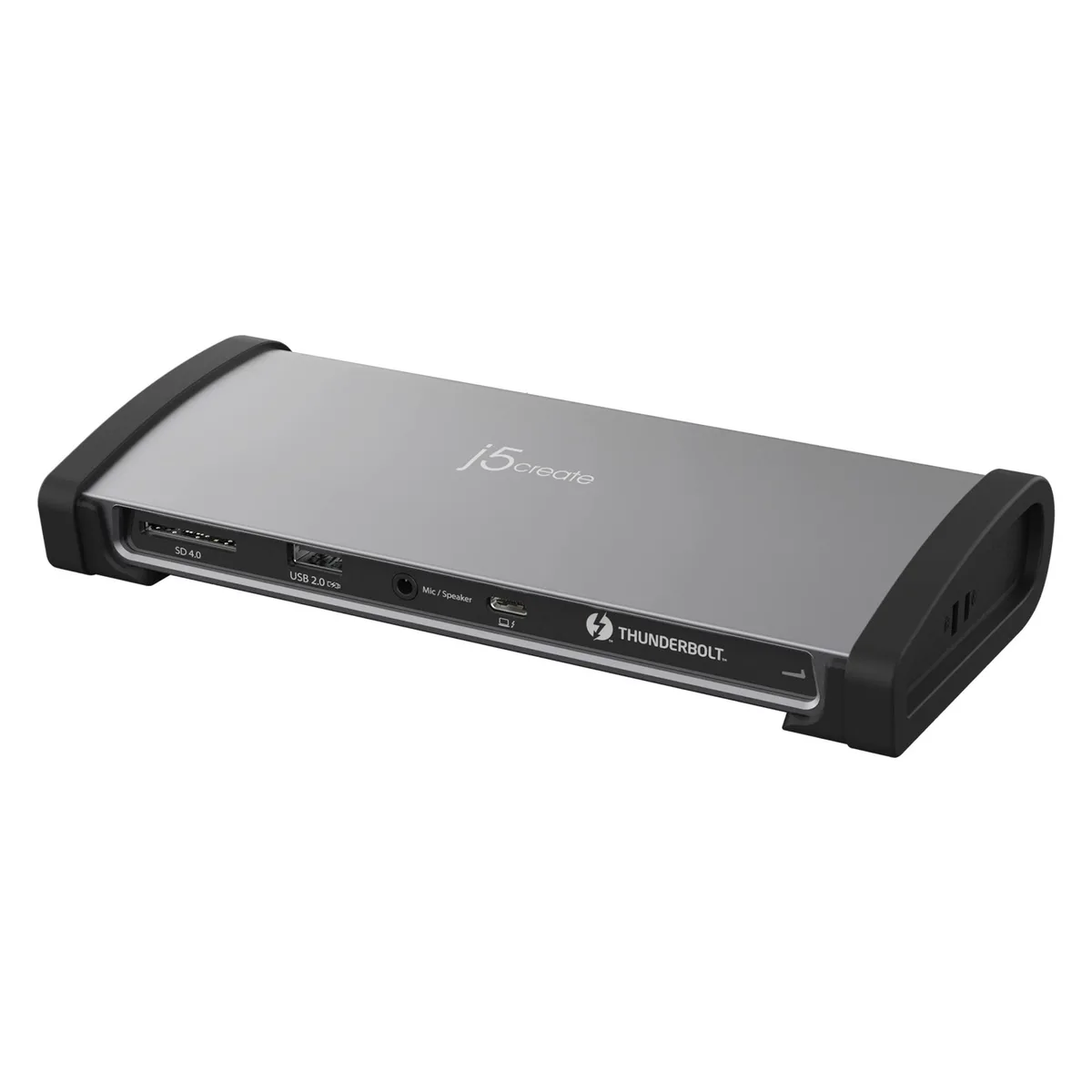
j5create JTD562 Thunderbolt 4 Dock 96W 8K60
A Thunderbolt 4 docking station delivering 96 W charging, single 8K 60 Hz or dual 4K 60 Hz video, 40 Gbps data, 10 Gbps USB, Gigabit Ethernet and SD 4.0 card access
- Single 8K60 or dual 4K60 display support for expansive workspace
- Thunderbolt 40Gbps bandwidth enables fast data transfers
- 96W power delivery charges laptops while docked
- Gigabit Ethernet provides stable wired network access
- SD 4.0 reader speeds up media file imports
Thunderbolt 4 Dock for High-Resolution Workstations
The j5create JTD562 is a Thunderbolt 4 docking station that expands a single laptop port into multiple video, data and network connections. It delivers up to 96 W of power to charge the host machine while driving one 8K display at 60 Hz or two 4K displays at 60 Hz. A 40 Gbps upstream link keeps bandwidth high for demanding peripherals.
Suited for Single-Cable Desk Setups.
This dock suits professionals who want one cable to connect dual monitors, Gigabit Ethernet, SD 4.0 cards, 10 Gbps USB devices and audio. Buyers whose laptops lack Thunderbolt 4 or Thunderbolt 3 ports cannot use the dock’s video or 40 Gbps data features. It also does not add more than two video streams.
96 W Power Delivery Decides Compatibility
The single specification that determines fit is the 96 W Power Delivery rating. If the connected laptop requires more than 96 W to charge under load, the dock will not keep it powered. Check the laptop’s power adapter rating before purchasing.
Highlights
- Single 8K60 or dual 4K60 display support for expansive workspace
- Thunderbolt 40Gbps bandwidth enables fast data transfers
- 96W power delivery charges laptops while docked
- Gigabit Ethernet provides stable wired network access
- SD 4.0 reader speeds up media file imports
Specifications
No published specifications for this item yet.
Questions about this item
What maximum throughput does the Thunderbolt 4 port provide for data?
The Thunderbolt 4 port delivers up to 40 Gbps of bandwidth for data transfer and video output.
Which host connector and power input does the JTD562 require?
It connects through a single Thunderbolt 4 cable that also supplies up to 96 W of power delivery to the laptop.
What driver or firmware step is needed before the dock drives an 8K display?
Install the latest Thunderbolt firmware and host controller driver from the laptop maker, then authorise the dock in the Thunderbolt security settings.
New to this? Which coin should you pay with — what to check, what it costs to pay, and what is never asked for.
Also in this aisle
People compared these
Same shelf, same checkout — eight coins and a 30-minute rate lock.


Black Box Corporation
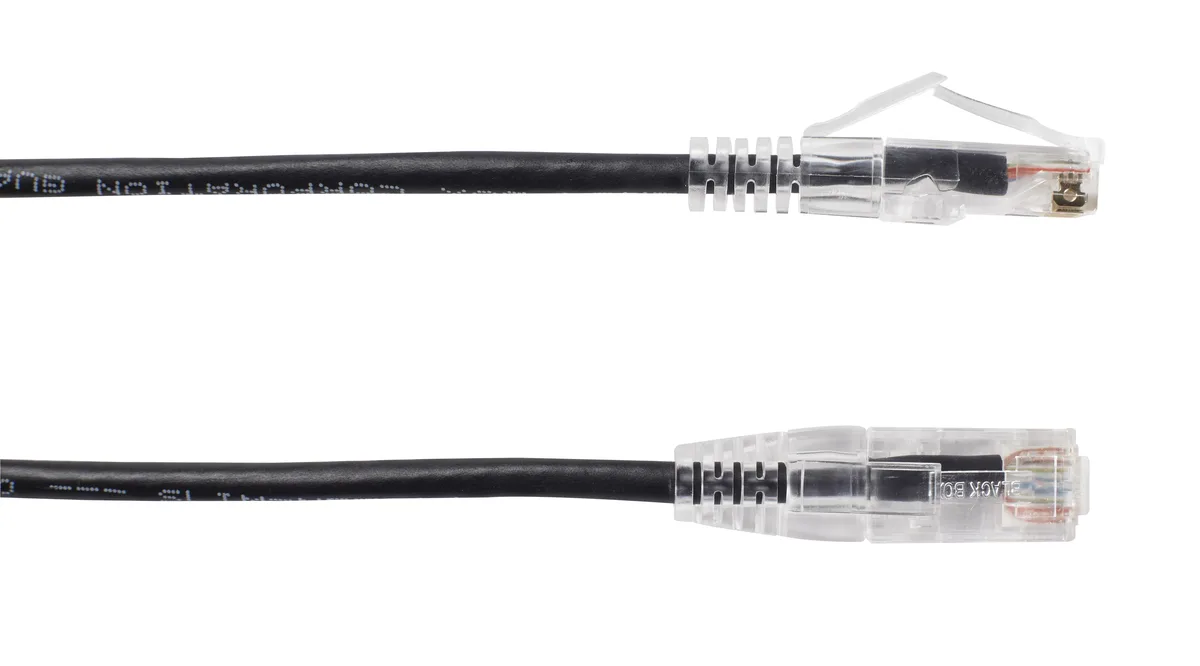
Black Box C6PC28-BK-05 Slim-Net Cat6 Patch Cable 5 ft
$5.99
0.00007007BTC
In stock
Axiom
Axiom WG8583-AX SFP+ Transceiver 10GBASE-SR 850nm 984ft Firebox M440
- Consumer Electronics
$164.99
0.00193002BTC
In stock