

Innovation First, Inc.
Innovation First, Inc. 1UCMA-137 1U Cable Management Arm 19" 28.5"-33" computer accessory
- Product Type:Cable…
- Panel Width:19" Rac…
$72.99
0.0008438BTC
In stockWe take cryptocurrency — so the coins you hold can buy real hardware.Pay in crypto, spend it on real hardware. Free insured shipping worldwide over $399. Plain, unbranded boxes, sent from Germany.Free insured shipping over $399. Your rate is locked for 30 minutes once checkout opens.Rate locked 30 minutes. Every item sealed, serial-checked and covered by a 24-month warranty.Sealed, 24-month warranty.
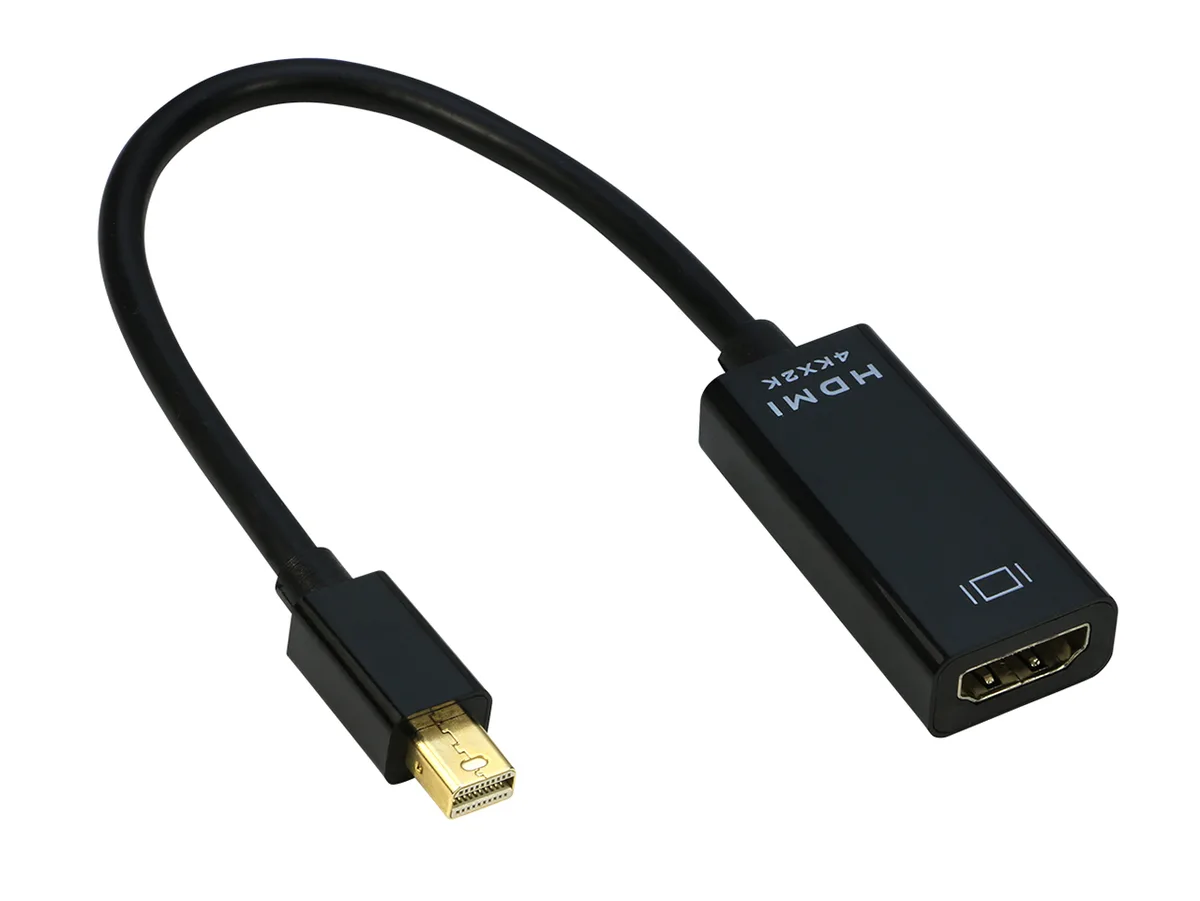


iXever
Connects a Mini DisplayPort or Thunderbolt 2 source to an HDMI display with 4K at 30 Hz video and multi-channel audio pass-through
The iXever adapter connects a Mini DisplayPort or Thunderbolt 2 source to an HDMI display. It transmits both audio and video up to 3840x2160 at 30 Hz and supports uncompressed 7.1, 5.1 or 2 channel sound. The 9 inch black cable requires a separate HDMI cable and works plug and play.
This adapter adds an HDMI output to laptops and desktops that only offer Mini DisplayPort or Thunderbolt 1 and 2. The jump is worth it when you need 4K at 30 Hz or multi channel audio on a monitor, TV or projector without buying a new dock. It does not serve buyers who need Thunderbolt 3 or USB C connectivity or 4K at 60 Hz.
Verify the source has a Mini DisplayPort or Thunderbolt 1 or 2 port and that the display accepts HDMI. Remember the adapter is unidirectional from source to display only. A separate HDMI cable is required and no external power is needed. Audio output must be switched in system sound settings.
No published specifications for this item yet.
The adapter has a Mini DisplayPort male connector that fits Thunderbolt 1 and Thunderbolt 2 ports on compatible MacBook Pro, MacBook Air, iMac, Mac mini and Mac Pro models.
Open System Preferences, choose Sound, then Output and select the TV or external display so audio routes through the HDMI link instead of the built-in speakers.
No external power is required; the unit draws a maximum of 500 mW directly from the Mini DisplayPort source.
New to this? Which coin should you pay with — what to check, what it costs to pay, and what is never asked for.
Also in this aisle
Same shelf, same checkout — eight coins and a 30-minute rate lock.
What you pay in, and what you read prices in.
Sent from your wallet at checkout
Display only — the catalogue is priced in USD
No currency matches that.
Pick the language the site speaks to you in.
No language matches that.
New here?
Already have one?
There is no automatic reset: this shop sends no mail, so there is no one-time link to ask for. Leave the address on the account and it gets picked up by hand.
Request noted
Nothing is on its way to your inbox — this shop sends no mail at all. Someone picks these up by hand.
Remembered it?


