Orei LLC
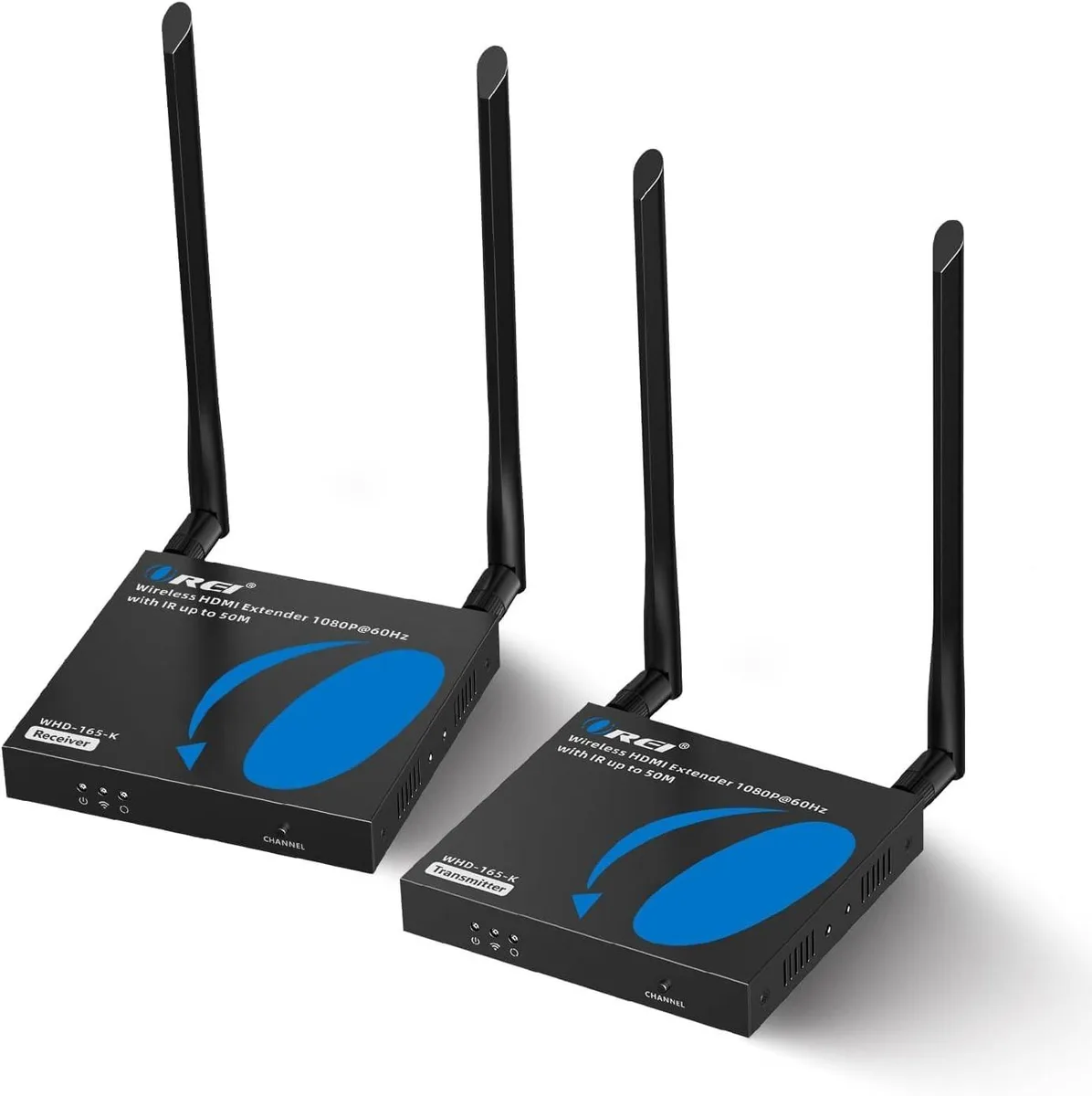
Orei LLC HDMI Extender Over CAT5/CAT6 IR Loop Out 1080p Signal Routing
$92.99
0.00107781BTC
In stockWe take cryptocurrency — so the coins you hold can buy real hardware.Pay in crypto, spend it on real hardware. Free insured shipping worldwide over $399. Plain, unbranded boxes, sent from Germany.Free insured shipping over $399. Your rate is locked for 30 minutes once checkout opens.Rate locked 30 minutes. Every item sealed, serial-checked and covered by a 24-month warranty.Sealed, 24-month warranty.


Inogeni
Captures uncompressed 4K HDMI video with audio to USB 3.0 and includes an HDMI loop-through for simultaneous display
The Inogeni 4KXUSB3 is a video capturing device that converts an HDMI source into a USB 3.0 signal for a computer. It is intended for users who need to record, edit, stream or video-conference with uncompressed 4K video and audio from cameras, consoles or other HDMI gear. Driver-free operation on Windows, macOS and Linux makes it suitable for quick deployment in mixed-OS environments.
The compact converter draws power directly from the USB 3.0 connection, so no external supply is required. Passive cooling keeps the unit silent during extended capture sessions. Low power consumption means it will not strain laptop ports or add noticeable heat to a workstation.
The defining feature is the HDMI loop-through port, which passes the incoming 4K signal onward to a display or recorder while simultaneously sending the USB stream to the host. If your workflow requires monitoring or recording the source on a second screen at the same time, this capability makes the 4KXUSB3 the correct choice; without that need, a simpler capture dongle would suffice.
No published specifications for this item yet.
Connect the HDMI source to the input, link the USB 3.0 cable to the host, and attach a display to the HDMI loop-through; the step often missed is powering the loop-through display before starting the capture software.
The unit has no user-serviceable parts; keep the USB 3.0 port and HDMI connectors free of dust, and replace cables if they show wear or signal loss.
Sustained 4K capture is bounded by the USB 3.0 bus bandwidth and the host system's ability to write uncompressed frames without dropping them.
Also in this aisle
Same shelf, same checkout — eight coins and a 30-minute rate lock.
What you pay in, and what you read prices in.
Sent from your wallet at checkout
Display only — the catalogue is priced in USD
No currency matches that.
Pick the language the site speaks to you in.
No language matches that.
New here?
Already have one?
There is no automatic reset: this shop sends no mail, so there is no one-time link to ask for. Leave the address on the account and it gets picked up by hand.
Request noted
Nothing is on its way to your inbox — this shop sends no mail at all. Someone picks these up by hand.
Remembered it?