


HPE
HPE ProCurve 10GBASE-CX4 Module J9165A expansion module
A 10 Gigabit Ethernet expansion module with one 10GBase-CX4 port for compatible HP ProCurve 2910al switches
- TypeExpansion Module
- ColorSilver
- 10 Gigabit Ethernet speed via a single 10GBase-CX4 port
- Fits HP ProCurve 2910al 24G and 48G switch models
- Also compatible with 24G-PoE+ and 48G-PoE+ variants
- Compact module measures 1.4 by 4.2 by 4.1 inches
- Lightweight design at .31 lb for easy installation
ProCurve 10GBASE-CX4 Expansion Module
This HPE ProCurve J9165A module adds a single 10 Gigabit Ethernet uplink to compatible ProCurve 2910al switches. It is built for network administrators who need a short-range, high-bandwidth link between aggregation switches using CX4 copper cabling. The module slides into the switch expansion slot to provide one 10GBase-CX4 port for data networking.
Silver Module Thermals and Power
The silver enclosure measures 1.4 inches high, 4.2 inches wide and 4.1 inches deep while weighing approximately .31 lb. As a passive copper transceiver it generates minimal heat and produces no audible noise during operation. Power is drawn directly from the host switch chassis, so no external supply or additional cabling is required beyond the CX4 interconnect.
Compatibility Limited to Four 2910al Models
This expansion module works only with the HP ProCurve 2910al-24G (J9145A), 2910al-48G (J9147A), 2910al-24G-PoE+ (J9146A) and 2910al-48G-PoE+ (J9148A) switches. It will not function in other ProCurve families, newer Aruba platforms or third-party hardware. Buyers who need 10G uplinks on different switches must select a supported module for those platforms.
Highlights
- 10 Gigabit Ethernet speed via a single 10GBase-CX4 port
- Fits HP ProCurve 2910al 24G and 48G switch models
- Also compatible with 24G-PoE+ and 48G-PoE+ variants
- Compact module measures 1.4 by 4.2 by 4.1 inches
- Lightweight design at .31 lb for easy installation
Specifications
| Brand | HPE |
|---|---|
| Type | Expansion Module |
| Color | Silver |
Questions about this item
How do I install the J9165A module into a ProCurve 2910al switch without damaging the 10GBase-CX4 port?
Power off the 2910al-24G or 2910al-48G switch, slide the silver expansion module into the open bay until the latch clicks, then attach the CX4 cable before powering on.
What replacement parts will the J9165A need after extended operation?
The module has no moving parts or consumables; only the external CX4 cable assembly may require replacement if the connector latch wears or the cable is damaged.
What is the first limit reached when the J9165A runs at 10 Gigabit Ethernet continuously?
The single 10GBase-CX4 port caps throughput at 10 Gb/s, so sustained line-rate traffic hits the port bandwidth ceiling before any thermal or power limit appears.
New to this? Buying server hardware with crypto — what to check, what it costs to pay, and what is never asked for.
Also in this aisle
People compared these
Same shelf, same checkout — eight coins and a 30-minute rate lock.


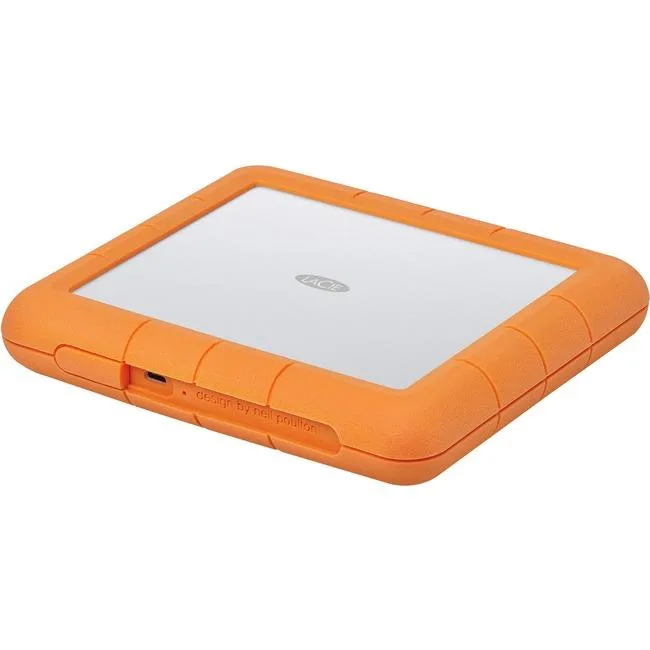
LaCie
LaCie STHT8000800 8TB RAID subsystem USB 3.1 Type C RAID 0 1
- USB 3.1 Type C
- 0, 1
$445.99$471.99−6%
0.00512986BTC
In stock

SanDisk Professional
SanDisk Professional SDPH34H-024T-NBAAB 24TB RAID enclosure
- Thunderbolt 3 and U…
$1,337.99
0.01538981BTC
In stock