

HPE
HPE P48830-B21 Server Enablement Kit
Server enablement kit with part numbers 21 and 48830 for HPE system integration
- Server readiness from official HPE enablement kit
- Verified compatibility with HPE server platforms
- New condition ensures full manufacturer support
- Streamlined deployment with genuine HPE components
Server Enablement Kit Contents
The HPE P48830-B21 Server Enablement Kit bundles the essential accessories needed to configure a compatible server chassis for operation. It simplifies the initial hardware setup by providing the specific brackets, fasteners or cabling required for the target platform. This kit is intended for system integrators and IT technicians deploying supported HPE server models. Using the correct enablement kit ensures physical compatibility and proper airflow alignment within the chassis.
For Supported Chassis Deployment Only
This kit suits administrators upgrading or populating a qualified HPE server with the exact mounting hardware specified by the manufacturer. It is not for operators attempting to install components in unsupported chassis models or third-party enclosures where the brackets and connectors will not align. Buyers needing rail kits, specific GPU power cables or additional drive carriers should verify those items are included in this specific part number before purchase.
Highlights
- Server readiness from official HPE enablement kit
- Verified compatibility with HPE server platforms
- New condition ensures full manufacturer support
- Streamlined deployment with genuine HPE components
Specifications
No published specifications for this item yet.
Questions about this item
What physical space does the HPE P48830-B21 enablement kit require inside the server chassis?
The kit is designed to mount within standard HPE server drive bays or internal brackets; verify your specific server model's spare-parts list for exact bay compatibility before installation.
What is the installation sequence for the HPE P48830-B21 kit, and which step is most often missed?
Power down the server, open the chassis, secure the kit into the designated bay using the included screws, connect any required cables, then update the system firmware; the firmware update step is frequently overlooked.
New to this? Buying server hardware with crypto — what to check, what it costs to pay, and what is never asked for.
Also in this aisle
People compared these
Same shelf, same checkout — eight coins and a 30-minute rate lock.


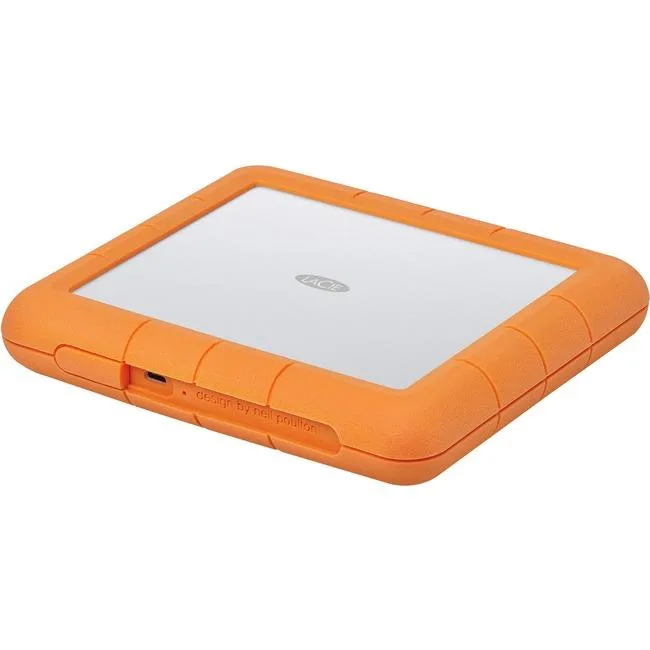
LaCie
LaCie STHT8000800 8TB RAID subsystem USB 3.1 Type C RAID 0 1
- USB 3.1 Type C
- 0, 1
$445.99$471.99−6%
0.00514881BTC
In stock

SanDisk Professional
SanDisk Professional SDPH34H-024T-NBAAB 24TB RAID enclosure
- Thunderbolt 3 and U…
$1,337.99
0.01544666BTC
In stock