


HP
HP Z6 Memory Cooling Solution Fan Tray
A fan tray that cools memory modules in HP Z6 workstations, supplied with an install guide and warranty card
- TypeFan Tray
- Designed for HP Z6 workstations
- Fan tray targets memory-module airflow
- Includes printed install guide for setup
- Ships with product notices and warranty card
- First listed by the manufacturer on 18 March 2026
Z6 Memory Cooling Solution
The HP Z6 Memory Cooling Solution is a dedicated fan tray designed for HP Z6 workstations. It targets system builders and IT professionals who need to maintain optimal memory temperatures in high-density configurations. This accessory integrates directly into the chassis airflow path to cool DIMM modules under sustained workloads.
Thermals noise and power draw
The fan tray draws power from the system board to actively move air across memory slots, reducing thermal throttling risk during extended compute tasks. Acoustic output scales with fan speed curves managed by the workstation firmware. Power consumption remains within the chassis budget allocated for accessory cooling modules.
Build quality and daily implications
The assembly ships with an install guide, product notices and a warranty card for immediate deployment. Mounting points align with the Z6 chassis design, allowing tool-less or screw-fixed installation depending on the revision. Connectors use keyed headers to prevent misalignment during field upgrades or maintenance windows.
Highlights
- Designed for HP Z6 workstations
- Fan tray targets memory-module airflow
- Includes printed install guide for setup
- Ships with product notices and warranty card
- First listed by the manufacturer on 18 March 2026
Specifications
| Brand | HP |
|---|---|
| Type | Fan Tray |
| Shipping weight | 0.93 kg |
| Package size | 323 × 213 × 203 mm |
Questions about this item
How do I install the Z6 memory cooling fan tray inside the workstation?
Align the tray with the designated memory bay, press firmly until the retention clips engage, then connect the power cable to the motherboard header; the step most often missed is seating both clips evenly so the tray sits flush.
What maintenance will the Z6 memory cooling fan tray need over time?
Periodically remove dust from the fan blades and heatsink fins using compressed air; no lubrication or bearing service is required, and the tray is not designed for user-replaceable fan modules.
What thermal limit appears first when the Z6 memory cooling fan tray runs under sustained load?
The tray’s airflow capacity sets the practical ceiling; once memory module temperatures reach the platform’s throttling threshold, the system will reduce clock speeds to protect components.
New to this? Buying server hardware with crypto — what to check, what it costs to pay, and what is never asked for.
Also in this aisle
People compared these
Same shelf, same checkout — eight coins and a 30-minute rate lock.


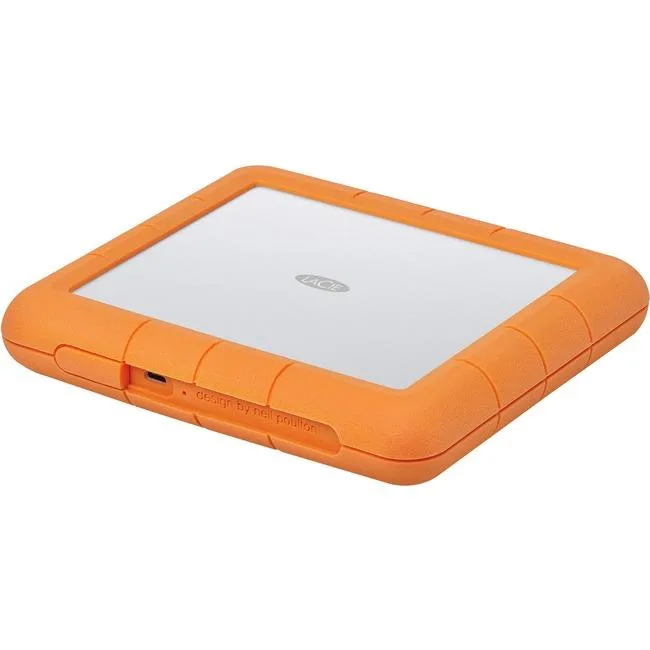
LaCie
LaCie STHT8000800 8TB RAID subsystem USB 3.1 Type C RAID 0 1
- USB 3.1 Type C
- 0, 1
$445.99$471.99−6%
0.00514691BTC
In stock

SanDisk Professional
SanDisk Professional SDPH34H-024T-NBAAB 24TB RAID enclosure
- Thunderbolt 3 and U…
$1,337.99
0.01544096BTC
In stock