


HP
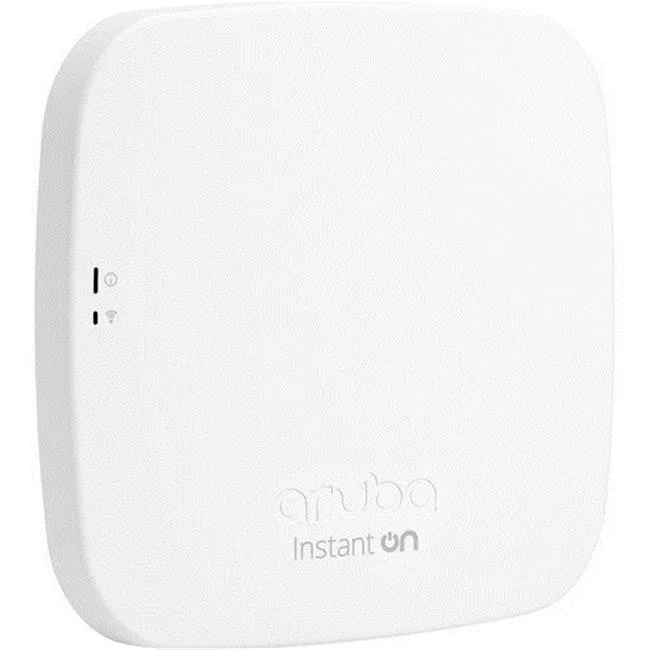
HP R3J19A Type E Indoor Access Point computer accessory
Dual-band Wi-Fi 5 access point with internal antennas delivers 867 Mb/s on 5 GHz and 300 Mb/s on 2.4 GHz, plus PoE-powered Gigabit Ethernet
- Wi-Fi 5 delivers up to 867 Mb/s on 5 GHz band
- Wi-Fi 4 provides up to 300 Mb/s on 2.4 GHz band
- Gigabit Ethernet with PoE powers the unit over one cable
- Smart Mesh expands coverage into hard-to-wire areas
- Mobile app enables simple setup and ongoing management
Indoor Wi-Fi 5 access point for small retail
The HP R3J19A delivers dual-band Wi-Fi 5 (802.11 ac) and Wi-Fi 4 (802.11 n) connectivity. It provides up to 867 Mb/s on the 5 GHz band and up to 300 Mb/s on the 2.4 GHz band. Internal down-tilt omni-directional antennas offer 3.3 to 5.8 dBi gain. A single Gigabit Ethernet port supports PoE for combined data and power delivery.
Silent operation with PoE power flexibility
Internal antennas and no moving parts ensure completely silent operation. The unit draws power through the PoE-enabled Ethernet port, eliminating the need for a nearby mains outlet. The bundled DC power adapter and cord provide an alternative power source when PoE infrastructure is not available. Weight is 5.6 lbs.
Smart Mesh expansion and segregated networks
Smart Mesh technology extends coverage into hard-to-wire areas without additional cabling. The mobile app simplifies deployment and ongoing management. Separate guest and employee SSIDs keep traffic isolated. WPA2, WPA3 and Enhanced Open protocols secure network access.
Highlights
- Wi-Fi 5 delivers up to 867 Mb/s on 5 GHz band
- Wi-Fi 4 provides up to 300 Mb/s on 2.4 GHz band
- Gigabit Ethernet with PoE powers the unit over one cable
- Smart Mesh expands coverage into hard-to-wire areas
- Mobile app enables simple setup and ongoing management
Specifications
No published specifications for this item yet.
Questions about this item
How do I mount the AP11 access point and what is the common mistake with the DC adapter?
Mount the unit on a wall or ceiling using the included bracket, then connect the Gigabit Ethernet cable to a PoE switch or use the bundled DC power adapter; the step often missed is plugging the adapter into the AP's DC jack instead of relying on PoE when the switch does not supply power.
Which parts of the AP11 will need replacement after extended use?
The internal down-tilt omni-directional antennas and the Gigabit Ethernet port are fixed components; no user-serviceable parts are listed, so replacement would mean swapping the entire access point if the radios or port fail.
What throughput limit appears first when the AP11 serves multiple clients on the 5 GHz band?
The 2x2 MU-MIMO radio caps aggregate 5 GHz throughput at 867 Mb/s, so sustained heavy traffic from several devices will hit that ceiling before the Gigabit Ethernet uplink becomes the bottleneck.
New to this? Which coin should you pay with — what to check, what it costs to pay, and what is never asked for.
Also in this aisle
People compared these
Same shelf, same checkout — eight coins and a 30-minute rate lock.


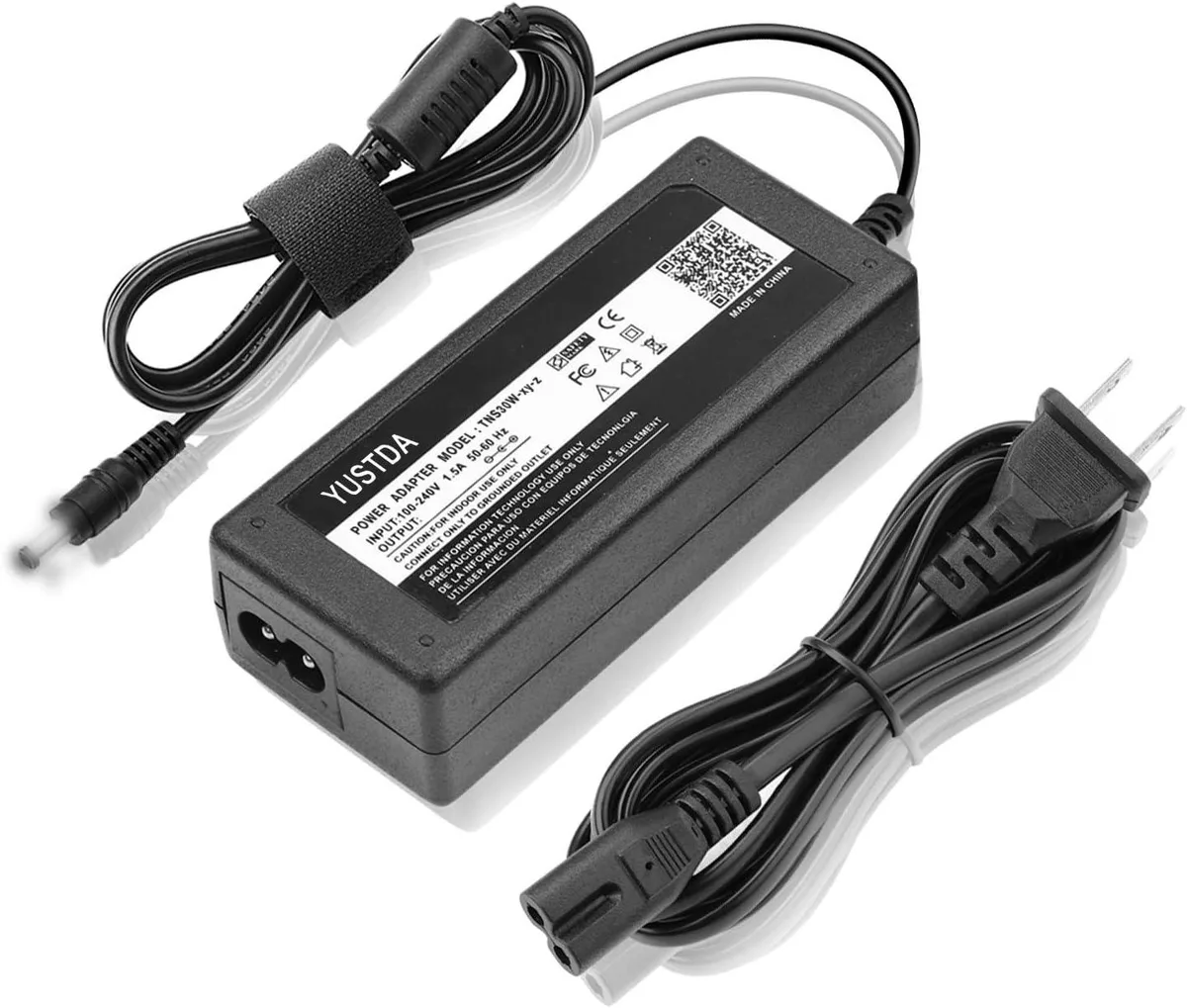
WAWEIS
WAWEIS power adapter for AmazonBasics SB210 2.1 Channel Bluetooth Sound Bar
$15.99
0.0001846BTC
In stock
