HP
HP Jetdirect 500x J3265A Fast Ethernet network print server
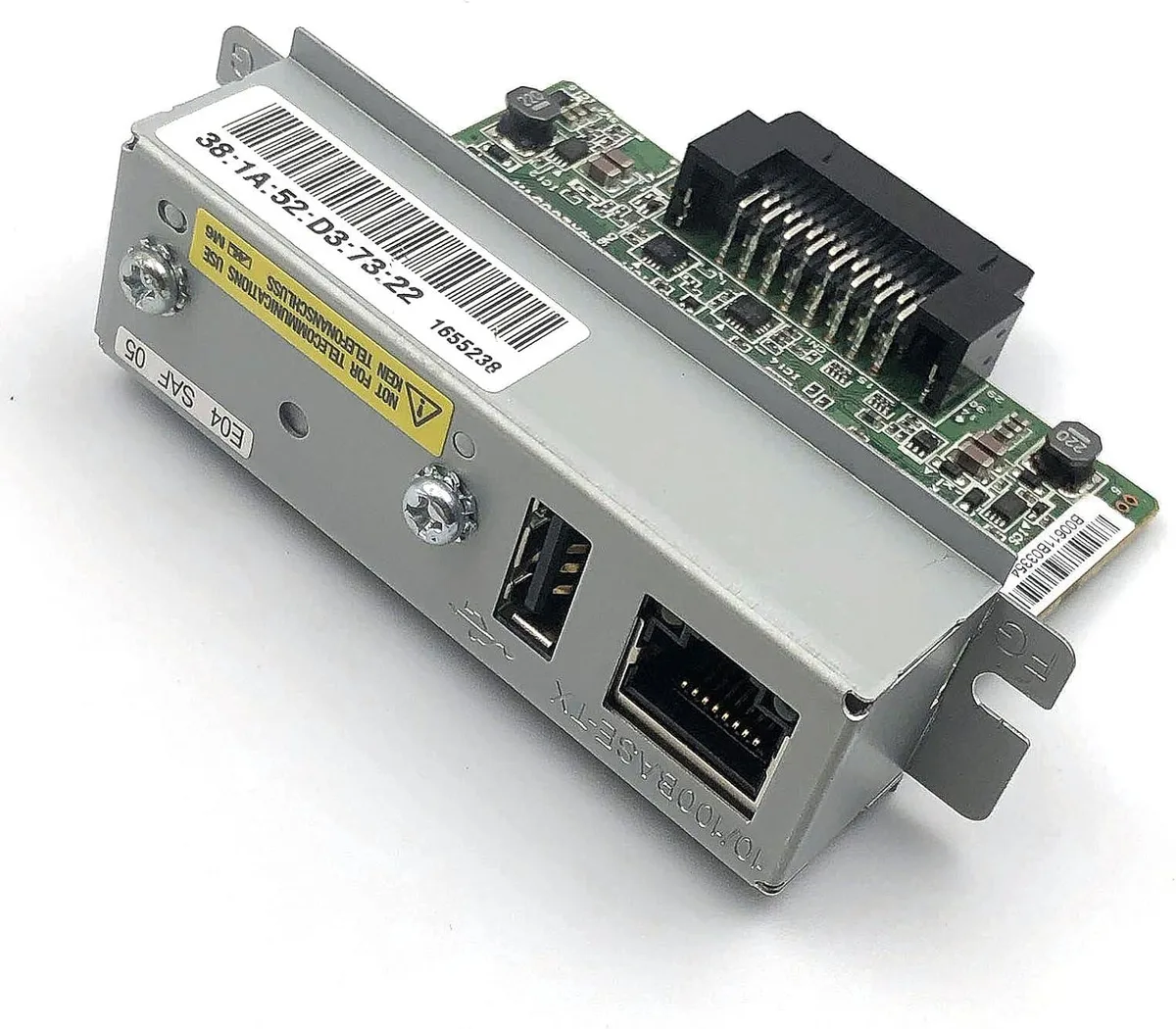
Connects a printer to a Fast Ethernet network via a single RJ-45 port in a desktop form factor
- ProtocolsHCRP, SPP
- Connects printers to the network via a single RJ-45 port
- Fast Ethernet support enables wired printing at standard speeds
- Desktop form factor fits easily on a shelf or desk
- HCRP and SPP protocols provide broad print-server compatibility
- Adds network capability to parallel-port printers without built-in Ethernet
HP Jetdirect 500x Print Server
The HP Jetdirect 500x J3265A is a desktop network print server that adds a single Fast Ethernet RJ-45 port to a printer. It enables printing over an Ethernet network using HCRP and SPP protocols.
Suited for legacy printer integration
This unit fits administrators who need to connect an existing printer to a wired Ethernet LAN. It does not suit buyers who want wireless connectivity, multiple network ports, Gigabit Ethernet speeds, or modern management protocols.
Single RJ-45 Fast Ethernet port
The only network interface is one RJ-45 port running at Fast Ethernet speed. This single port determines whether the print server matches the cabling and bandwidth available on the target network segment.
Highlights
- Connects printers to the network via a single RJ-45 port
- Fast Ethernet support enables wired printing at standard speeds
- Desktop form factor fits easily on a shelf or desk
- HCRP and SPP protocols provide broad print-server compatibility
- Adds network capability to parallel-port printers without built-in Ethernet
Specifications
| Brand | HP |
|---|---|
| Protocols | HCRP, SPP |
Questions about this item
What network standard does the Jetdirect 500x J3265A use and what speed does it deliver?
The unit provides a single RJ-45 port running Fast Ethernet, so the connection operates at the standard Fast Ethernet rate.
What physical space and mounting does the desktop print server require?
It is a desktop form factor device that sits on a flat surface and connects via one RJ-45 network cable and the printer's own interface cable.
How is the HP J3265A installed and which step is often missed?
Connect the print server to the network and the printer, power it on, then configure the IP address through HP Web Jetadmin or the embedded web server; the step often missed is setting a static IP or DHCP reservation before printing.
Also in this aisle
People compared these
Same shelf, same checkout — eight coins and a 30-minute rate lock.