
HP
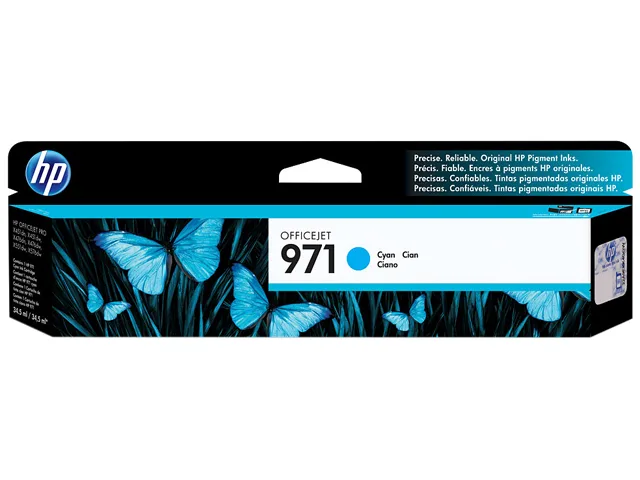
HP CN622AM 971 Cyan Ink Cartridge 2500 Pages
Cyan pigment ink cartridge yields 2500 pages for HP OfficeJet Pro X series printers
- Cartridge QuantitySingle Pack
- Cartridge ColorCyan
- Replacement ModelHP
- Compatible ProductsHP OfficeJet Pro X451 dn, OfficeJet Pro X451 dw, OfficeJet P
- Ink TypePigment-based
- Approximate Page Yield2500 Pages
- Professional colour documents that stay vivid for decades with Original HP pigment ink
- Up to 2500 pages per cartridge for high-volume office printing
- Designed for HP OfficeJet Pro X series printers including X451, X476, X551, X576 models
- Pigment-based ink delivers brilliant, durable prints resistant to fading
- Single cyan cartridge replaces easily and recycles free through HP Planet Partners
Genuine HP 971 Cyan Cartridge for OfficeJet Pro X
This original HP ink cartridge delivers cyan pigment-based output for the OfficeJet Pro X series. It suits small to medium businesses that need professional colour documents with consistent, durable results. The single pack replaces the CN622AM part directly and is designed for reliable printing without reprints or wasted supplies.
Pigment ink formulation and single-pack convenience
The cartridge uses HP pigment inks engineered for vivid, long-lasting prints that stay brilliant for decades. A single-unit pack simplifies inventory and replacement, while the free and easy recycling programme reduces disposal effort. Pigment chemistry resists smearing and fading, supporting everyday office documents that must remain legible over time.
Check printer model and page-yield needs before
Confirm your device is among the supported OfficeJet Pro X451, X476, X551 or X576 series printers listed in the compatibility data. The approximate yield is 2,500 pages, so verify that volume matches your typical print workload. Operating range is 41 to 95 degrees Fahrenheit and 10 to 90 percent relative humidity, so ensure the installation environment stays within those limits.
Highlights
- Professional colour documents that stay vivid for decades with Original HP pigment ink
- Up to 2500 pages per cartridge for high-volume office printing
- Designed for HP OfficeJet Pro X series printers including X451, X476, X551, X576 models
- Pigment-based ink delivers brilliant, durable prints resistant to fading
- Single cyan cartridge replaces easily and recycles free through HP Planet Partners
Specifications
| Brand | HP |
|---|---|
| Model | HP 971 |
| Part Number | CN622AM |
| Cartridge Quantity | Single Pack |
| Cartridge Color | Cyan |
| Replacement Model | HP |
| Compatible Products | HP OfficeJet Pro X451 dn, OfficeJet Pro X451 dw, OfficeJet Pro X476 dn, OfficeJet Pro X476 dw, OfficeJet Pro X551 dw, OfficeJet Pro X576 dn, OfficeJet Pro X576 dw |
| Ink Type | Pigment-based |
| Approximate Page Yield | 2500 Pages |
| Operating Humidity | 10 to 90% RH |
| Storage Humidity | 10 to 90% RH |
| Operating Temperature | 41 to 95 degrees Fahrenheit |
| Storage Temperature | -40 to 140 degrees Fahrenheit |
| Features | Quality pigment inks for brilliant, durable prints Expect peak performance from Original HP pigment inks - specially formulated for the HP Officejet Pro X series. Ensure exceptional printing - Original HP ink cartridges are designed to work flawlessly every time. Print water-, smear-, and fade-resistant documents that maintain quality for decades. The right choice for hassle-free printing Choose the cartridge that works for you - standard for lower purchase cost, or high-capacity for a better value. Load cartridges in a snap - each one is color coded and designed to fit uniquely in p |
| Shipping weight | 0.13 kg |
| Package size | 237 × 72 × 30 mm |
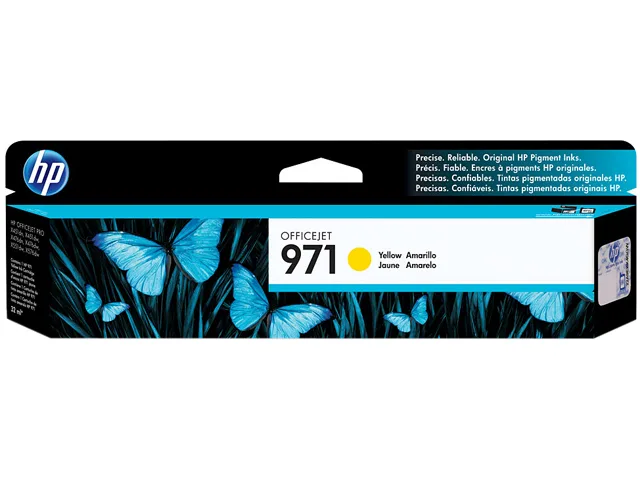
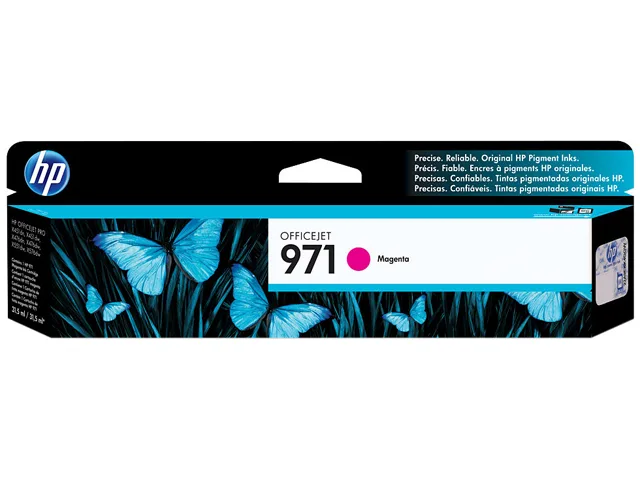
Other versions of this model
3 more in the same range
Same family, different memory, cooler or clock — compare before you commit.


Questions about this item
What page yield does the HP 971 cyan cartridge rated at 2500 pages deliver?
The CN622AM cartridge is rated for approximately 2500 pages based on standard testing. Actual yield varies with content, coverage, and print settings.
Which printer models accept the CN622AM cartridge with part number 971?
It fits HP OfficeJet Pro X451 dn, X451 dw, X476 dn, X476 dw, X551 dw, X576 dn, X576 dw and the X450, X470, X550, X570 series.
What is the correct way to install the HP 971 cartridge and what step is often missed?
Open the printer access door, wait for the carriage to stop, remove the old cartridge, insert the new CN622AM until it clicks, then close the door and allow alignment.
Also in this aisle
People compared these
Same shelf, same checkout — eight coins and a 30-minute rate lock.



CHIEF MANUFACTURING
CHIEF MANUFACTURING CMS018 18" 457 mm Fixed Extension Column projector accessory
- Extension Column
- Projector
$22.99$22.99
0.00027558BTC
In stock