
HP
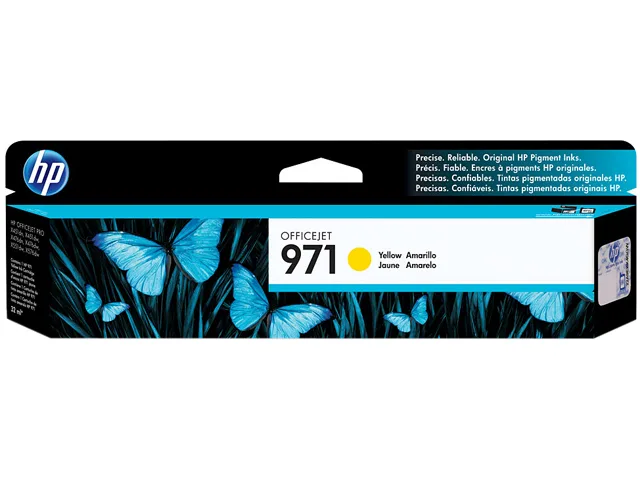
HP 971 CN624AM Yellow Ink Cartridge 2500 Pages
Yellow pigment-based ink cartridge yields approximately 2500 pages for HP OfficeJet Pro X series printers
- Cartridge QuantitySingle Pack
- Cartridge ColorYellow
- Replacement ModelHP
- Compatible ProductsHP OfficeJet Pro X451 dn, OfficeJet Pro X451 dw, OfficeJet P
- Ink TypePigment-based
- Approximate Page Yield2500 Pages
- Professional colour documents that stay vivid for decades with Original HP pigment inks
- Up to 2500 pages per cartridge reduces replacement frequency
- Reliable printing across HP OfficeJet Pro X451 X476 X551 X576 series
- Pigment-based ink resists fading and smudging for durable records
- Free and easy cartridge recycling saves time and supports sustainability
HP 971 Yellow Cartridge for OfficeJet Pro X
This genuine HP 971 yellow ink cartridge is designed for the OfficeJet Pro X451, X476, X551 and X576 series. It uses pigment-based ink to produce professional colour documents that stay vivid for decades. Small and medium businesses that need reliable, high-quality colour output will find it a dependable choice. The single pack delivers an approximate yield of 2500 pages.
Operating range and supply stability
The cartridge functions reliably between 41 and 95 degrees Fahrenheit with humidity from 10 to 90 percent RH. It can be stored from minus 40 to 140 degrees Fahrenheit at the same humidity range. These wide environmental tolerances help maintain consistent print quality in typical office conditions. No special cooling or humidity control is required for normal use.
Easy replacement and free recycling
The cartridge is engineered for quick, hassle-free swaps so workgroups spend less time on maintenance. HP provides a free and easy recycling programme that keeps used cartridges out of landfill. Pigment ink formulation resists fading and water, reducing the need for reprints. These features support continuous productivity without added waste handling.
Highlights
- Professional colour documents that stay vivid for decades with Original HP pigment inks
- Up to 2500 pages per cartridge reduces replacement frequency
- Reliable printing across HP OfficeJet Pro X451 X476 X551 X576 series
- Pigment-based ink resists fading and smudging for durable records
- Free and easy cartridge recycling saves time and supports sustainability
Specifications
| Brand | HP |
|---|---|
| Model | 971 |
| Part Number | CN624AM |
| Cartridge Quantity | Single Pack |
| Cartridge Color | Yellow |
| Replacement Model | HP |
| Compatible Products | HP OfficeJet Pro X451 dn, OfficeJet Pro X451 dw, OfficeJet Pro X476 dn, OfficeJet Pro X476 dw, OfficeJet Pro X551 dw, OfficeJet Pro X576 dn, OfficeJet Pro X576 dw |
| Ink Type | Pigment-based |
| Approximate Page Yield | 2500 Pages |
| Operating Humidity | 10 to 90% RH |
| Storage Humidity | 10 to 90% RH |
| Operating Temperature | 41 to 95 degrees Fahrenheit |
| Storage Temperature | -40 to 140 degrees Fahrenheit |
| Features | Quality pigment inks for brilliant, durable prints Expect peak performance from Original HP pigment inks - specially formulated for the HP Officejet Pro X series. Ensure exceptional printing - Original HP ink cartridges are designed to work flawlessly every time. Print water-, smear-, and fade-resistant documents that maintain quality for decades. The right choice for hassle-free printing Choose the cartridge that works for you - standard for lower purchase cost, or high-capacity for a better value. Load cartridges in a snap - each one is color coded and designed to fit uniquely in p |
| Shipping weight | 0.13 kg |
| Package size | 237 × 149 × 29 mm |
Other versions of this model
3 more in the same range
Same family, different memory, cooler or clock — compare before you commit.


Questions about this item
How do I install the HP 971 cartridge in an OfficeJet Pro X451 dw, and what step is often missed?
Open the printer's front access door, wait for the carriage to stop at the replacement position, remove the old cartridge by pressing its release tab, slide the new CN624AM cartridge into the yellow slot until it clicks, then close the door and let the printer complete its alignment routine.
What maintenance or replacement will the HP 971 yellow cartridge need after printing roughly 2500 pages?
The cartridge itself is a single-use supply; once the printer reports low ink or print quality fades, replace it with a new HP 971 yellow cartridge (CN624AM). No separate maintenance kit or printhead service is required for this item.
At what temperature limit does the HP 971 cartridge risk degraded performance during long print runs?
The cartridge is rated for continuous operation between 41 and 95 degrees Fahrenheit; sustained printing above 95 °F may cause ink viscosity changes that affect colour consistency and reliability.
Also in this aisle
People compared these
Same shelf, same checkout — eight coins and a 30-minute rate lock.


SMUGDESK
SMUGDESK USB C Hub Splitter with HDMI RJ45 Ethernet 3×USB 3.0 Ports
$21.99
0.00026612BTC
In stock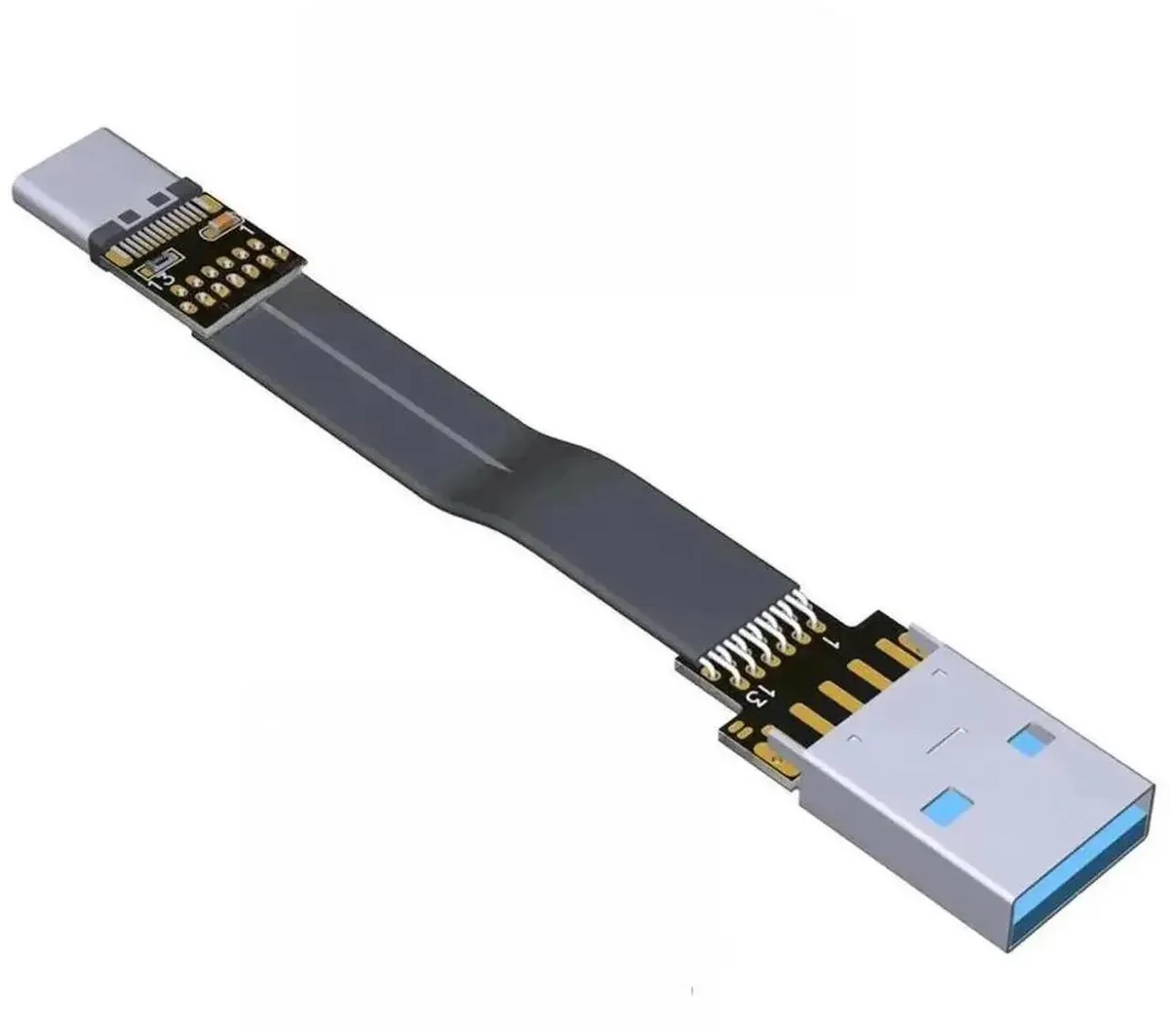

SMUGDESK
SMUGDESK 100CM USB 2.0 TypeA Male to Female Flat Slim FPC Extension Cable
$14.99
0.0001814BTC
In stock