

Innovation First, Inc.
Innovation First, Inc. 1UCMA-137 1U Cable Management Arm 19" 28.5"-33" computer accessory
- Product Type:Cable…
- Panel Width:19" Rac…
$72.99
0.00084303BTC
In stockWe take cryptocurrency — so the coins you hold can buy real hardware.Pay in crypto, spend it on real hardware. Free insured shipping worldwide over $399. Plain, unbranded boxes, sent from Germany.Free insured shipping over $399. Your rate is locked for 30 minutes once checkout opens.Rate locked 30 minutes. Every item sealed, serial-checked and covered by a 24-month warranty.Sealed, 24-month warranty.


Fans
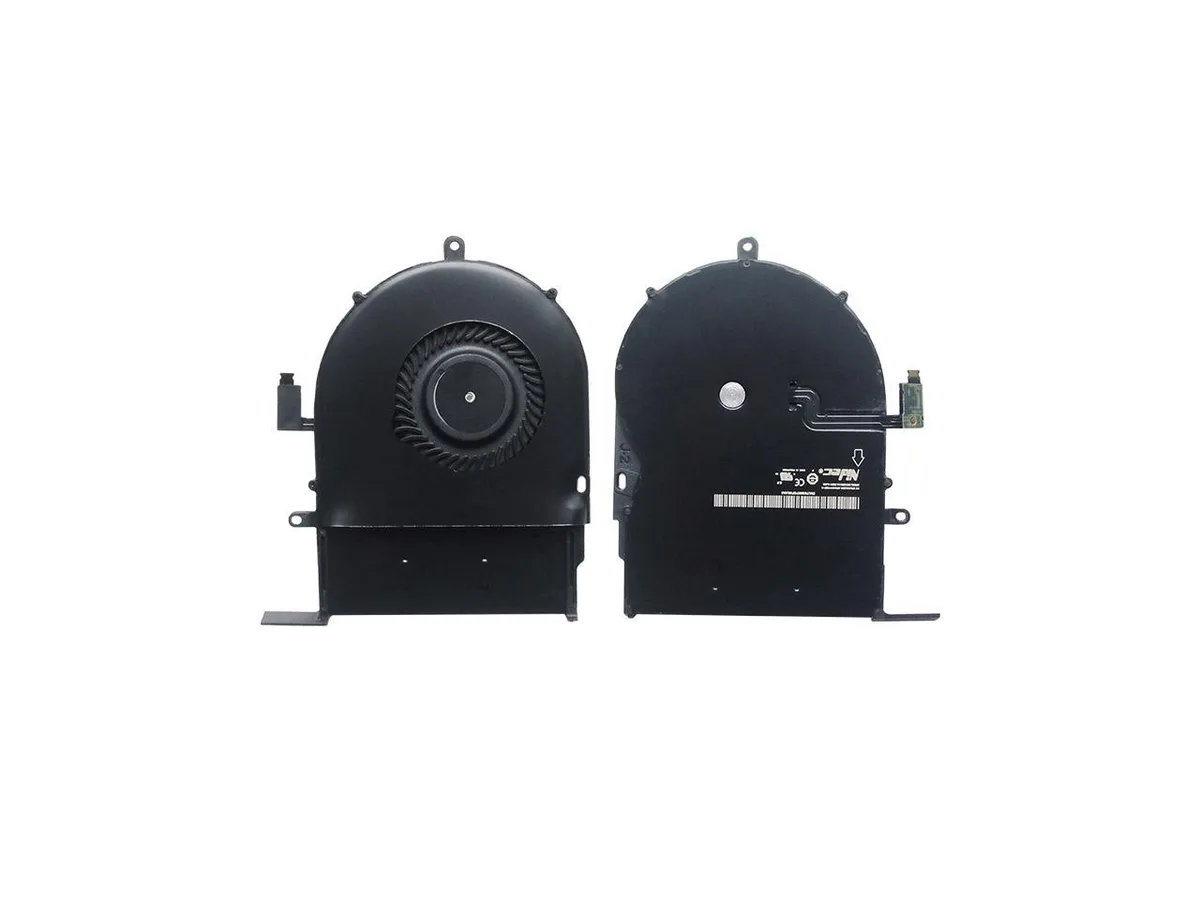
Replacement case fan for the 13-inch MacBook Pro Retina model A1502
This replacement cooling fan is built specifically for the Apple MacBook Pro Retina 13 inch model A1502. It fits the original mounting points and connector so the laptop can be reassembled without modification. The part is supplied new and ready for installation by a technician or experienced user.
This part only matches the 13 inch A1502 chassis, so owners of other MacBook sizes, other model numbers or non-Retina models must source a different fan. It is not a universal laptop cooler and cannot be adapted to desktops or other brands. Buyers without board-level repair skills should consider professional fitting.
No published specifications for this item yet.
Remove the bottom case, disconnect the battery, unplug the old fan cable from the logic board, then fit the new fan and reconnect the cable before reassembling. The step people miss is forgetting to unplug the battery first, which can short the board.
Blow dust from the heatsink fins and blades with compressed air when the MacBook runs hotter or the fan spins loudly; replace the unit again if bearing noise appears or airflow drops.
New to this? Which coin should you pay with — what to check, what it costs to pay, and what is never asked for.
Also in this aisle
Same shelf, same checkout — eight coins and a 30-minute rate lock.
What you pay in, and what you read prices in.
Sent from your wallet at checkout
Display only — the catalogue is priced in USD
No currency matches that.
Pick the language the site speaks to you in.
No language matches that.
New here?
Already have one?
There is no automatic reset: this shop sends no mail, so there is no one-time link to ask for. Leave the address on the account and it gets picked up by hand.
Request noted
Nothing is on its way to your inbox — this shop sends no mail at all. Someone picks these up by hand.
Remembered it?


