

Innovation First, Inc.
Innovation First, Inc. 1UCMA-137 1U Cable Management Arm 19" 28.5"-33" computer accessory
- Product Type:Cable…
- Panel Width:19" Rac…
$72.99
0.00087735BTC
In stockWe take cryptocurrency — so the coins you hold can buy real hardware.Pay in crypto, spend it on real hardware. Free insured shipping worldwide over $399. Plain, unbranded boxes, sent from Germany.Free insured shipping over $399. Your rate is locked for 30 minutes once checkout opens.Rate locked 30 minutes. Every item sealed, serial-checked and covered by a 24-month warranty.Sealed, 24-month warranty.

Fans
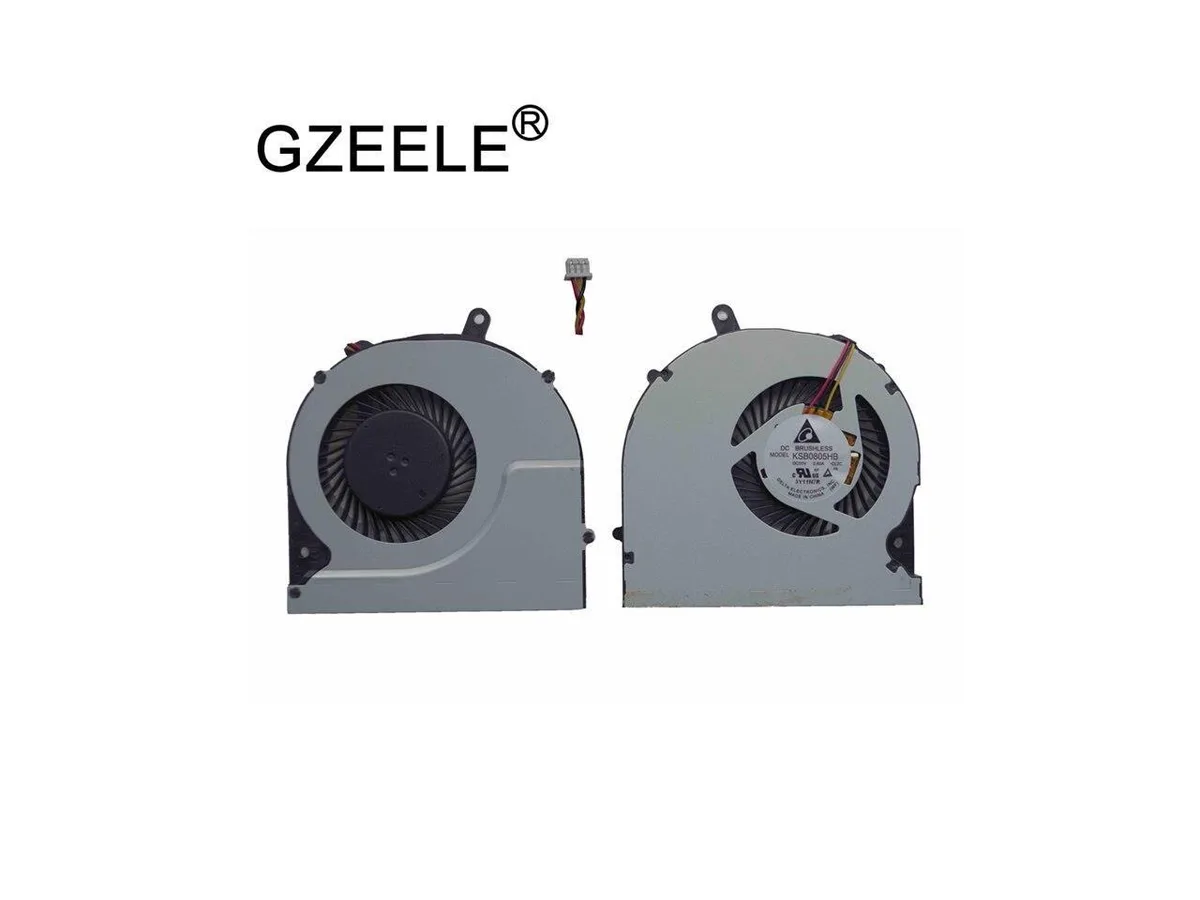
Replacement CPU cooling fan for Toshiba Satellite S50-A and S55-A series laptops
This CPU cooling fan is designed for Toshiba Satellite S50-A and S55-A series laptops including the S50D-A and S55T-A models. It serves as a direct replacement for the original processor cooler in these specific notebooks. The part addresses thermal management needs for owners of these ageing but serviceable machines. Builders working on other laptop platforms cannot use this component.
The fan draws heat away from the CPU during normal workloads to maintain stable operating temperatures. Acoustic output and power consumption match the original equipment specifications for these Satellite chassis. No supplementary cooling hardware or modified power delivery is required for installation. Users seeking higher airflow or liquid-cooling integration will find this unit unsuitable.
No published specifications for this item yet.
Remove the bottom cover, disconnect the old fan cable from the motherboard header, unscrew the heatsink assembly, swap the fan, reapply thermal paste on the CPU, then reassemble in reverse order.
Clean dust from the heatsink fins and fan blades every six to twelve months using compressed air; replace the fan if bearing noise appears or airflow drops noticeably.
New to this? Which coin should you pay with — what to check, what it costs to pay, and what is never asked for.
Also in this aisle
Same shelf, same checkout — eight coins and a 30-minute rate lock.
What you pay in, and what you read prices in.
Sent from your wallet at checkout
Display only — the catalogue is priced in USD
No currency matches that.
Pick the language the site speaks to you in.
No language matches that.
New here?
Already have one?
There is no automatic reset: this shop sends no mail, so there is no one-time link to ask for. Leave the address on the account and it gets picked up by hand.
Request noted
Nothing is on its way to your inbox — this shop sends no mail at all. Someone picks these up by hand.
Remembered it?


