


DigitPro USB 2.0 Video Capture Device 720P
Converts analogue video from VHS, VCR, Hi8 or DV tapes to 720P digital via USB 2.0 with plug-and-play simplicity
- Converts analogue video to digital 720P files via USB 2.0
- Captures from VHS, VCR, Hi8, DV and other composite or S-Video sources
- Works on Windows and Mac OS with NTSC and PAL formats
- Powered entirely by the USB port with no external adapter needed
- Compatible with free software such as OBS Studio, PotPlayer and QuickTime Player
DigitPro USB 2.0 Video Capture Device
This DigitPro device converts analogue video and audio from sources such as VHS, VCR, Hi8 or DV tapes into digital files. It accepts RCA or S-Video connectors and outputs the signal over a USB 2.0 link at up to 720P resolution. The converter is intended for anyone who wants to archive family recordings or other legacy footage onto a modern computer.
Plug-and-play installation on Windows or Mac OS
No external power supply is needed; the unit draws power from the USB port and is recognised automatically by the operating system. Capture software such as OBS Studio or PotPlayer on Windows and QuickTime Player on Mac can then be used to record. The main difficulty users encounter is matching the source format — NTSC or PAL — and adjusting brightness, contrast, hue or saturation in the software to obtain a clean picture.
720P maximum capture resolution
The single specification that determines suitability is the 720P output limit. If your project requires higher-definition capture, this device will not meet that need. For standard-definition tapes and casual archiving the resolution is adequate, but it cannot deliver full HD or 4K results.
Highlights
- Converts analogue video to digital 720P files via USB 2.0
- Captures from VHS, VCR, Hi8, DV and other composite or S-Video sources
- Works on Windows and Mac OS with NTSC and PAL formats
- Powered entirely by the USB port with no external adapter needed
- Compatible with free software such as OBS Studio, PotPlayer and QuickTime Player
Specifications
| Brand | DigitPro |
|---|
Questions about this item
How do I verify the DigitPro capture device is working after I plug it in?
Open OBS Studio, PotPlayer or QuickTime Player, select the device as a video source and confirm a live 720P preview from your VHS or camcorder appears with audio.
What cables and accessories come in the box with the DigitPro USB 2.0 Video Capture Device?
The package includes the capture unit with built-in USB 2.0 plug, RCA and S-Video input cables, and a printed user manual; no extra cables are required for standard analog sources.
Which version of the DigitPro capture device should I choose for digitising VHS tapes at 720P?
The single model listed captures analog RCA or S-Video sources at 720P over USB 2.0 and works on both Windows and Mac, so it covers all standard VHS-to-digital needs.
New to this? Which coin should you pay with — what to check, what it costs to pay, and what is never asked for.
Also in this aisle
People compared these
Same shelf, same checkout — eight coins and a 30-minute rate lock.


WAWEIS
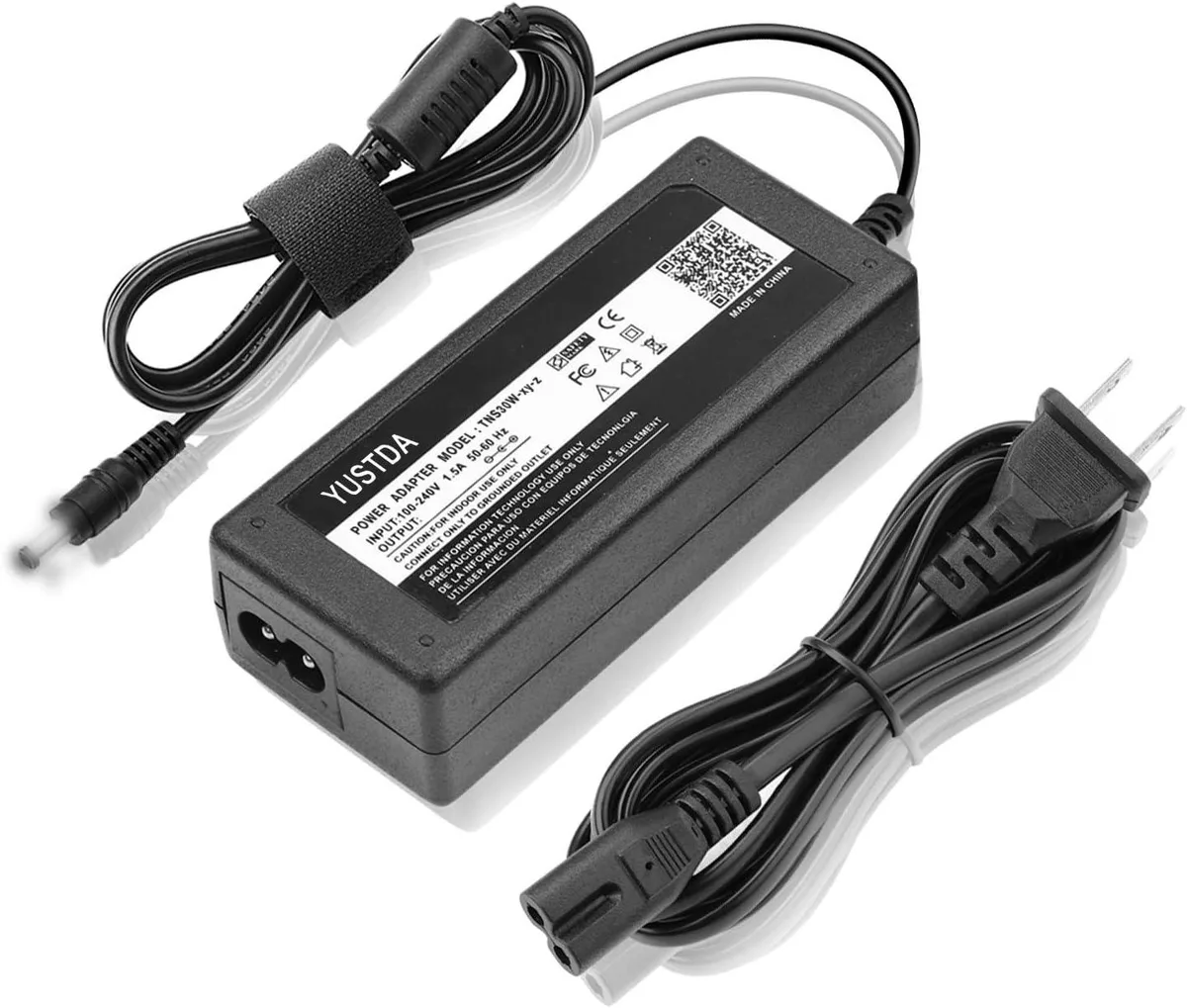
WAWEIS power adapter for AmazonBasics SB210 2.1 Channel Bluetooth Sound Bar
$15.99
0.00018453BTC
In stock
