

Innovation First, Inc.
Innovation First, Inc. 1UCMA-137 1U Cable Management Arm 19" 28.5"-33" computer accessory
- Product Type:Cable…
- Panel Width:19" Rac…
$72.99
0.00086498BTC
In stockWe take cryptocurrency — so the coins you hold can buy real hardware.Pay in crypto, spend it on real hardware. Free insured shipping worldwide over $399. Plain, unbranded boxes, sent from Germany.Free insured shipping over $399. Your rate is locked for 30 minutes once checkout opens.Rate locked 30 minutes. Every item sealed, serial-checked and covered by a 24-month warranty.Sealed, 24-month warranty.


DELL
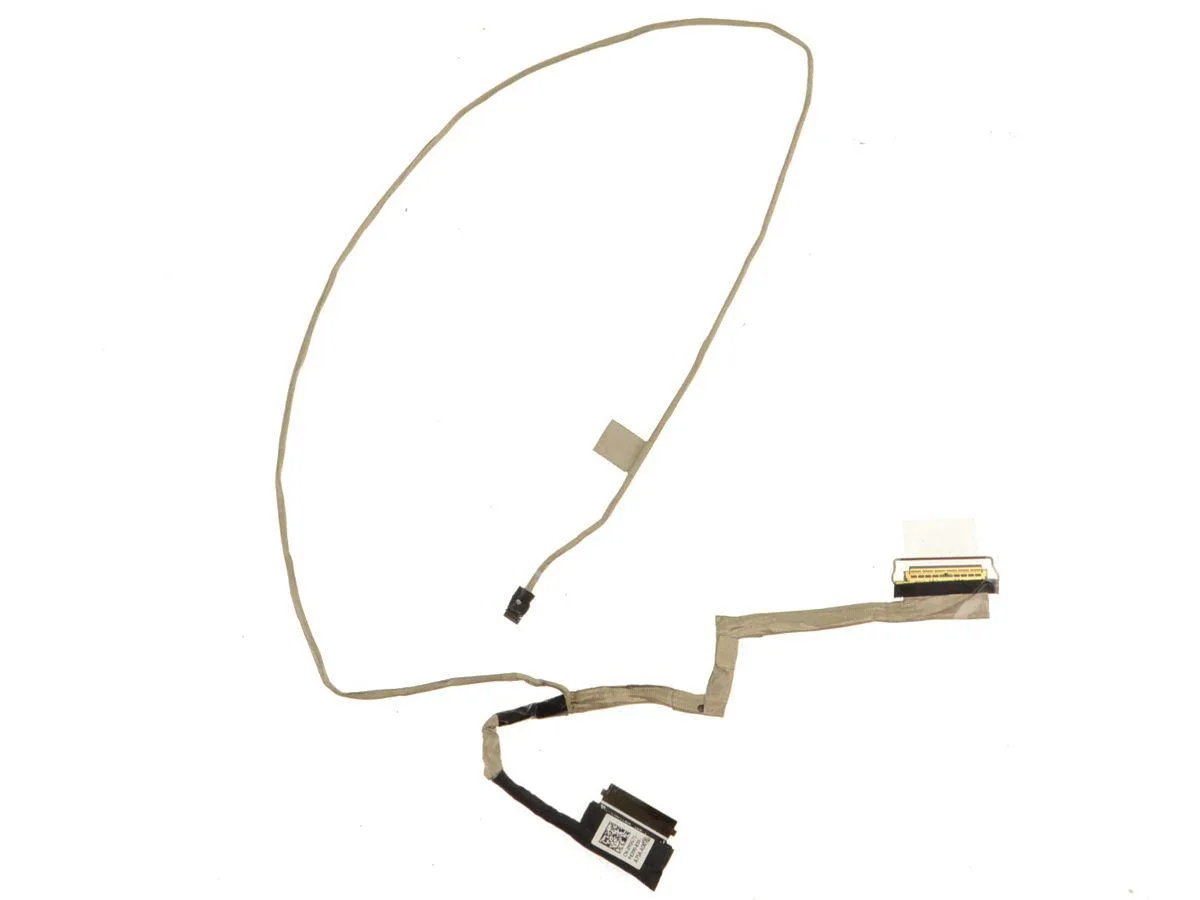
Genuine Dell OEM 14-inch LCD ribbon cable for Vostro 5471 non-touchscreen models, part number YGG71
This is a genuine Dell OEM replacement part carrying part number YGG71. It is built for the 14 inch non-touchscreen LCD fitted to the Vostro 5471 laptop. The cable does not support a touchscreen panel. Buyers needing a touchscreen-compatible cable or a different screen size cannot use this part.
The ribbon carries video signals between the motherboard and the LCD panel without any active components. It draws no power of its own and adds no heat or noise to the system. Installation simply routes the flat cable through the hinge area and seats the connectors at each end.
Under sustained daily opening and closing the flexible ribbon maintains its electrical connection. The cable is rated for the normal thermal environment behind the display assembly. No active cooling or special power budget is required for long-term use.
| Brand | Dell |
|---|---|
| Type | laptop-computer-replacement-parts |
Power off the laptop, disconnect the battery, remove the bezel, gently lift the ZIF latch on the motherboard and LCD panel, insert the cable straight with the contacts facing down, then close both latches before reassembling.
Replace it if the display shows flickering lines, intermittent blackout when moving the lid, or visible creases or tears on the flex circuit after repeated hinge cycles.
The earliest symptom is usually brief screen artefacts or momentary signal loss at specific hinge angles caused by conductor fatigue inside the flex.
New to this? Which coin should you pay with — what to check, what it costs to pay, and what is never asked for.
Also in this aisle
Same shelf, same checkout — eight coins and a 30-minute rate lock.
What you pay in, and what you read prices in.
Sent from your wallet at checkout
Display only — the catalogue is priced in USD
No currency matches that.
Pick the language the site speaks to you in.
No language matches that.
New here?
Already have one?
There is no automatic reset: this shop sends no mail, so there is no one-time link to ask for. Leave the address on the account and it gets picked up by hand.
Request noted
Nothing is on its way to your inbox — this shop sends no mail at all. Someone picks these up by hand.
Remembered it?


