

Innovation First, Inc.
Innovation First, Inc. 1UCMA-137 1U Cable Management Arm 19" 28.5"-33" computer accessory
- Product Type:Cable…
- Panel Width:19" Rac…
$72.99
0.00086578BTC
In stockWe take cryptocurrency — so the coins you hold can buy real hardware.Pay in crypto, spend it on real hardware. Free insured shipping worldwide over $399. Plain, unbranded boxes, sent from Germany.Free insured shipping over $399. Your rate is locked for 30 minutes once checkout opens.Rate locked 30 minutes. Every item sealed, serial-checked and covered by a 24-month warranty.Sealed, 24-month warranty.
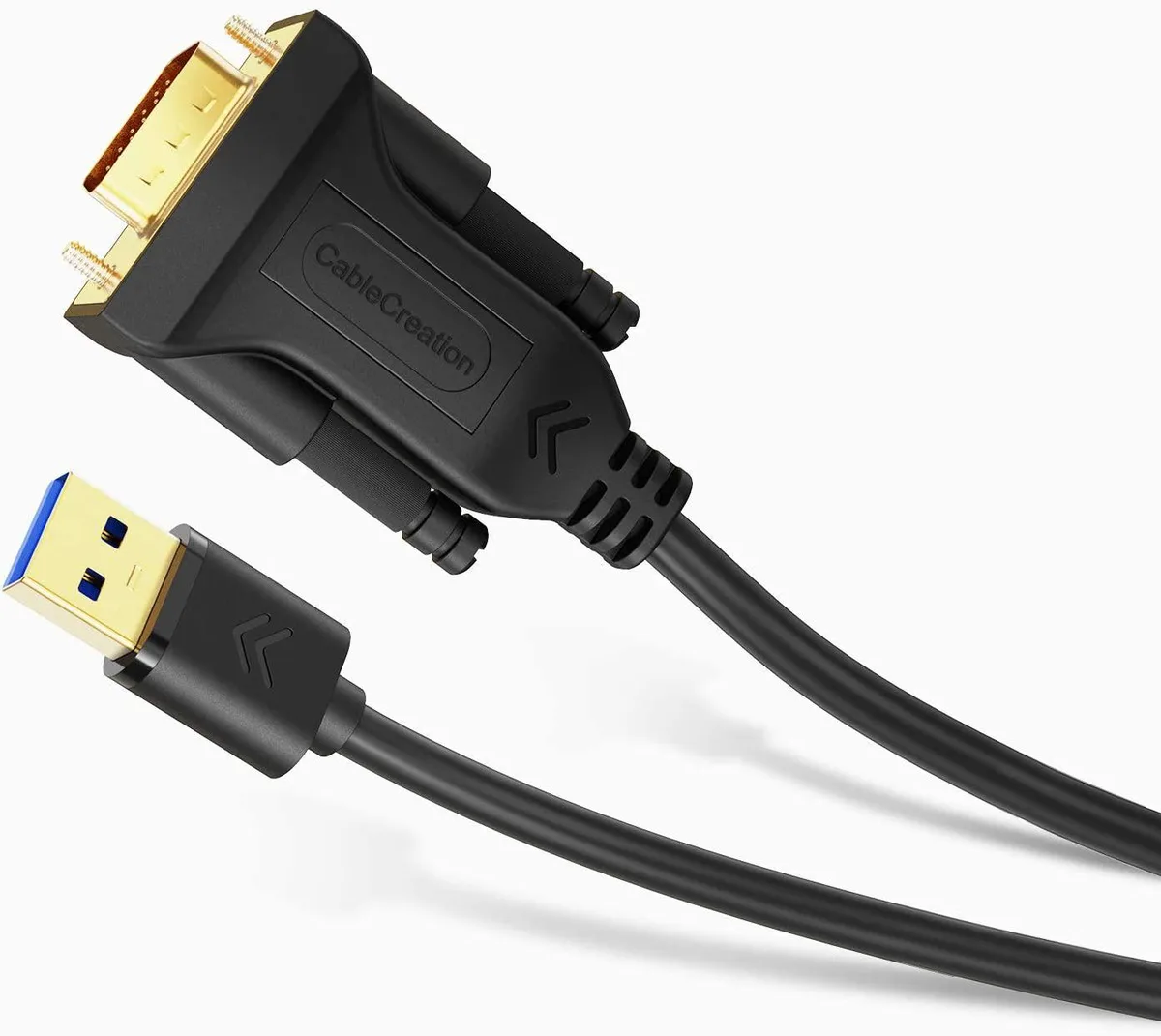


CableCreation
Connects a computer to a VGA display via USB 3.0 at up to 1920x1080@60Hz, Windows 10/8.1/8/7 only
This adapter connects a desktop or laptop to an extra VGA monitor, projector or TV through a USB 3.0 port using a single six-foot cable. It provides a cost-effective way to add a second display without opening the computer case.
The driver supports Windows 10, 8.1, 8 and 7 in both 32-bit and 64-bit versions. Buyers who need macOS, Linux, Chrome OS, Android, Xbox or PlayStation compatibility should look at a different solution.
Users must download the guide and install the driver from the manufacturer before the adapter works. The most common issue is skipping this step or trying to run the cable on an unsupported operating system.
| Changer Type | Other |
|---|
Yes, the adapter requires a USB 3.0 port and is not recommended for USB 2.0 connections.
The adapter supports Windows 7 in both 32-bit and 64-bit versions alongside Windows 8, 8.1 and 10.
After installing the required driver, check your display settings to verify the external monitor is running at 1920x1080 resolution and 60 Hz refresh rate.
New to this? Which coin should you pay with — what to check, what it costs to pay, and what is never asked for.
Also in this aisle
Same shelf, same checkout — eight coins and a 30-minute rate lock.
What you pay in, and what you read prices in.
Sent from your wallet at checkout
Display only — the catalogue is priced in USD
No currency matches that.
Pick the language the site speaks to you in.
No language matches that.
New here?
Already have one?
There is no automatic reset: this shop sends no mail, so there is no one-time link to ask for. Leave the address on the account and it gets picked up by hand.
Request noted
Nothing is on its way to your inbox — this shop sends no mail at all. Someone picks these up by hand.
Remembered it?


