Monoprice Inc.
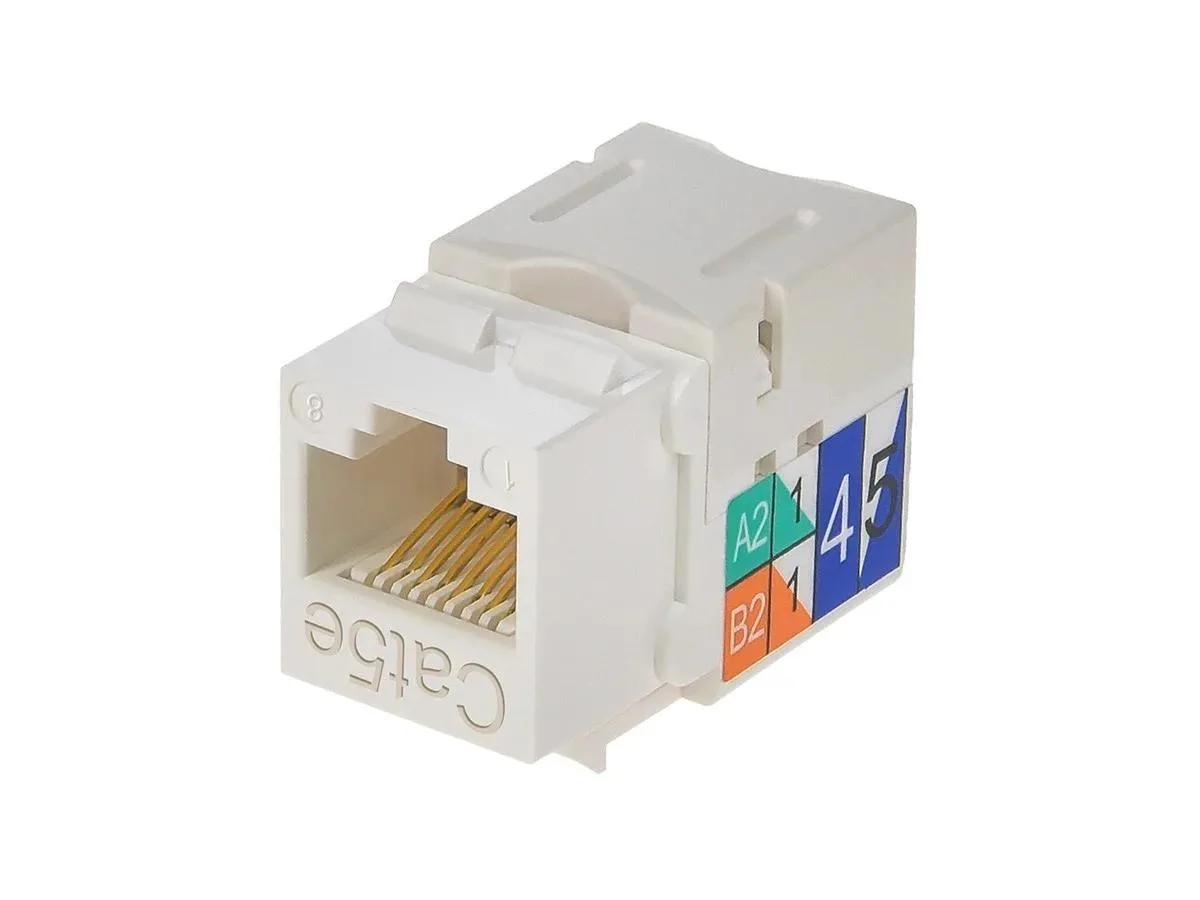
Monoprice Inc. 5376 Cat5e Punch Down Keystone Jack White
- White
- 0.1
$3.99
0.00004615BTC
In stockWe take cryptocurrency — so the coins you hold can buy real hardware.Pay in crypto, spend it on real hardware. Free insured shipping worldwide over $399. Plain, unbranded boxes, sent from Germany.Free insured shipping over $399. Your rate is locked for 30 minutes once checkout opens.Rate locked 30 minutes. Every item sealed, serial-checked and covered by a 24-month warranty.Sealed, 24-month warranty.


Bitspower
Monitors liquid flow rate in a water-cooling loop and sends an RPM signal to a motherboard fan header via a 3-pin connector
The Bitspower Flow Sensor monitors liquid flow rate inside a custom water-cooling loop. It uses a G1/4 thread and a matte black finish to match standard fittings. The device sends an RPM signal through a three-pin cable connected to a motherboard fan header. Builders who want automated flow protection use this sensor to trigger BIOS safety shutdowns.
Confirm every component in your loop uses G1/4 threads so the sensor seals correctly without adapters. Check that your motherboard or fan controller has a free three-pin fan header able to read an RPM signal. Ensure the BIOS or controller software can act on a zero-RPM reading to halt the system. Buyers who need a different thread size or a USB monitoring interface cannot use this sensor.
The true hi-flow design maintains an unrestricted path so the impeller spins freely under constant pump pressure. The three-pin output delivers a consistent RPM stream that the motherboard reads reliably during long gaming or rendering sessions. If flow drops because of a blockage or pump failure, the signal falls immediately and the safety logic can respond. The sensor has no internal logging or alerting of its own.
| Type | Fittings |
|---|
The sensor body has G1/4 threads built in so it screws directly into standard G1/4 fittings; you only need to supply the tubing fittings that match your loop.
This version is the BP-FS-CLBKMBK in Matte Black; other colour finishes exist but share the same G1/4 thread and 3-pin RPM interface.
The impeller spins with coolant flow and sends an RPM pulse to the motherboard fan header; BIOS fan-curve or alarm settings then treat that RPM as a proxy for flow rate.
New to this? Which coin should you pay with — what to check, what it costs to pay, and what is never asked for.
Also in this aisle
Same shelf, same checkout — eight coins and a 30-minute rate lock.
What you pay in, and what you read prices in.
Sent from your wallet at checkout
Display only — the catalogue is priced in USD
No currency matches that.
Pick the language the site speaks to you in.
No language matches that.
New here?
Already have one?
There is no automatic reset: this shop sends no mail, so there is no one-time link to ask for. Leave the address on the account and it gets picked up by hand.
Request noted
Nothing is on its way to your inbox — this shop sends no mail at all. Someone picks these up by hand.
Remembered it?