


BFKK
BFKK PCIe 4.0 GPU Mount Bracket with 17cm Riser Cable White
Vertically mounts graphics cards at adjustable angles up to 45 degrees with a 17 cm PCIe 4.0 riser cable and magnetic base
- Show off your GPU at any angle up to 45 degrees with multi-angle adjustment
- Strong magnetic base keeps the bracket stable on the PSU shroud
- PCIe 4.0 riser cable supports 4.0, 3.0, 2.0, 1.0 speeds
- 17 cm cable length fits compact chassis layouts
- Thick steel construction holds 1, 2 and 3-slot graphics cards securely
Vertical GPU mount with PCIe 4.0 riser
This white bracket holds a graphics card vertically or at an angle up to 45 degrees on a PSU shroud or any metal surface. A 17 cm Gen 4 riser cable connects the card to the motherboard while supporting PCIe 4.0, 3.0, 2.0 and 1.0 signalling. The magnetic base keeps the assembly stable and the steel frame accommodates most one, two and three-slot cards.
Builders showcasing a heavy card in a windowed case
Suits enthusiasts who want to display a large GPU and improve airflow around the cooler without drilling or proprietary mounting points. Not for systems where the case lacks a metal PSU shroud or side panel for the magnet to grip, or where the 17 cm cable cannot reach the motherboard slot.
17 cm PCIe 4.0 x16 riser cable
The included cable is the only link between the graphics card and the motherboard, so its length decides whether the vertical layout fits. Measure the distance from the motherboard PCIe slot to the planned bracket position before purchase.
Highlights
- Show off your GPU at any angle up to 45 degrees with multi-angle adjustment
- Strong magnetic base keeps the bracket stable on the PSU shroud
- PCIe 4.0 riser cable supports 4.0, 3.0, 2.0, 1.0 speeds
- 17 cm cable length fits compact chassis layouts
- Thick steel construction holds 1, 2 and 3-slot graphics cards securely
Specifications
No published specifications for this item yet.
Questions about this item
How much clearance does the 17 cm riser cable need inside the case?
The cable is 17 cm or 6.69 in long, so check the length spec image and confirm your chassis has enough space before mounting.
Does the bracket stay cool and quiet during all-day operation?
The steel bracket and magnetic base are passive; they add no noise or heat, and the open vertical angle up to 45 degrees improves GPU airflow.
What must my motherboard and case provide for this kit to work?
You need a free PCIe x16 slot on the motherboard and a case with a PSU shroud or metal panel for the magnetic base to attach securely.
New to this? Which coin should you pay with — what to check, what it costs to pay, and what is never asked for.
Also in this aisle
People compared these
Same shelf, same checkout — eight coins and a 30-minute rate lock.


WAWEIS
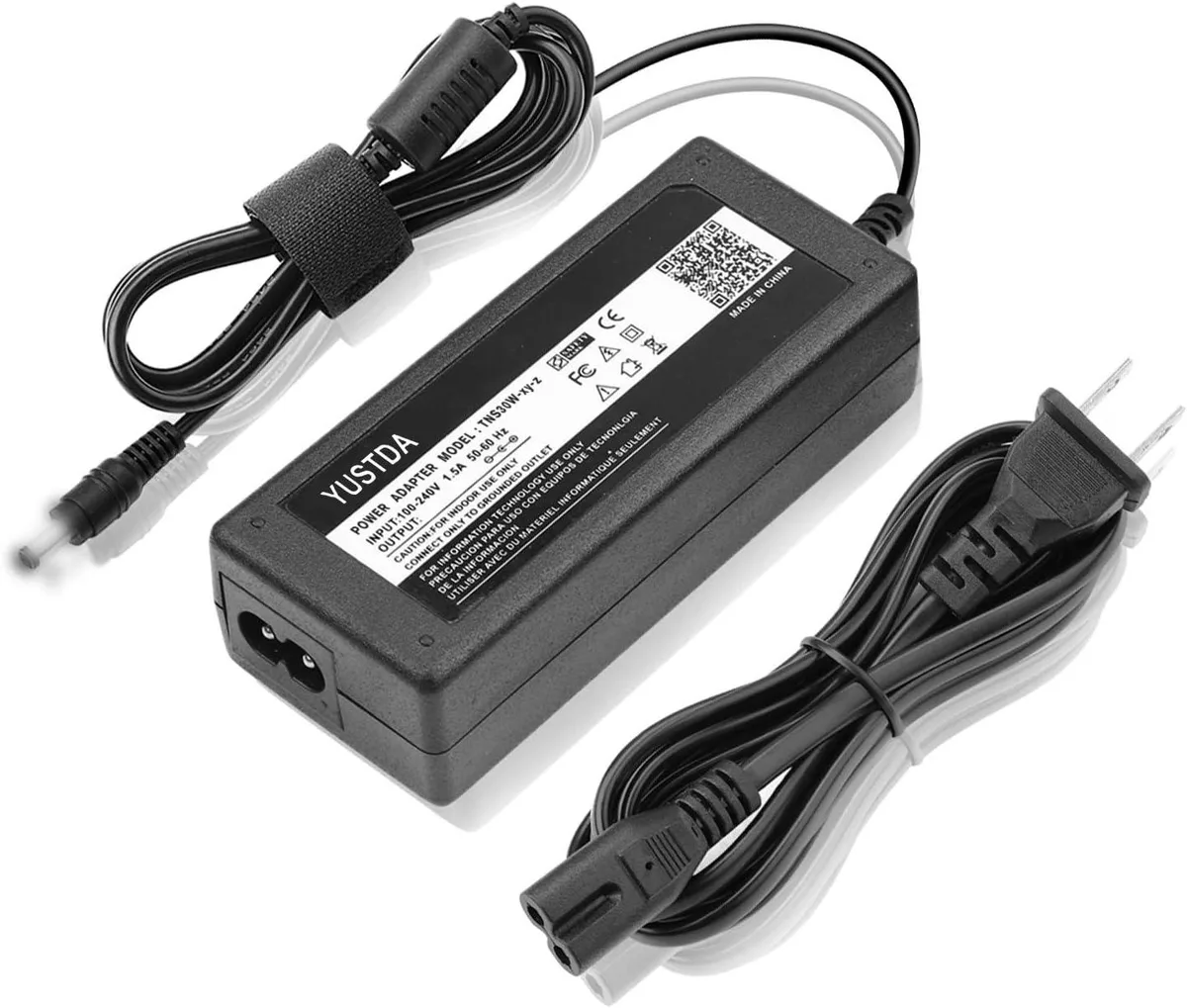
WAWEIS power adapter for AmazonBasics SB210 2.1 Channel Bluetooth Sound Bar
$15.99
0.00018453BTC
In stock
