
ATI
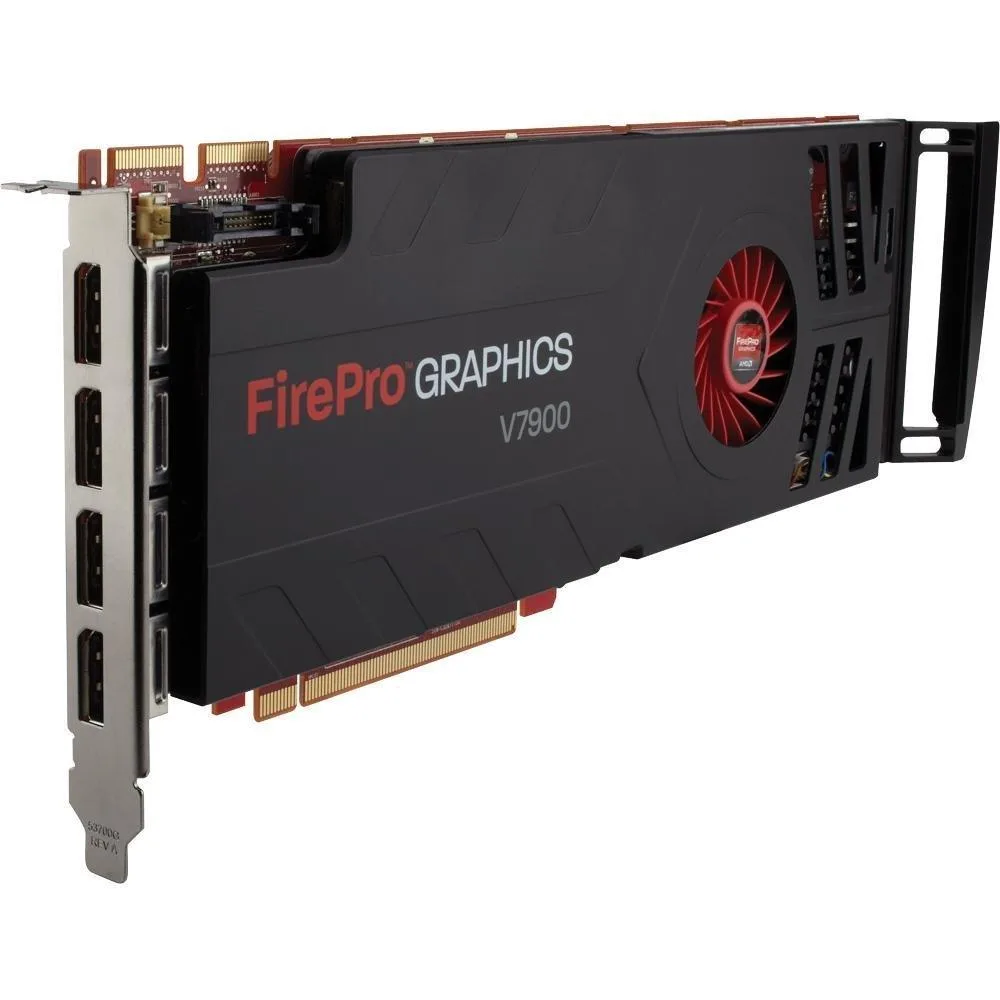
ATI FirePro V7900 2GB GDDR5 PCIe 2.1 x16 4-Port Fan Cooler
Professional graphics card with 2 GB GDDR5 memory and four DisplayPort outputs
- 2 GB GDDR5 memory drives professional 3D workloads
- PCI Express 2.1 x16 interface fits modern workstations
- Four DisplayPort outputs support 2560 x 1600 multi-monitor setups
- CrossFire Pro technology scales graphics performance across cards
- Fan cooler maintains stable temperatures under sustained load
ATI FirePro V7900 2GB GDDR5
The ATI FirePro V7900 is a professional graphics card with 2 GB of GDDR5 memory. It connects via a PCI Express 2.1 x16 interface and provides four DisplayPort outputs. The card uses a fan cooler and supports a maximum resolution of 2560 x 1600.
Workstation users needing multi-display support
This card suits professionals who need up to four DisplayPort monitors at 2560 x 1600 resolution. It is not for buyers who require more than 2 GB of video memory. It is not for systems lacking a PCI Express 2.1 x16 slot. It is not for users who need modern gaming features or current driver support.
2 GB GDDR5 frame buffer and four ports
The 2 GB GDDR5 frame buffer handles professional 2D applications and moderate 3D workloads at 2560 x 1600. It runs out with large textures, complex scenes or high-resolution multi-monitor setups that exceed the memory capacity. CrossFire Pro allows linking a second card for added performance where supported.
Highlights
- 2 GB GDDR5 memory drives professional 3D workloads
- PCI Express 2.1 x16 interface fits modern workstations
- Four DisplayPort outputs support 2560 x 1600 multi-monitor setups
- CrossFire Pro technology scales graphics performance across cards
- Fan cooler maintains stable temperatures under sustained load
Specifications
| Brand | ATI |
|---|
Questions about this item
Does my workstation have a PCI Express 2.1 x16 slot and enough power connectors for this FirePro V7900?
This card installs in a PCI Express 2.1 x16 slot and draws auxiliary power through the connectors on the board; verify your power supply provides the required cables.
Can I keep my older PCI Express 1.x cards in the same system while using the V7900?
The V7900 is backward compatible with PCI Express 1.x slots, so legacy add-in cards will continue to function alongside it.
How do I confirm the 2560 x 1600 output is active on all four DisplayPort connectors after installation?
After driver installation, open the display control panel and verify each connected monitor reports 2560 x 1600 resolution across the four DisplayPort outputs.
New to this? Which coin should you pay with — what to check, what it costs to pay, and what is never asked for.
Also in this aisle
People compared these
Same shelf, same checkout — eight coins and a 30-minute rate lock.



Black Box Corporation
Black Box Corporation CAT6 EZ-RJ45 Modular Plugs 100-Pack
$95.99
0.00114354BTC
In stock
