OtterBox
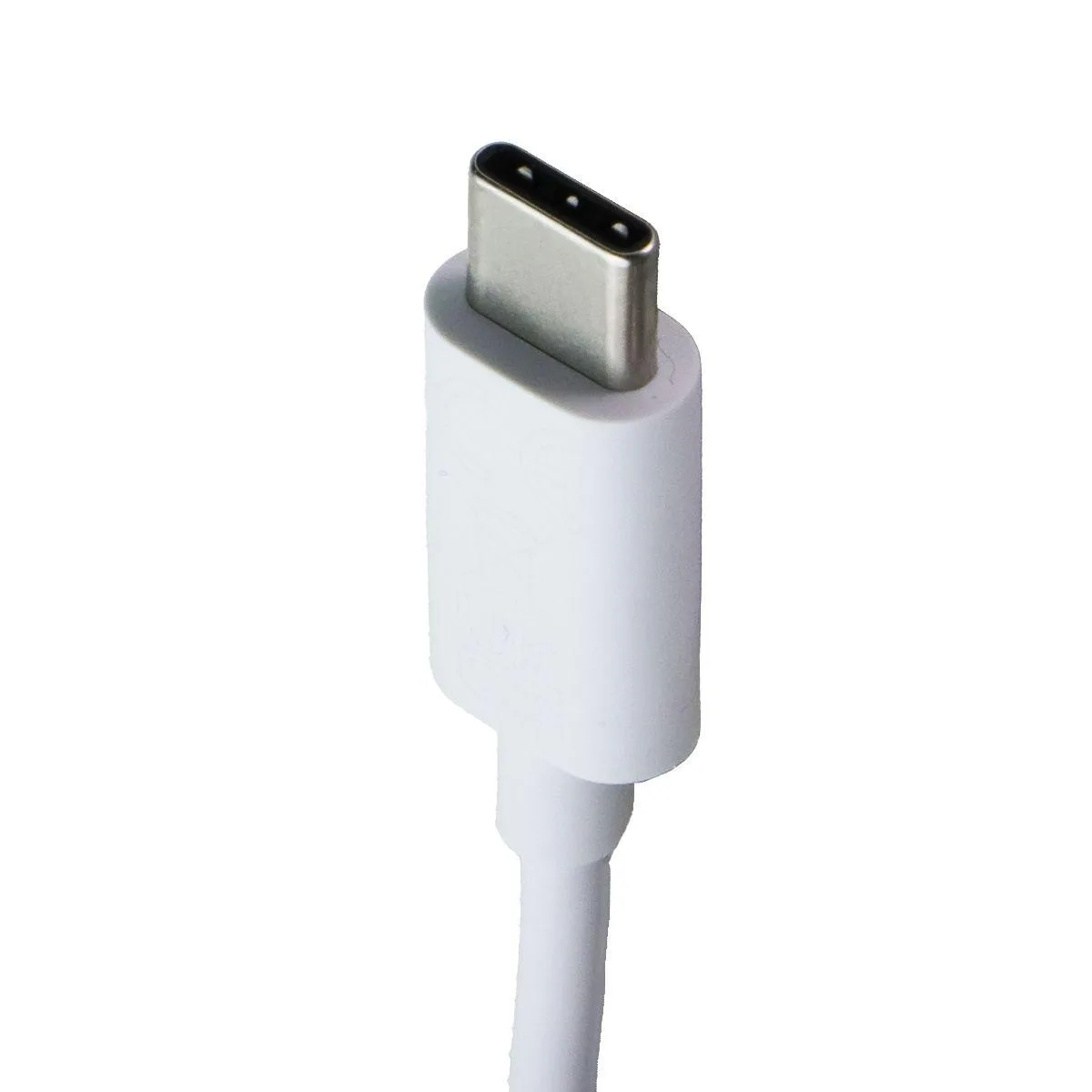
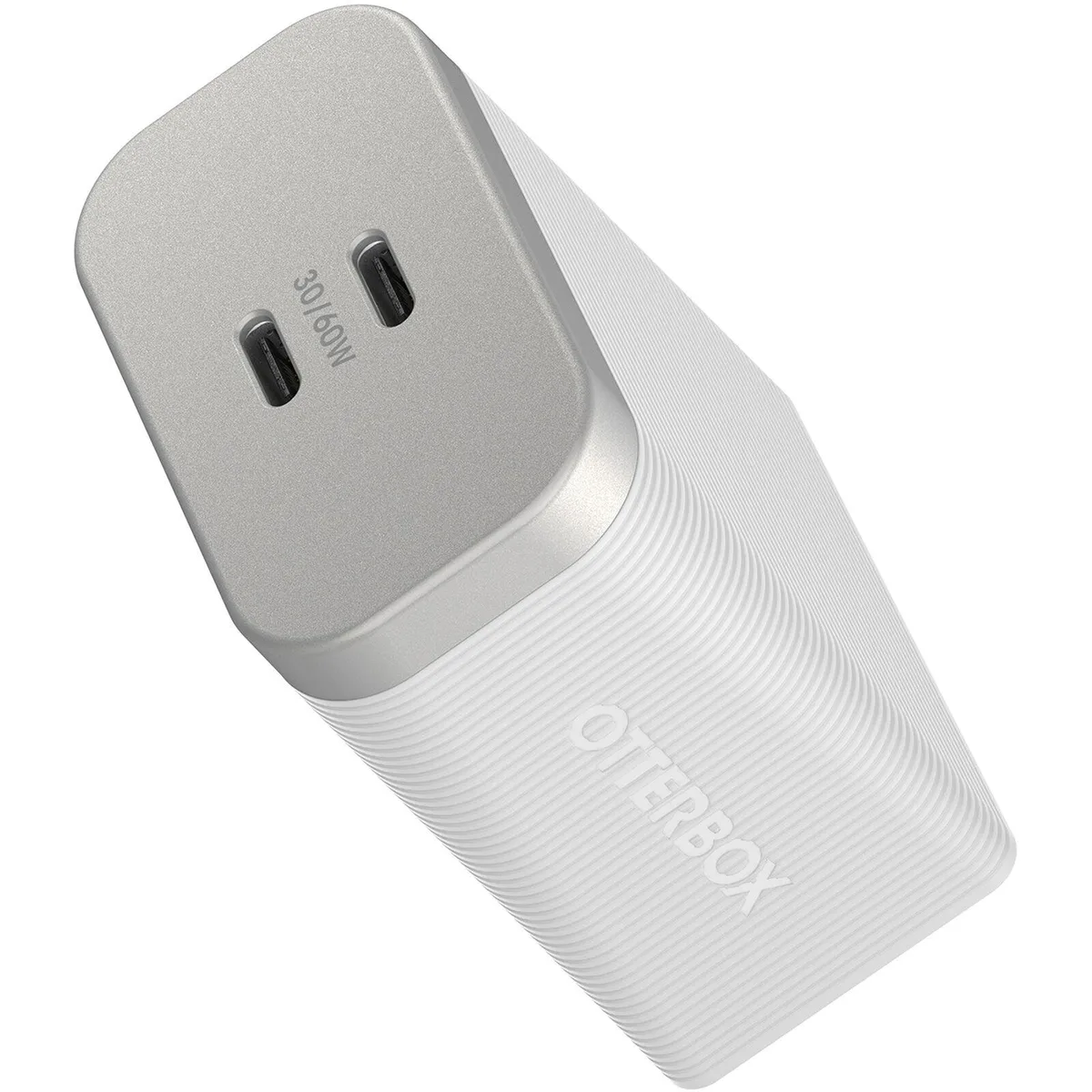
OtterBox Premium Pro 60W Dual USB-C Charger White
- Cases & Accessories
$11.99
0.00014044BTC
In stockWe take cryptocurrency — so the coins you hold can buy real hardware.Pay in crypto, spend it on real hardware. Free insured shipping worldwide over $399. Plain, unbranded boxes, sent from Germany.Free insured shipping over $399. Your rate is locked for 30 minutes once checkout opens.Rate locked 30 minutes. Every item sealed, serial-checked and covered by a 24-month warranty.Sealed, 24-month warranty.


ATEN
Connects a KVM switch to PS/2 keyboard, PS/2 mouse and VGA video ports on the target computer with keyboard and mouse emulation for smooth operation when disconnected or relocated
The ATEN KA7520 connects a KVM switch to the video, PS/2 keyboard and PS/2 mouse ports of a target computer. It functions as a CPU module for rack-mount or desktop servers. Keyboard and mouse emulation keeps the server operating smoothly when disconnected from the switch or moved to a different KVM port. The cable supports hot-plug operation so computers can be added or removed without powering down the switch.
Verify that the target computer provides one HDB-15 VGA port and two PS/2 ports for keyboard and mouse. The switch side requires an RJ-45 female connection for the link cable. Confirm the switch supports the adapter's firmware-upgrade capability. Ensure the video resolution you need does not exceed 1600 x 1200 at distances up to 40m, and note that 1680 x 1050 and 1920 x 1200 reduced-blanking modes are not supported.
This adapter suits administrators managing legacy servers with PS/2 and VGA interfaces through a compatible KVM switch. It is not for systems that only offer USB keyboard and mouse ports. Buyers needing native support for resolutions above 1600 x 1200 or reduced-blanking timings such as 1680 x 1050 should look at a different solution.
| Brand | ATEN |
|---|---|
| Model | KA7520 |
| Length | See Product Details |
| Color | Black |
| Connectors | 4 |
| Features | The KA7520 PS/2 KVM Adapter Cable connects the KVM switch to the video, PS/2 mouse and PS/2 keyboard ports of the target computer. With its small form factor and light weight design, it fits perfectly into most of the rack-mount or desktop servers. |
| Shipping weight | 0.19 kg |
| Package size | 137 × 132 × 23 mm |
The adapter has one RJ-45 female link port plus PS/2 keyboard, PS/2 mouse and HDB-15 VGA connectors for the computer side; no extra video cable is required.
The cable supports up to 1600 x 1200 at 40 m; 1680 x 1050 and 1920 x 1200 reduced-blanking modes are not supported.
Yes, keyboard and mouse emulation keeps the server functioning smoothly when the adapter is disconnected or moved to another KVM port.
New to this? Which coin should you pay with — what to check, what it costs to pay, and what is never asked for.
Also in this aisle
Same shelf, same checkout — eight coins and a 30-minute rate lock.
What you pay in, and what you read prices in.
Sent from your wallet at checkout
Display only — the catalogue is priced in USD
No currency matches that.
Pick the language the site speaks to you in.
No language matches that.
New here?
Already have one?
There is no automatic reset: this shop sends no mail, so there is no one-time link to ask for. Leave the address on the account and it gets picked up by hand.
Request noted
Nothing is on its way to your inbox — this shop sends no mail at all. Someone picks these up by hand.
Remembered it?