


APC
APC Back-UPS Pro BR 900VA 6 Outlets UPS
Provides battery backup with automatic voltage regulation and an LCD interface for monitoring
- AVR stabilises voltage for consistent equipment protection
- LCD interface displays real-time power and battery status
- 900 VA capacity supports critical devices during outages
- Six outlets provide multiple connection points for hardware
- APC brand delivers trusted power-protection engineering
UPS for home office
The APC Back-UPS Pro BR 900VA delivers battery backup and automatic voltage regulation for desktop computers, networking gear and monitors. It keeps connected equipment running during short outages and corrects minor power fluctuations without switching to battery. Six outlets provide protected power for a typical workstation setup.
900 VA capacity and headroom
The 900 VA rating supports a mainstream PC, router and display for several minutes during a blackout, giving time to save work and shut down safely. Heavier loads such as multi-GPU workstations or laser printers will exceed the unit’s capacity and should not be connected to the battery-backed outlets.
LCD interface and AVR
The front-panel LCD shows real-time load, battery charge and input voltage so you can monitor conditions at a glance. Automatic voltage regulation corrects low or high utility voltage without draining the battery, extending runtime for actual outages. No additional software or cables are mentioned in the supplied data.
Highlights
- AVR stabilises voltage for consistent equipment protection
- LCD interface displays real-time power and battery status
- 900 VA capacity supports critical devices during outages
- Six outlets provide multiple connection points for hardware
- APC brand delivers trusted power-protection engineering
Specifications
| Brand | APC |
|---|
Questions about this item
Will the 900VA UPS keep my older desktop running during a brief power dip?
The unit supplies battery-backed power through its six outlets so a legacy desktop stays on while the automatic voltage regulation corrects the dip.
How can I confirm the LCD interface is showing correct status after I plug everything in?
The front LCD reports real-time load percentage battery charge and AVR activity; watch those fields settle to normal values after startup.
Does the box include any extra cables or do I need to buy a USB data cable separately for monitoring?
The package contains the UPS and documentation only; a USB or serial cable for software monitoring must be purchased separately.
New to this? Which coin should you pay with — what to check, what it costs to pay, and what is never asked for.
Also in this aisle
People compared these
Same shelf, same checkout — eight coins and a 30-minute rate lock.


WAWEIS
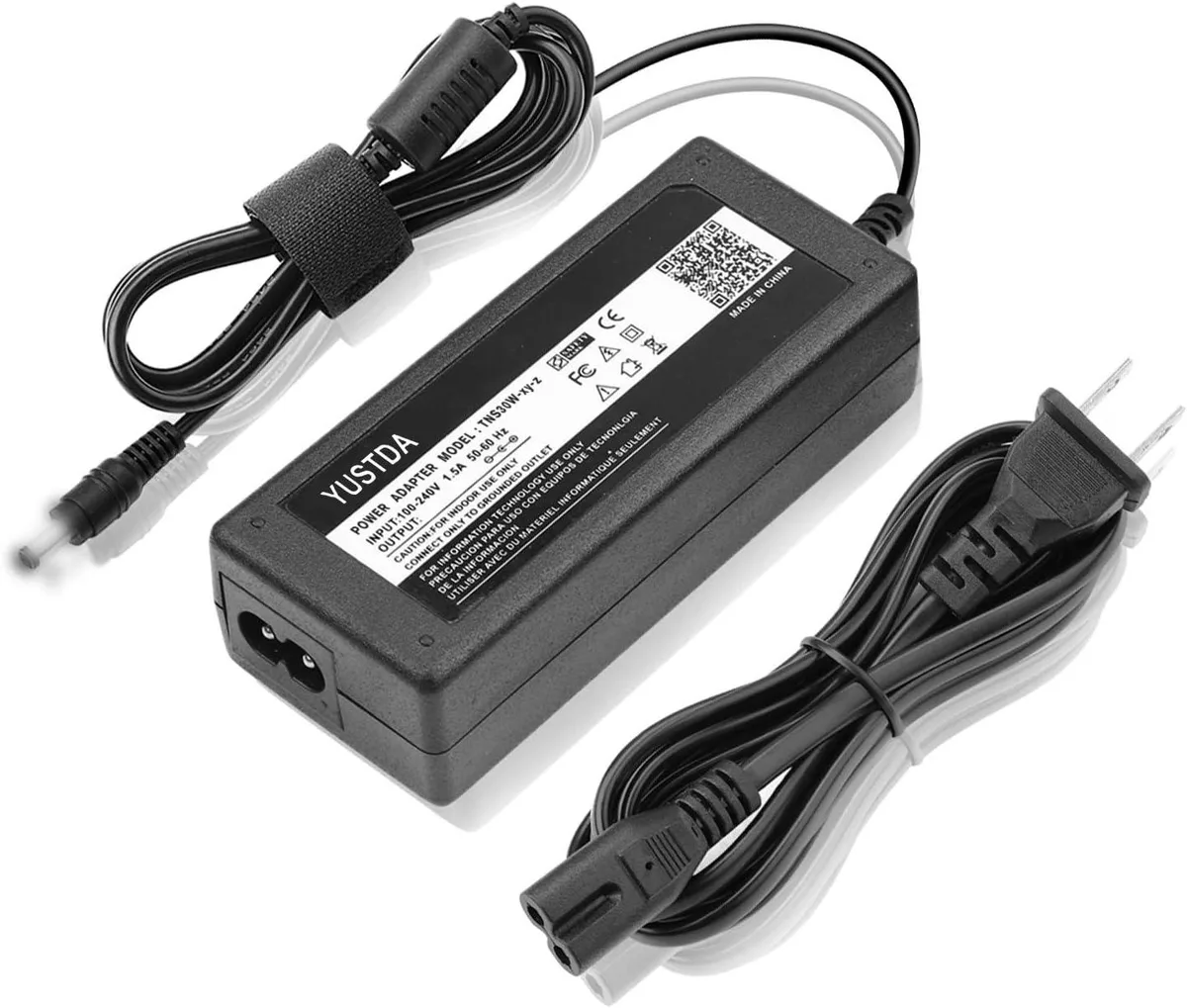
WAWEIS power adapter for AmazonBasics SB210 2.1 Channel Bluetooth Sound Bar
$15.99
0.00018432BTC
In stock
