Aomoproing
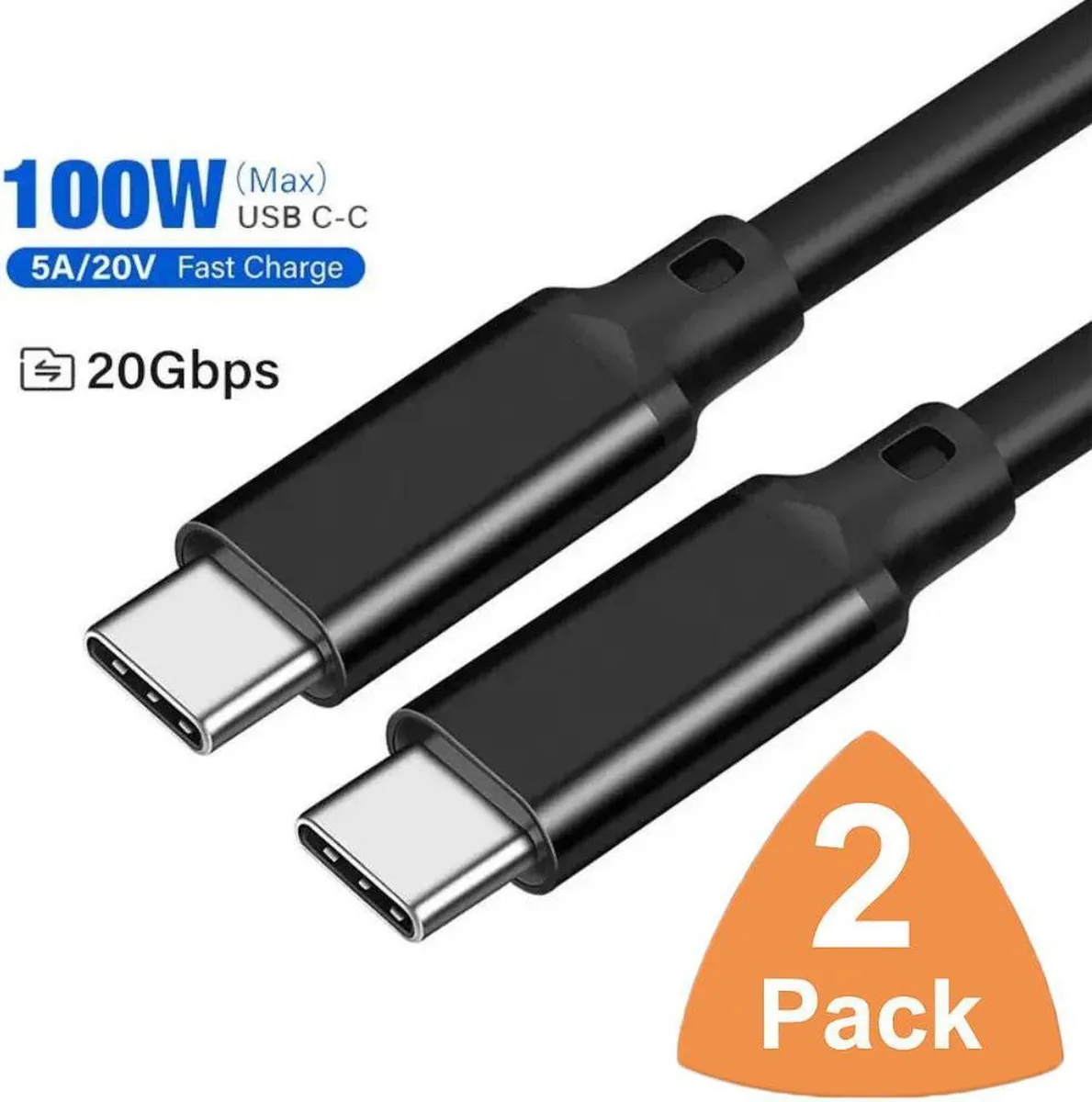
Aomoproing USB C to USB C Cable 2-Pack 1.6ft USB 3.2 Gen 2x2 20Gbps 100W 4K@60Hz Black
$12.99
0.00015096BTC
In stockWe take cryptocurrency — so the coins you hold can buy real hardware.Pay in crypto, spend it on real hardware. Free insured shipping worldwide over $399. Plain, unbranded boxes, sent from Germany.Free insured shipping over $399. Your rate is locked for 30 minutes once checkout opens.Rate locked 30 minutes. Every item sealed, serial-checked and covered by a 24-month warranty.Sealed, 24-month warranty.


Aomoproing
Two 1.6 ft USB-C cables support 20 Gbps data, 100 W charging and 4K 60 Hz video
This two-pack supplies two 1.6 ft USB-C to USB-C cables built to the USB 3.2 Gen 2x2 specification. Each cable supports 20 Gbps data transfer, 100 W power delivery at 5 A, and 4K 60 Hz video output. The pair suits users who need short, high-speed links for docking stations, external SSDs or direct device charging.
The 1.6 ft length works well on a desk between a laptop and a PD docking station or a portable SSD such as the LaCie T5. It also matches the 100 W charging requirement of a MacBook Pro or iPad Pro 2018. Buyers who need a cable to reach across a room or behind furniture should look at something else.
The decisive specification is the 20 Gbps data rate provided by USB 3.2 Gen 2x2. This bandwidth enables full-speed transfers with compatible SSDs and drives 4K 60 Hz or 2K 144 Hz displays. If the host or peripheral only supports 10 Gbps or 5 Gbps, the cable will still function but at the lower speed.
No published specifications for this item yet.
Other versions of this model
Same family, different memory, cooler or clock — compare before you commit.
Plug the USB-C connector firmly into both devices until it clicks; the common mistake is not pushing it in fully, which limits the 20 Gbps data rate and 100 W charging.
Inspect the USB-C plugs periodically for dust or bent pins; replace the cable if the 4K 60 Hz video signal drops or charging falls below 100 W.
The 20 Gbps bandwidth ceiling is reached before the 100 W power limit when transferring large files continuously.
Also in this aisle
Same shelf, same checkout — eight coins and a 30-minute rate lock.
What you pay in, and what you read prices in.
Sent from your wallet at checkout
Display only — the catalogue is priced in USD
No currency matches that.
Pick the language the site speaks to you in.
No language matches that.
New here?
Already have one?
There is no automatic reset: this shop sends no mail, so there is no one-time link to ask for. Leave the address on the account and it gets picked up by hand.
Request noted
Nothing is on its way to your inbox — this shop sends no mail at all. Someone picks these up by hand.
Remembered it?