


Aomoproing
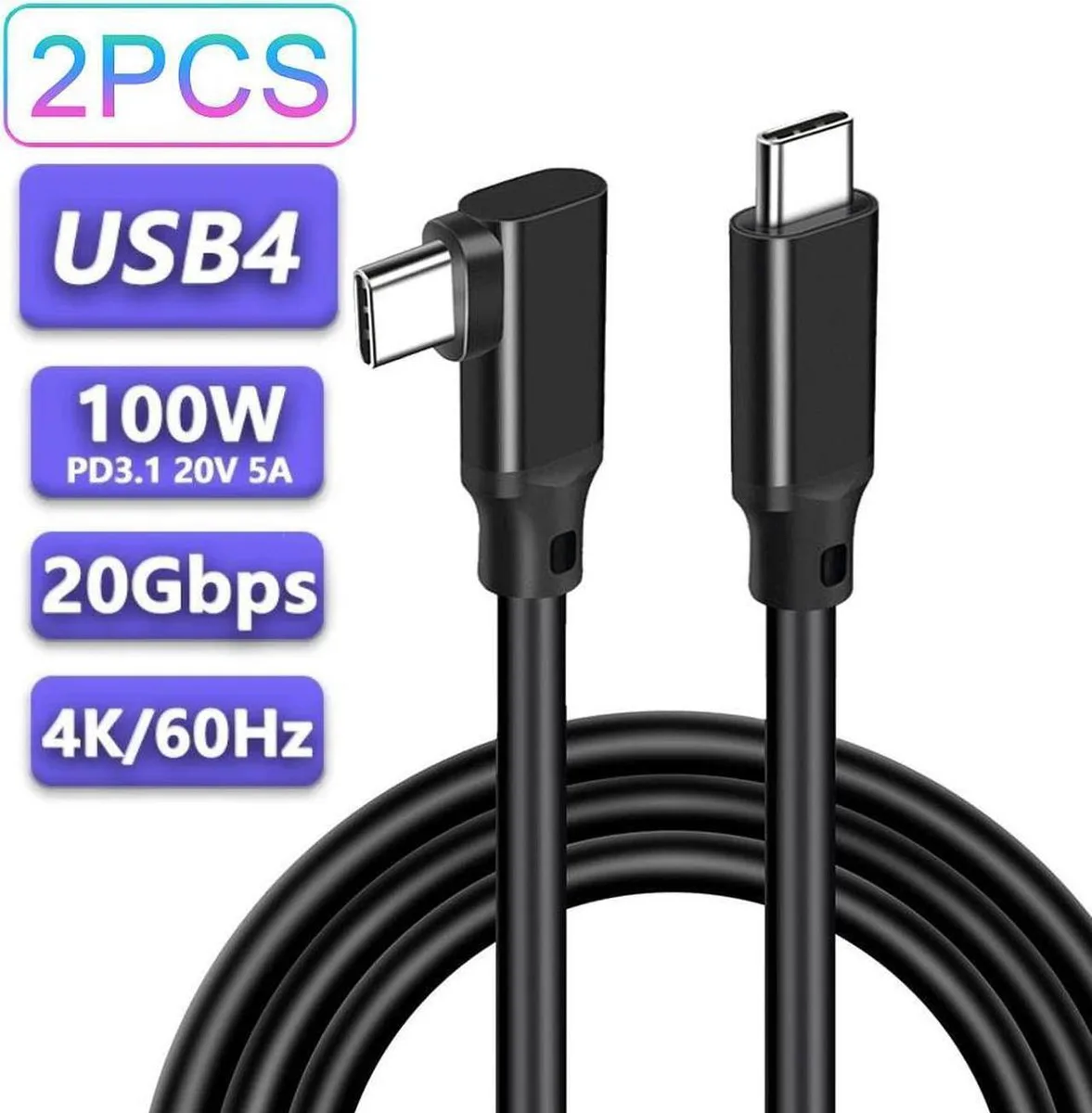
Aomoproing USB C to USB C Cable 2-Pack 1.6 ft 20Gbps 100W 4K@60Hz Black
Two 1.6 ft USB-C cables deliver 20Gbps data, 100W charging and 4K@60Hz video
- Fast 20 Gbps data transfer with USB 3.2 Gen 2x2
- 100 W power delivery charges laptops and phones quickly
- 4K 60 Hz video output for external displays
- Two 1.6 ft cables keep desk setups tidy
- Works with PD 3.0, QC 3.0 and Samsung fast-charging protocols
What this cable does
This two-pack supplies two 1.6 ft USB-C to USB-C cables rated for 20 Gbps data transfer, 100 W power delivery and 4K video at 60 Hz. They suit anyone linking a laptop, tablet or external SSD to a dock, monitor or charger with a single cable.
Upgrading from slower cables
The jump is worth it when you need 20 Gbps throughput for large file moves, 100 W charging for power-hungry notebooks or 4K 60 Hz output to an external display. Older USB 2.0 or 3.0 leads cannot deliver that bandwidth, power or video capability simultaneously.
Who should choose these
Users who want a short, tidy cable for desk docking, portable SSD workflows or travel charging will benefit. Buyers who need longer reach for wall-outlet charging or multi-metre display runs should look at something else.
Highlights
- Fast 20 Gbps data transfer with USB 3.2 Gen 2x2
- 100 W power delivery charges laptops and phones quickly
- 4K 60 Hz video output for external displays
- Two 1.6 ft cables keep desk setups tidy
- Works with PD 3.0, QC 3.0 and Samsung fast-charging protocols
Specifications
No published specifications for this item yet.
Other versions of this model
5 more in the same range
Same family, different memory, cooler or clock — compare before you commit.



Aomoproing
Aomoproing USB C to USB C Cable 10FT Right Angle 3.2 Gen 2 20Gbps 100W PD 4K@60Hz
$17.99
0.00021771BTC
In stock
Aomoproing
Aomoproing 2-Pack USB A to USB C Right Angle Cable 3.3FT 10Gbps 60W
$18.99
0.00022981BTC
In stockQuestions about this item
What USB-C port spacing does the 1.6 ft cable need on my dock or laptop?
The 1.6 ft length requires the two USB-C ports to be close enough that the cable can reach without tension; measure the centre-to-centre distance and ensure it is well under 1.6 ft.
Which way round do I plug the cable for 20 Gbps data and 100 W charging?
Both ends are identical USB-C connectors; insert either end into the host and the other into the device — orientation does not matter, but both ports must support USB 3.2 Gen 2x2 and 5 A power delivery.
When should I replace the cable if the 4K 60 Hz video signal starts dropping frames?
Replace the cable if the connectors become loose, the sheath shows kinks, or 4K 60 Hz output becomes intermittent despite firm seating on both ends.
Also in this aisle
People compared these
Same shelf, same checkout — eight coins and a 30-minute rate lock.


SMUGDESK
SMUGDESK USB C Hub Splitter with HDMI RJ45 Ethernet 3×USB 3.0 Ports
$21.99
0.00026612BTC
In stock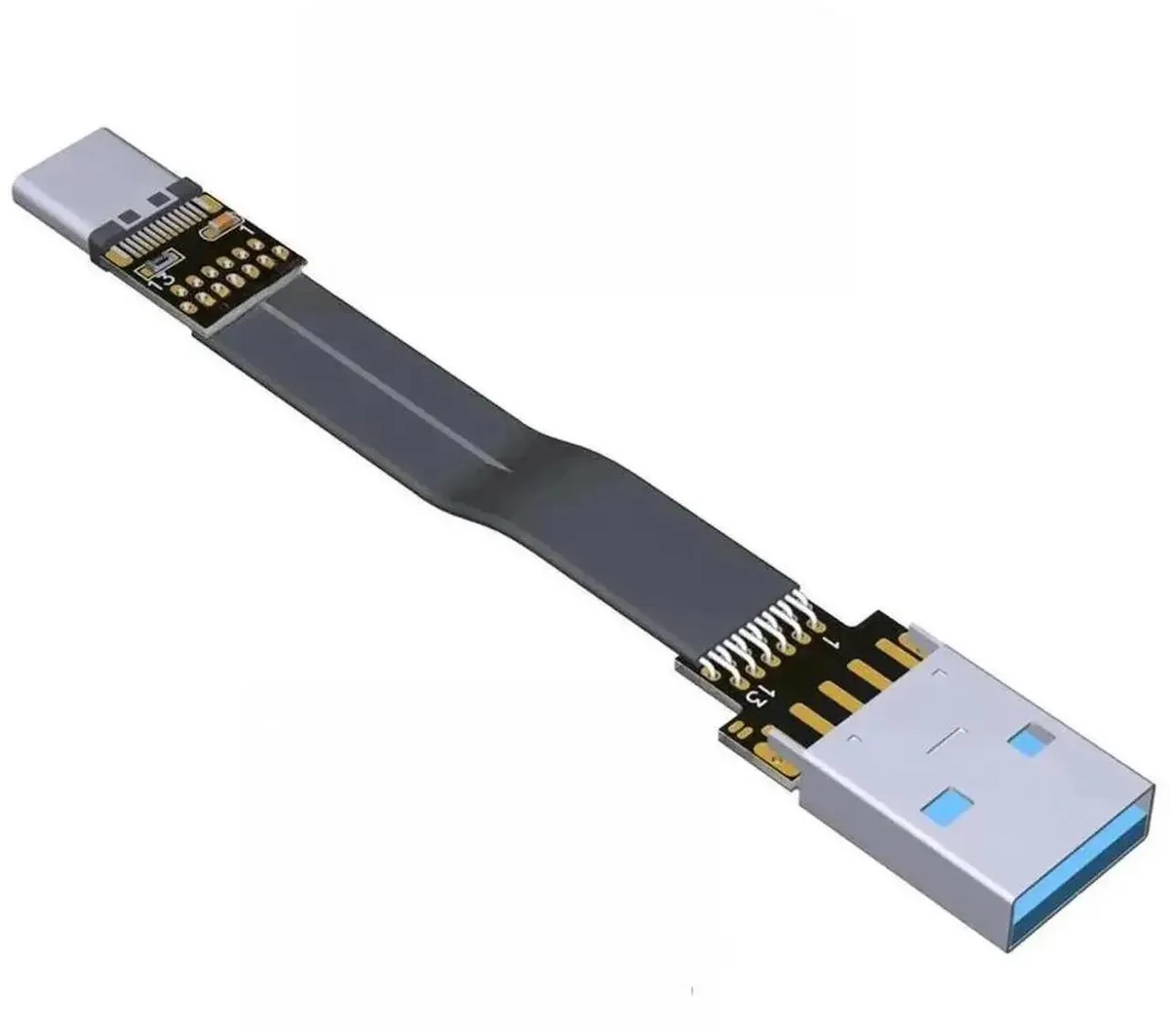

SMUGDESK
SMUGDESK 100CM USB 2.0 TypeA Male to Female Flat Slim FPC Extension Cable
$14.99
0.0001814BTC
In stock