Aomoproing
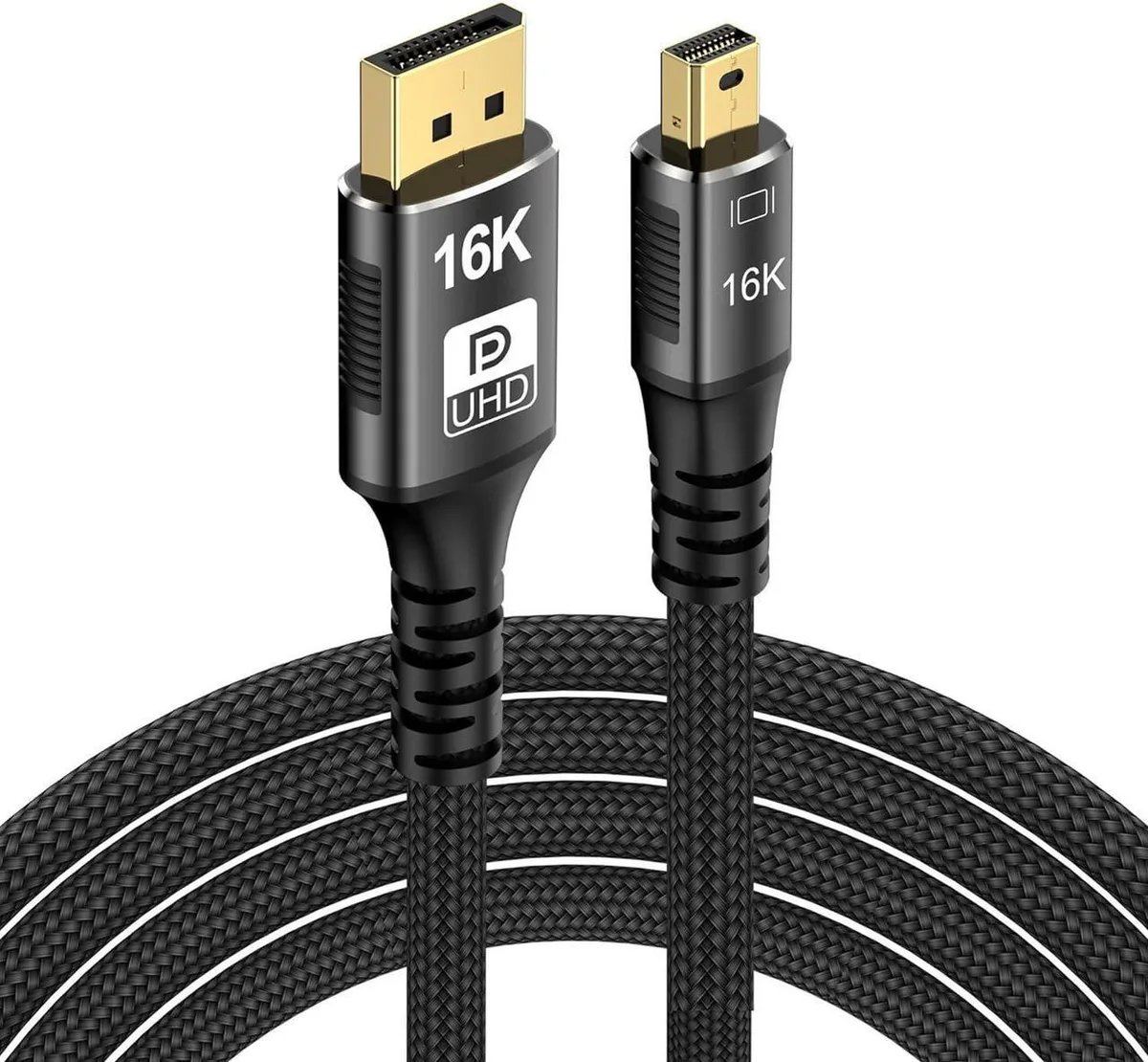
Aomoproing Mini DisplayPort to DisplayPort 2.1 cable 3.3Ft 16K@60Hz 8K@120Hz Thunderbolt 2
$8.99
0.00010698BTC
In stockWe take cryptocurrency — so the coins you hold can buy real hardware.Pay in crypto, spend it on real hardware. Free insured shipping worldwide over $399. Plain, unbranded boxes, sent from Germany.Free insured shipping over $399. Your rate is locked for 30 minutes once checkout opens.Rate locked 30 minutes. Every item sealed, serial-checked and covered by a 24-month warranty.Sealed, 24-month warranty.


Aomoproing
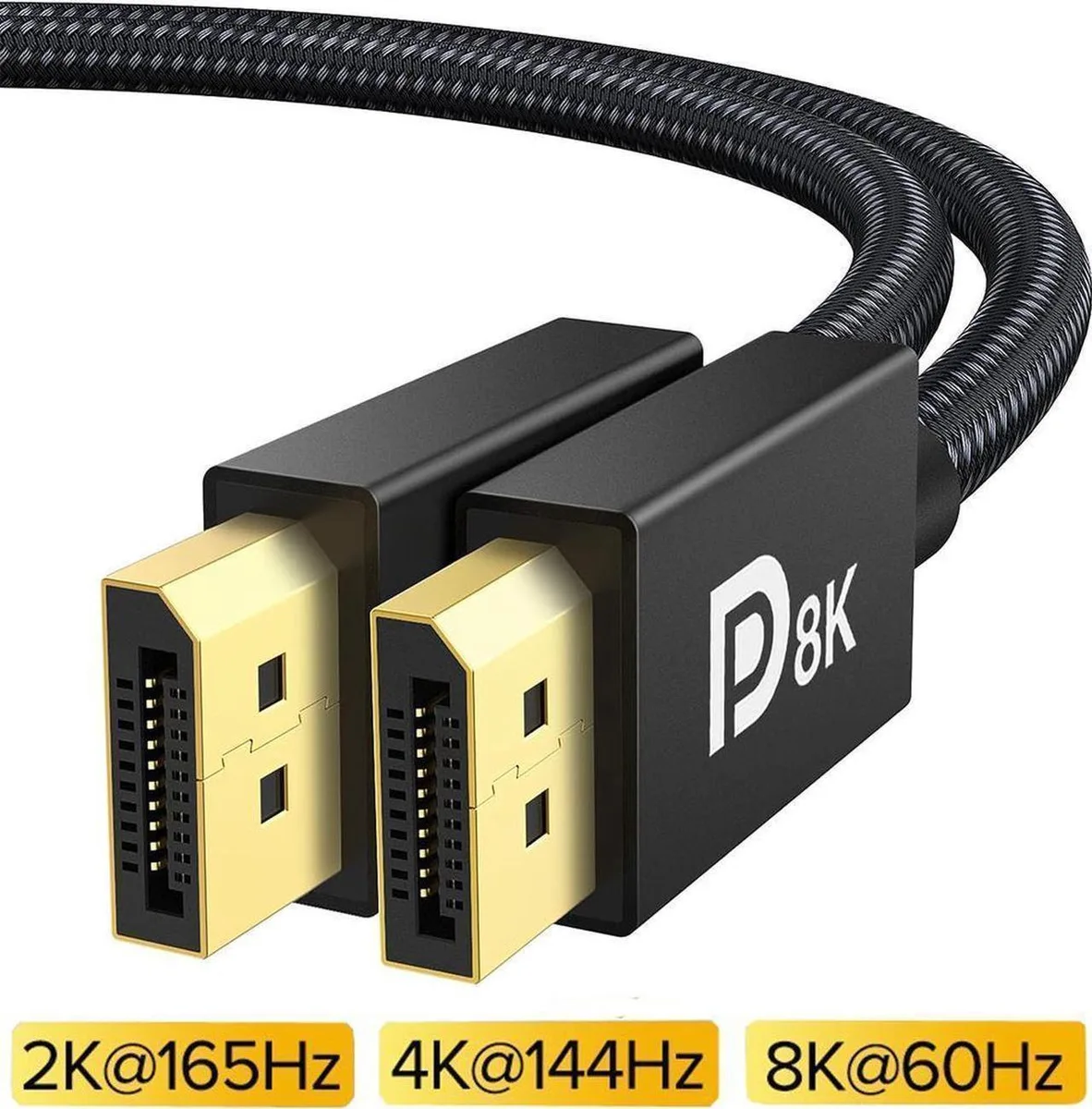
Connects Mini DisplayPort sources to DisplayPort displays at up to 16K 60 Hz, 8K 120 Hz or 4K 240 Hz with 80 Gbps bandwidth over 3.3 ft
This Mini DisplayPort to DisplayPort cable links laptops or desktops with Mini DP outputs to monitors, TVs or projectors with full-size DisplayPort inputs. It carries DisplayPort 2.1 signals at up to 80 Gbps bandwidth and supports resolutions of 16K at 60 Hz, 8K at 120 Hz and 4K at 240 Hz. The connection works in both directions and is compatible with Thunderbolt 1 and Thunderbolt 2 ports on MacBook models.
Buyers who need a longer reach than 3.3 ft should look at a different length. Systems without a Mini DisplayPort or full-size DisplayPort socket cannot use this cable. It does not convert to HDMI, USB-C or DVI signals.
No published specifications for this item yet.
Other versions of this model
Same family, different memory, cooler or clock — compare before you commit.
Yes, the cable is backwards compatible with DisplayPort 1.4, 1.2 and 1.2.144 so a 144 Hz panel will run at its native rate.
Open your display settings or GPU control panel and verify the active resolution reads 16K at 60 Hz; the DisplayPort 2.1 link negotiates that mode automatically.
New to this? Which coin should you pay with — what to check, what it costs to pay, and what is never asked for.
Also in this aisle
Same shelf, same checkout — eight coins and a 30-minute rate lock.
What you pay in, and what you read prices in.
Sent from your wallet at checkout
Display only — the catalogue is priced in USD
No currency matches that.
Pick the language the site speaks to you in.
No language matches that.
New here?
Already have one?
There is no automatic reset: this shop sends no mail, so there is no one-time link to ask for. Leave the address on the account and it gets picked up by hand.
Request noted
Nothing is on its way to your inbox — this shop sends no mail at all. Someone picks these up by hand.
Remembered it?