

Innovation First, Inc.
Innovation First, Inc. 1UCMA-137 1U Cable Management Arm 19" 28.5"-33" computer accessory
- Product Type:Cable…
- Panel Width:19" Rac…
$72.99
0.00086372BTC
In stockWe take cryptocurrency — so the coins you hold can buy real hardware.Pay in crypto, spend it on real hardware. Free insured shipping worldwide over $399. Plain, unbranded boxes, sent from Germany.Free insured shipping over $399. Your rate is locked for 30 minutes once checkout opens.Rate locked 30 minutes. Every item sealed, serial-checked and covered by a 24-month warranty.Sealed, 24-month warranty.


aibileec
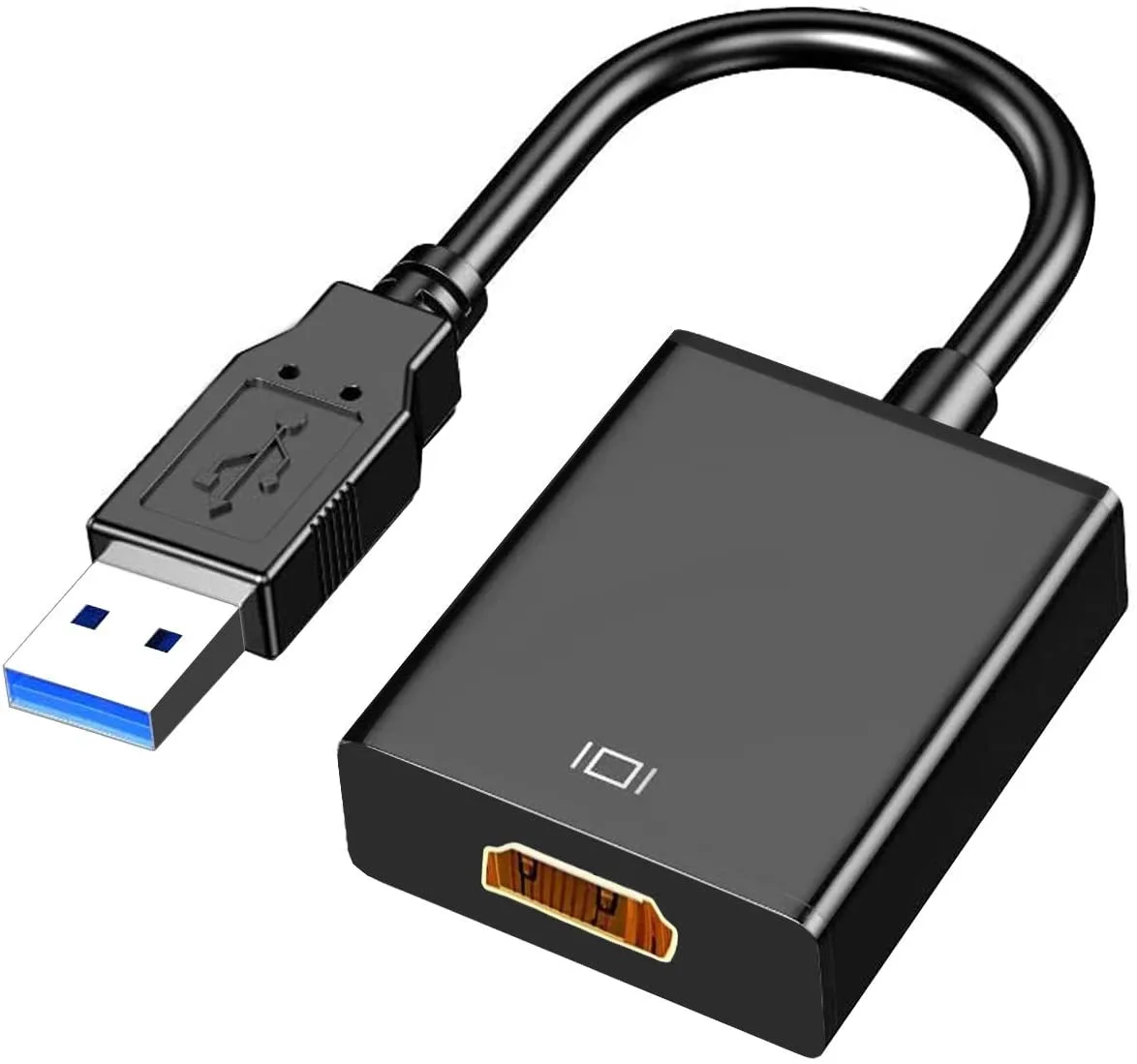
Connects a computer via USB 3.0 or 2.0 to an HDMI display at up to 1920x1080@60Hz
This USB 3.0 to HDMI adapter connects a computer to an HDTV, monitor or projector with an HDMI input. It suits users who need an extra display output on Windows 7, 8 or 10 desktops and laptops. The device does not support Chromebooks, so buyers needing Chrome OS compatibility must choose a different solution.
The adapter draws power directly from the USB port and has no moving parts, so it runs silently and adds negligible heat to the system. Normal use on either USB 3.0 or USB 2.0 ports keeps power draw low and requires no external supply.
Video output reaches 1920x1080 at 60 Hz on both USB 3.0 and USB 2.0 connections. The 24K gold-plated USB 3.0 port and internal chip maintain stable transmission for 1080P and 3D display modes.
No published specifications for this item yet.
Plug the adapter into a USB 3.0 or 2.0 port, then run the driver that pops up automatically or follow the manual; the step users miss is completing that driver install before expecting video.
No scheduled maintenance is required; if the 24K gold-plated USB connector wears or the cable frays, simply replace the adapter.
The hard ceiling is the 1080P 60Hz maximum resolution and refresh rate; sustained use cannot exceed that output specification.
New to this? Which coin should you pay with — what to check, what it costs to pay, and what is never asked for.
Also in this aisle
Same shelf, same checkout — eight coins and a 30-minute rate lock.
What you pay in, and what you read prices in.
Sent from your wallet at checkout
Display only — the catalogue is priced in USD
No currency matches that.
Pick the language the site speaks to you in.
No language matches that.
New here?
Already have one?
There is no automatic reset: this shop sends no mail, so there is no one-time link to ask for. Leave the address on the account and it gets picked up by hand.
Request noted
Nothing is on its way to your inbox — this shop sends no mail at all. Someone picks these up by hand.
Remembered it?


