

ABLEGRID
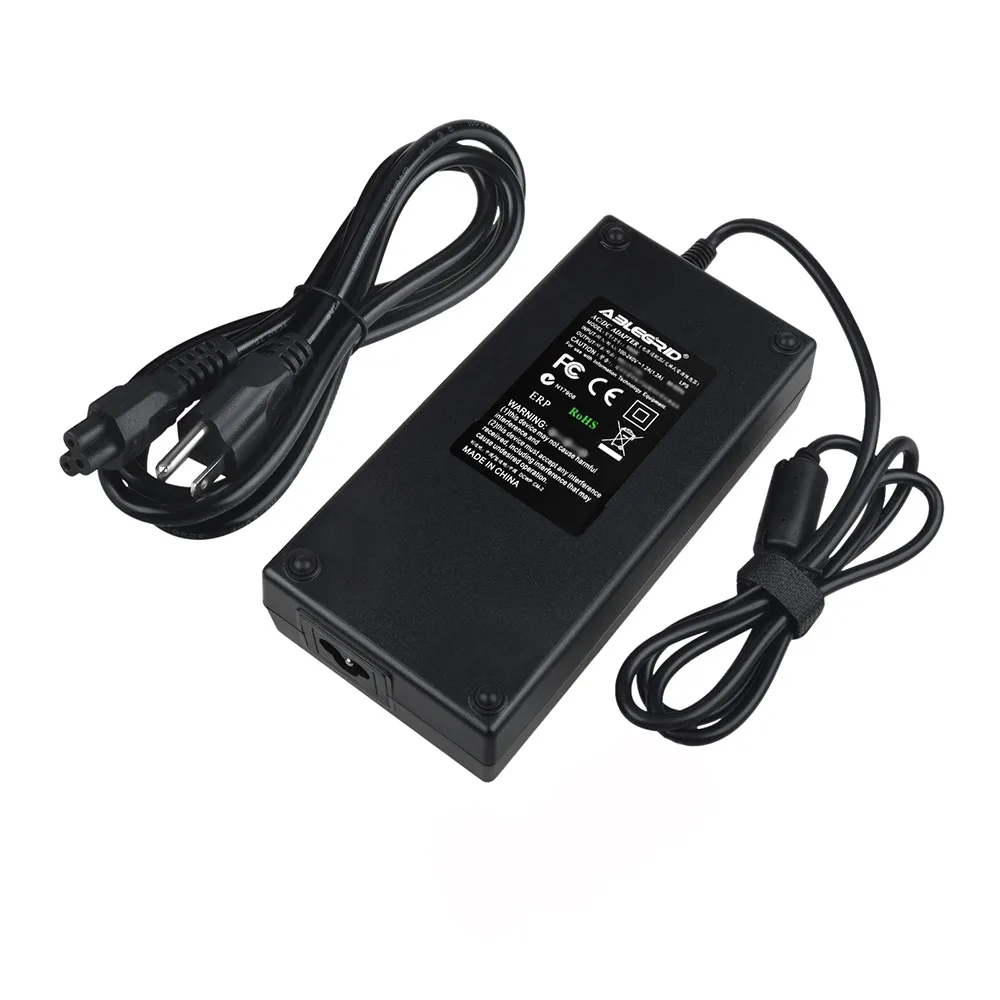
ABLEGRID AC Adapter for LG 27UK850-W 27" Monitor
Replacement AC adapter powers the LG 27UK850-W 27" 4K monitor with worldwide 100-240 V input and built-in over-voltage and over-heat protection
- Changer TypeAC Adapter
- Worldwide 100-240V input works anywhere
- Over-voltage and over-heat protection safeguards monitor
- Non-OEM unit built for LG 27UK850-W
- 50-60Hz frequency matches global mains supply
- Round-tip connector fits original power port
Replacement AC Adapter for LG 27UK850-W Monitor
This ABLEGRID power supply replaces a lost or failed original charger for the LG 27UK850-W 27-inch 4K UHD IPS monitor. It delivers the required DC output through a round tip connector. The unit suits home or office users who need a reliable spare or travel adapter.
Upgrade from Damaged or Missing Original Charger
The adapter is worth buying when the factory-supplied power brick stops working, is misplaced or shows cable damage. It accepts 100-240V AC input at 50-60Hz for worldwide use. Built-in over-voltage and over-heat protection helps safeguard the monitor during extended sessions.
Simple Plug-In Installation with Tip Check
Installation is a direct swap: connect the round tip to the monitor and the IEC cord to a wall outlet. The main risk is ordering the wrong tip size or output rating, so verify both against the monitor label before purchase. Keep the brick ventilated and away from soft surfaces during long operation.
Highlights
- Worldwide 100-240V input works anywhere
- Over-voltage and over-heat protection safeguards monitor
- Non-OEM unit built for LG 27UK850-W
- 50-60Hz frequency matches global mains supply
- Round-tip connector fits original power port
Specifications
| Brand | ABLEGRID |
|---|---|
| Changer Type | AC Adapter |
Questions about this item
What connector size does the ABLEGRID adapter use for the LG 27UK850-W monitor?
The adapter uses a round tip connector; verify the tip size matches the monitor's DC input before ordering.
How is the AC adapter installed, and what step is often missed?
Connect the supplied power cord to the adapter's AC inlet (100-240V, 50-60Hz), plug the round tip into the monitor's DC jack, then power on; the missed step is confirming the DC output voltage and polarity match the monitor's label.
What maintenance does the adapter need over time?
Keep the unit in a ventilated, low-humidity area; do not place it on soft surfaces that block airflow, and stop use immediately if the housing becomes excessively hot or emits unusual smells.
New to this? Which coin should you pay with — what to check, what it costs to pay, and what is never asked for.
Also in this aisle
People compared these
Same shelf, same checkout — eight coins and a 30-minute rate lock.



Black Box Corporation
Black Box Corporation CAT6 EZ-RJ45 Modular Plugs 100-Pack
$95.99
0.00114365BTC
In stock
