

Extreme Networks
Extreme Networks Silhouette Ceiling Mounting Bracket 14 or 18
$23.99
0.00027839BTC
In stockWe take cryptocurrency — so the coins you hold can buy real hardware.Pay in crypto, spend it on real hardware. Free insured shipping worldwide over $399. Plain, unbranded boxes, sent from Germany.Free insured shipping over $399. Your rate is locked for 30 minutes once checkout opens.Rate locked 30 minutes. Every item sealed, serial-checked and covered by a 24-month warranty.Sealed, 24-month warranty.
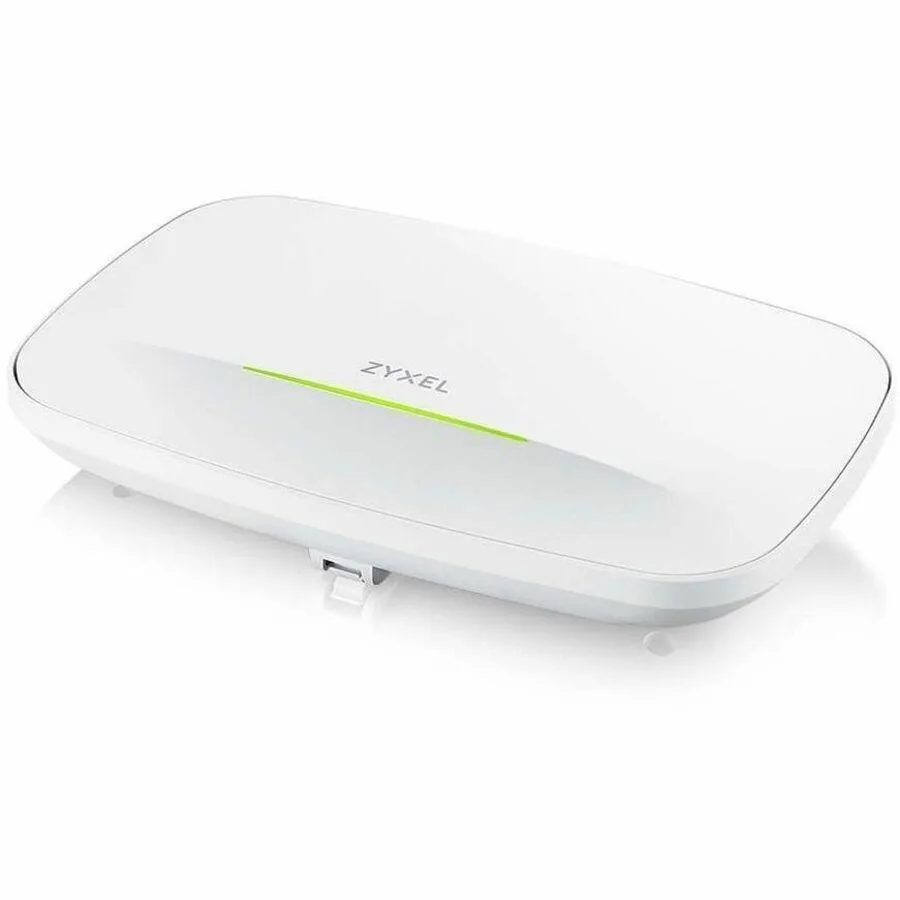


ZyXEL
A WiFi 7 access point delivering 6500 Mbps across 2.40 GHz, 5 GHz and 6 GHz bands with a 2.5 Gigabit Ethernet port and flexible mounting options
The ZyXEL WBE510D is a BE6500-class wireless access point that operates on the 2.40 GHz, 5 GHz and 6 GHz bands. It uses 4-stream MIMO with Multi-User MIMO to serve multiple clients simultaneously. The unit mounts on a ceiling, wall or plate for flexible placement in commercial environments.
It suits businesses that want cloud or on-premise control through the NebulaFlex Pro platform with a one-year licence included. The single RJ-45 port provides both Gigabit and 2.5 Gigabit Ethernet uplink speeds. Buyers who need more than one wired uplink or who require Power over Ethernet should look at other models.
The decisive specification is the 4-stream tri-band radio design that delivers the BE6500 rating across 2.40 GHz, 5 GHz and 6 GHz. This determines the maximum throughput and client capacity the access point can provide. Match this radio specification to your density and bandwidth requirements before purchasing.
| Brand | ZyXEL |
|---|---|
| Shipping weight | 0.73 kg |
| Package size | 211 × 135 × 79 mm |
The 2.5 Gigabit Ethernet port caps wired throughput at 2.5 Gbps, which is the practical ceiling for clients connected through that single RJ-45 interface.
The unit is ceiling mountable, plate mountable and wall mountable; it uses internal antennas so no external antenna clearance is needed, just the supplied mounting bracket and screws.
Power the AP via PoE, then claim it in the Nebula app using the serial number; the step often missed is registering the 1-year NebulaFlex Pro licence before the device appears online.
Also in this aisle
Same shelf, same checkout — eight coins and a 30-minute rate lock.
What you pay in, and what you read prices in.
Sent from your wallet at checkout
Display only — the catalogue is priced in USD
No currency matches that.
Pick the language the site speaks to you in.
No language matches that.
New here?
Already have one?
There is no automatic reset: this shop sends no mail, so there is no one-time link to ask for. Leave the address on the account and it gets picked up by hand.
Request noted
Nothing is on its way to your inbox — this shop sends no mail at all. Someone picks these up by hand.
Remembered it?


