
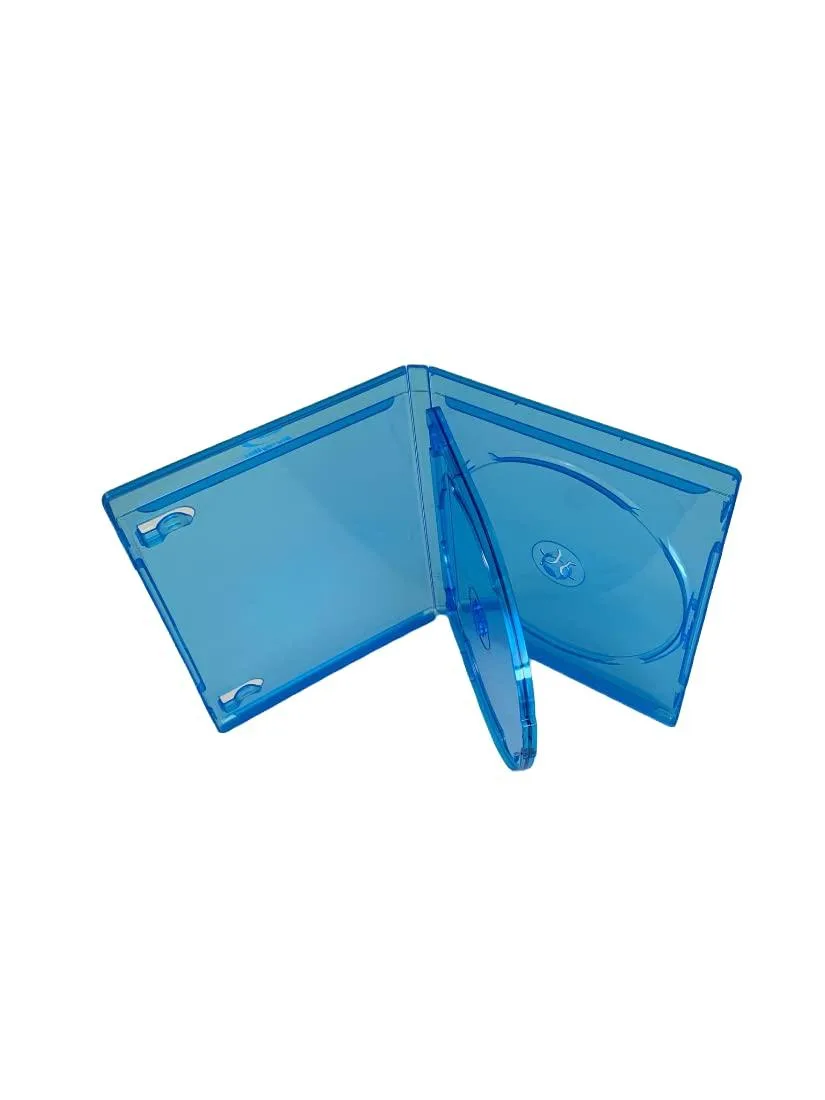
MediaPack4All 12.5mm Blu-Ray Case Multi-Three Storing Capacity
- 2.4892 L x 18.2118…
- 1 Year Warranty
$13.99
0.00016564BTC
In stockWe take cryptocurrency — so the coins you hold can buy real hardware.Pay in crypto, spend it on real hardware. Free insured shipping worldwide over $399. Plain, unbranded boxes, sent from Germany.Free insured shipping over $399. Your rate is locked for 30 minutes once checkout opens.Rate locked 30 minutes. Every item sealed, serial-checked and covered by a 24-month warranty.Sealed, 24-month warranty.


yingshou
An external DVD burner with USB 3.0, 8× DVD and 24× CD write speeds, in white
This USB 3.0 external drive reads and writes CD and DVD media at up to 24X for CDs and 8X for DVDs. It supports Windows from SE through 10, Mac OS and Linux without extra drivers. The white slim enclosure measures 5.7 x 5.6 x 0.6 inch and weighs 10 oz.
Use it when a laptop or small-form-factor desktop lacks a built-in bay or when the original drive has failed. The jump is worth it if you still install software from disc, archive data to DVD+R DL at 4X or play CD audio on a machine without an internal slot.
Maximum sustained throughput cannot exceed the USB 3.0 link, so very large images are bottlenecked by the interface rather than the 8X DVD write speed. Dual-layer DVD+R DL writing is capped at 4X and DVD-RAM at 6X. Media beyond 4.7 inch or 3.1 inch diameters is not supported.
| Type | DVD Burner |
|---|---|
| DVD+R | 8X |
| DVD+RW | 8X |
| DVD-R | 8X |
| DVD-RW | 8X |
| CD-R | 24X |
| CD-RW | 24X |
| DVD+R DL | 4X |
| DVD-RAM | 6X |
| DVD-ROM | 5X |
| CD-ROM | 24X |
| Panel Color | White |
| Interface | USB3.0 |
The slim enclosure measures 5.7 by 5.6 by 0.6 inches, so allow at least that footprint on a flat surface plus a few millimetres around the USB 3.0 cable for strain relief.
Plug the USB 3.0 cable into the computer first, wait for the drive icon to appear in the file manager, then press the eject button to open the tray and load the disc.
Clean the laser lens with a standard optical-drive cleaning disc when read or write errors increase, or after heavy use of 24X CD-R or 8X DVD±R media.
New to this? Paying with USDT: TRC-20 or ERC-20 — what to check, what it costs to pay, and what is never asked for.
Also in this aisle
Same shelf, same checkout — eight coins and a 30-minute rate lock.
What you pay in, and what you read prices in.
Sent from your wallet at checkout
Display only — the catalogue is priced in USD
No currency matches that.
Pick the language the site speaks to you in.
No language matches that.
New here?
Already have one?
There is no automatic reset: this shop sends no mail, so there is no one-time link to ask for. Leave the address on the account and it gets picked up by hand.
Request noted
Nothing is on its way to your inbox — this shop sends no mail at all. Someone picks these up by hand.
Remembered it?


