


YINGHUA
YINGHUA Upgraded Charging Dock for PS VR2 Controllers vr accessory
A dedicated charging station powers two PS VR2 controllers simultaneously with LED status indicators and includes Type-C adapters for quick magnetic attachment
- TypeHeadphones
- Designed specifically for PS VR2 Controllers
- Charges both controllers simultaneously with Type-C adapters
- LED light indicator shows charging status clearly
- Quick-attach adapters make docking faster and easier
- Durable ABS construction in white finish
PS VR2 Controller Charging Dock
This charging dock is designed specifically for PS VR2 controllers and provides a dedicated place to replenish both handsets. It connects via a Type-C adapter and uses a light indicator to show charging status. The accessory is intended for VR players who want a tidy, single-cable solution for keeping controllers ready between sessions.
Thermals Noise and Power Draw
The unit draws power only while controllers are seated and charging, then idles with minimal consumption once batteries are full. No active cooling is present, so operation is completely silent and generates no noticeable heat. Normal use adds negligible load to the console or USB power source.
Bundled Adapters and Stand Function
Two Type-C adapters are included to bridge the controllers to the dock, allowing quick insertion without aligning the native ports each time. The white ABS stand holds both controllers upright, reducing desk clutter and protecting the analogue sticks from contact with surfaces. No additional software, cables or headset support are supplied.
Highlights
- Designed specifically for PS VR2 Controllers
- Charges both controllers simultaneously with Type-C adapters
- LED light indicator shows charging status clearly
- Quick-attach adapters make docking faster and easier
- Durable ABS construction in white finish
Specifications
| Type | Headphones |
|---|
Questions about this item
How do I install the Type-C adapters onto the PS VR2 controllers before placing them on the dock?
Insert the supplied Type-C adapters firmly into the charging port on each PS VR2 controller until they click into place, then seat each controller onto the corresponding dock slot so the adapter mates with the dock's charging contacts.
What maintenance will the charging dock and its adapters need over time?
Periodically wipe the dock's charging contacts and the adapter tips with a dry, lint-free cloth to remove dust or debris that could interrupt the electrical connection.
What is the first limit I will hit when leaving the controllers on the dock continuously?
The dock's built-in light indicator shows charging status; once the controllers reach full charge the indicator changes, signalling that the charging circuit has stopped supplying current to prevent overcharging.
Also in this aisle
People compared these
Same shelf, same checkout — eight coins and a 30-minute rate lock.


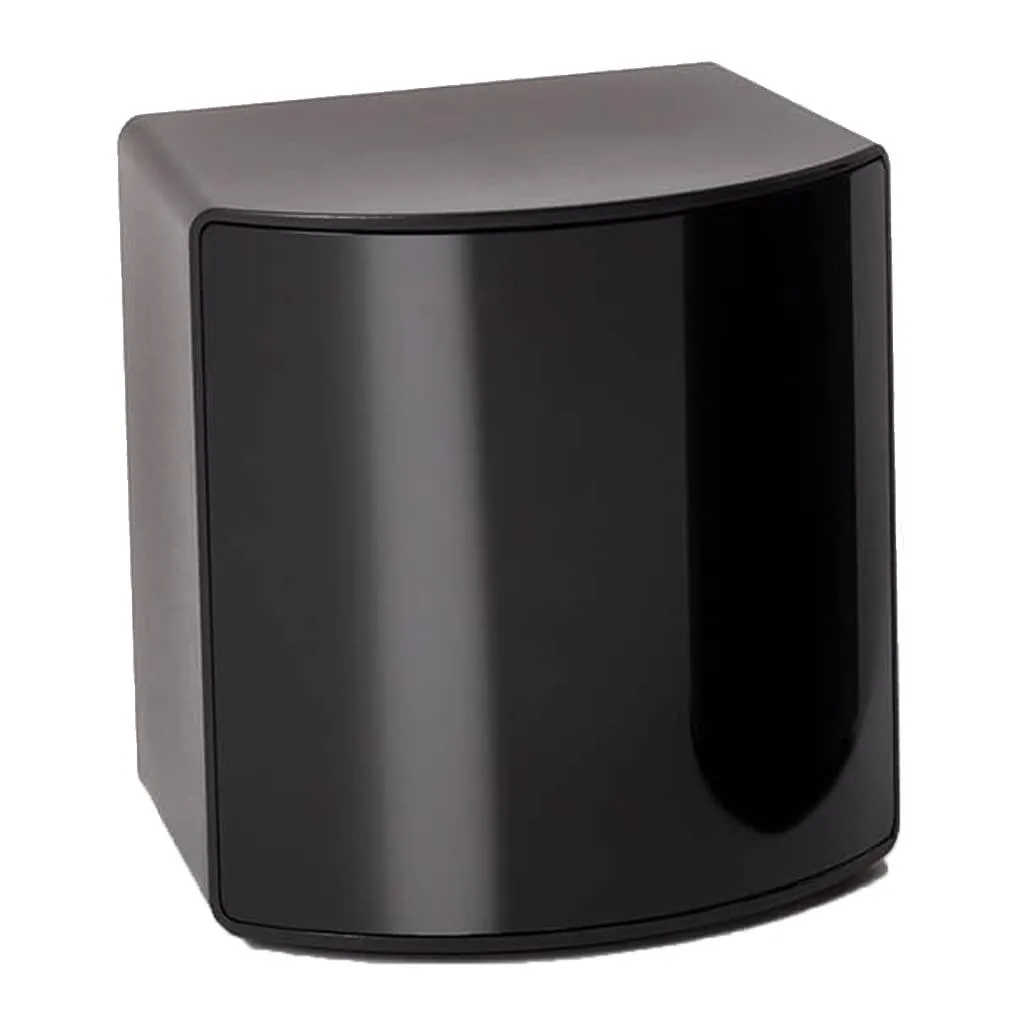
BFKK
BFKK VR Accessory Fit Pack SteamVR 2.0 Base Station 15 ft 4.5 m
- Fit Pack
$256.99
0.002968BTC
In stock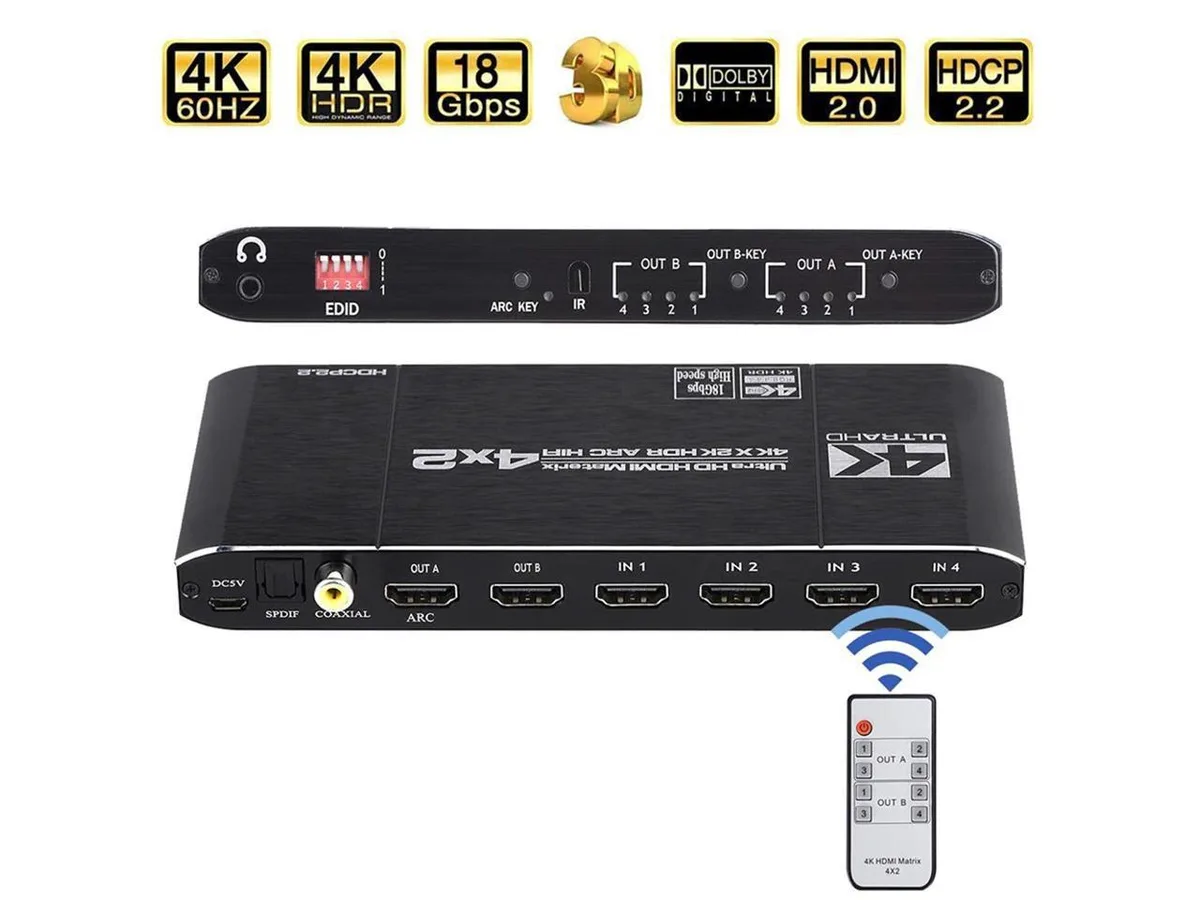
COFIER
COFIER 4K@60Hz HDMI Matrix 4x2 Switch Splitter HDCP 2.2 IR Remote Spdif vr accessory
- Controller
$289.99
0.00334912BTC
In stock