

Knox Gear, Inc.
Knox Gear KN-GC02 39" Hard Shell Guitar Case Gold Hardware
- Guitar Bag
$62.99
0.00075531BTC
In stockWe take cryptocurrency — so the coins you hold can buy real hardware.Pay in crypto, spend it on real hardware. Free insured shipping worldwide over $399. Plain, unbranded boxes, sent from Germany.Free insured shipping over $399. Your rate is locked for 30 minutes once checkout opens.Rate locked 30 minutes. Every item sealed, serial-checked and covered by a 24-month warranty.Sealed, 24-month warranty.


YINGHUA
Pre-cut micro-fibre leather grips add sweat-resistant, anti-slip control to a G102 mouse without leaving residue
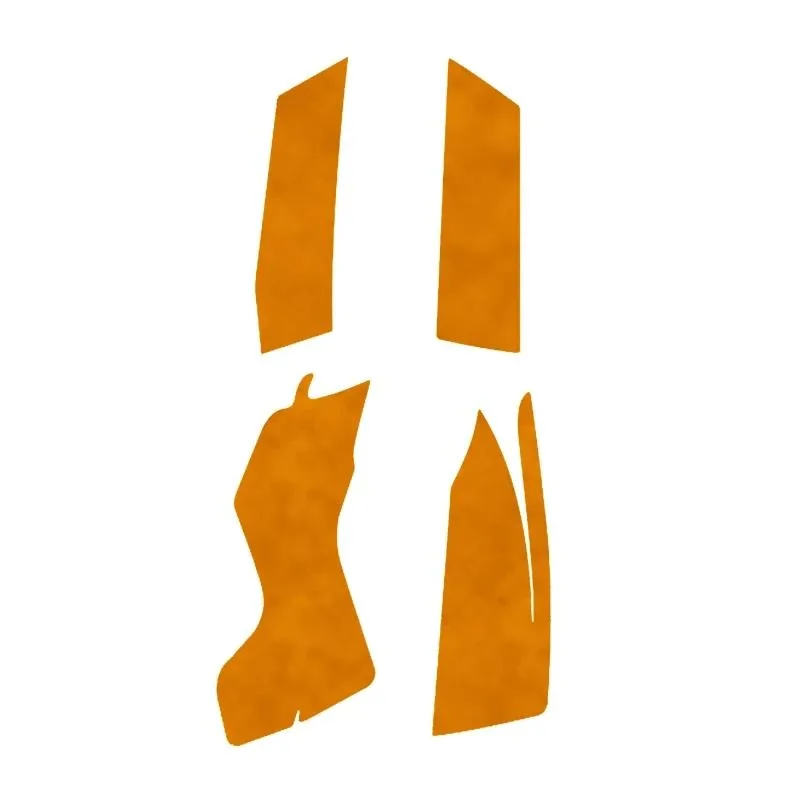
Pre-cut micro-fibre leather stickers match the G102 shell so no trimming is required. The transfer-tape backing lets you position each piece and peel it away cleanly without adhesive residue. Sweat-resistant surface keeps grip consistent during long sessions. One set covers the main contact zones on both sides.
Micro-fibre leather wicks moisture away from the palm and fingertips to reduce slip caused by perspiration. The ultra-thin profile adds negligible bulk so sensor tracking and click feel remain unchanged. Material resists heat build-up from hand contact during extended play. No moving parts means silent operation.
Stickers adhere directly to the stock feet and side panels of a compatible G102 without tools. Removal leaves the original surface intact for resale or return to factory feel. Frees you from bulky aftermarket grips that can peel at the edges. Not suited for mice with different contours or users who prefer bare plastic.
No published specifications for this item yet.
Peel the transfer tape, align the pre-cut pieces with the G102 shell, press firmly, then remove the transfer layer; the step most people rush is cleaning the surface first — any dust or oil stops the adhesive bonding properly.
The ultra-thin micro-fibre leather wears through after months of daily use; replace the set once the texture feels smooth or the sweat-resistant coating no longer repels moisture.
Heat builds under the palm because the ultra-thin leather does not breathe as well as bare plastic, so grip comfort drops before the anti-slip property fails.
Also in this aisle
Same shelf, same checkout — eight coins and a 30-minute rate lock.
What you pay in, and what you read prices in.
Sent from your wallet at checkout
Display only — the catalogue is priced in USD
No currency matches that.
Pick the language the site speaks to you in.
No language matches that.
New here?
Already have one?
There is no automatic reset: this shop sends no mail, so there is no one-time link to ask for. Leave the address on the account and it gets picked up by hand.
Request noted
Nothing is on its way to your inbox — this shop sends no mail at all. Someone picks these up by hand.
Remembered it?


