ZYX Music
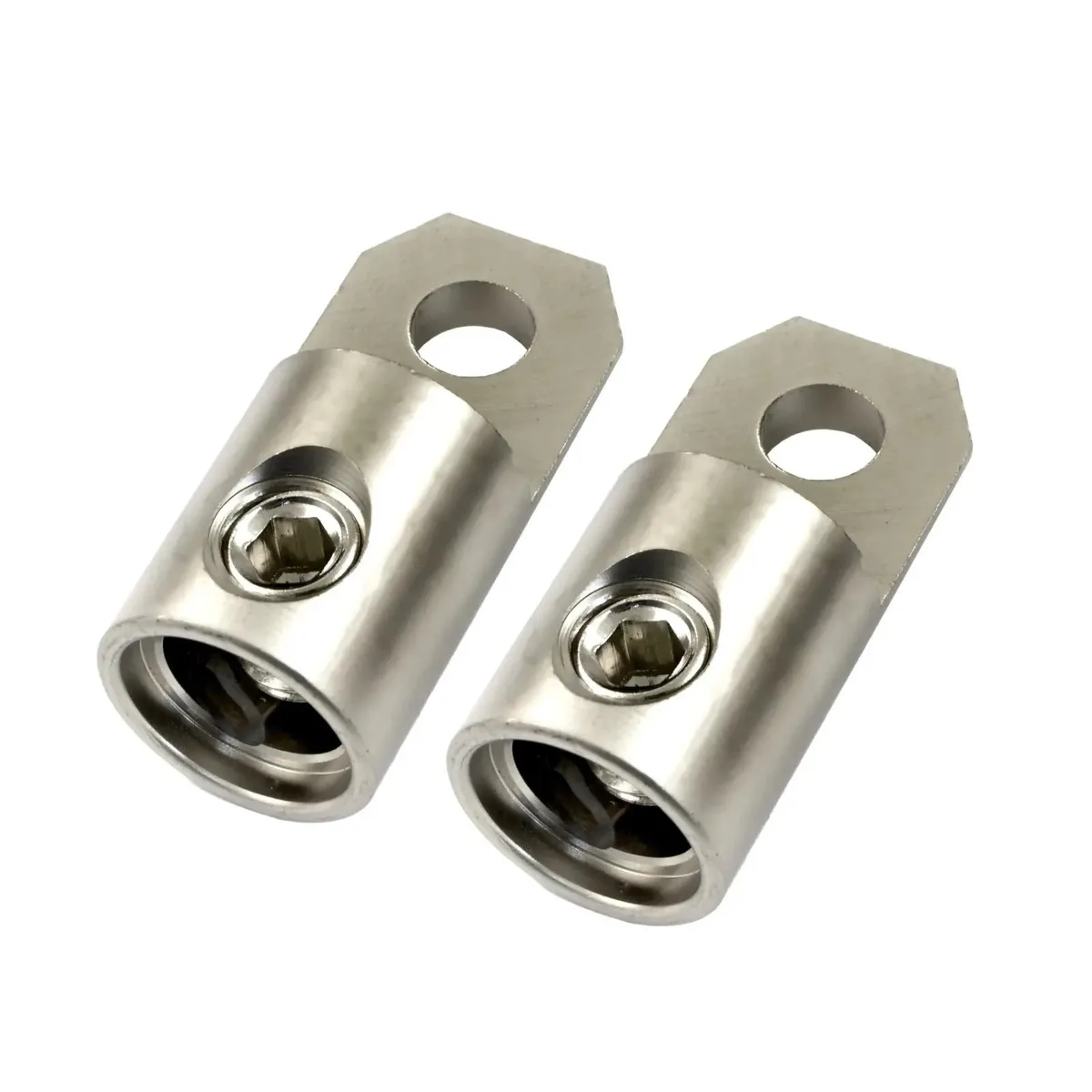
ZYX Music Double DIN Dash Kit Wire Harness Antenna Adapter 2011-2013 Kia Sorento
$59.99
0.00070974BTC
In stockWe take cryptocurrency — so the coins you hold can buy real hardware.Pay in crypto, spend it on real hardware. Free insured shipping worldwide over $399. Plain, unbranded boxes, sent from Germany.Free insured shipping over $399. Your rate is locked for 30 minutes once checkout opens.Rate locked 30 minutes. Every item sealed, serial-checked and covered by a 24-month warranty.Sealed, 24-month warranty.


WUQ
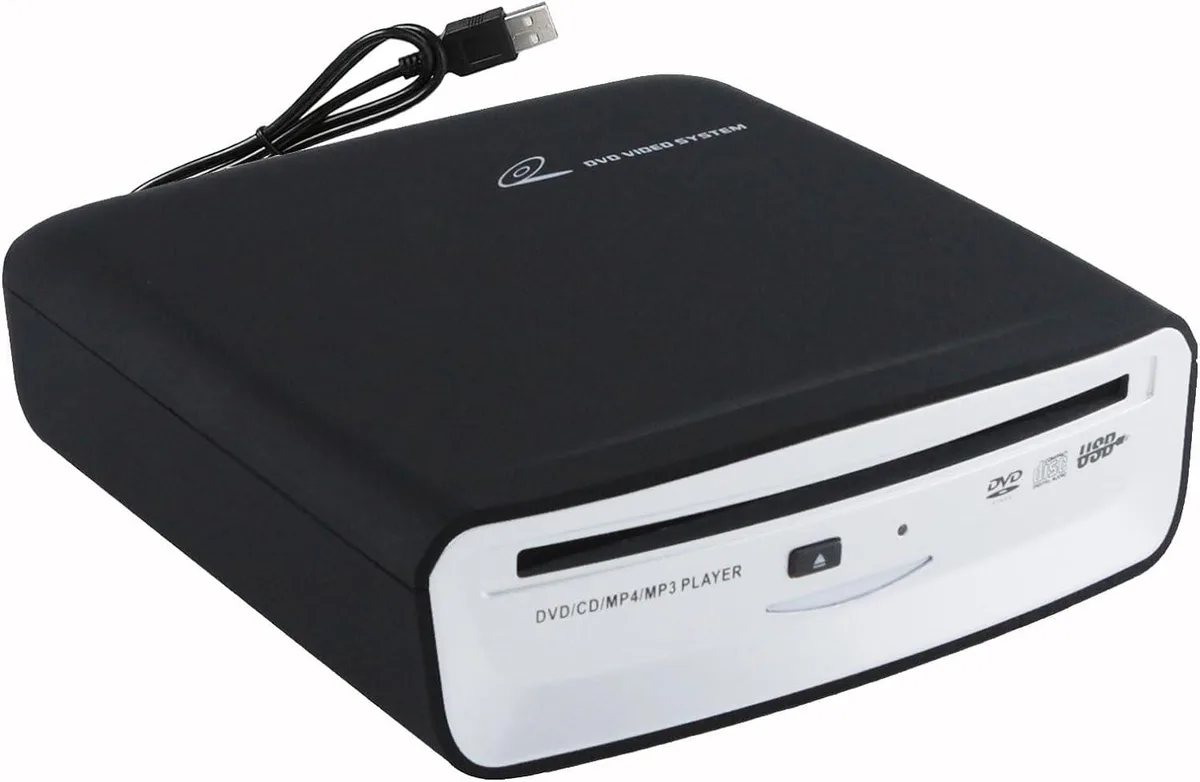
Plug-and-play USB CD player for Android 4.4+ car navigation, TVs and computers, reading DVD and CD discs with anti-shock playback
This portable USB CD player connects directly to car Android navigation systems running version 4.4 and above. It draws power from the USB port and requires no external adapter or driver installation. The device reads audio CDs and data discs for music or audiobook playback through the vehicle's screen.
The unit runs on USB bus power, keeping power draw minimal and eliminating the need for a separate power supply. An advanced mechanism provides electronic shock resistance so that horizontal, vertical or angled placement and road vibration do not interrupt disc reading. No cooling fan is present, so operation is silent.
This player adds CD and DVD-ROM, DVD±R, DVD±RW, CD-R and CD-RW support to cars and Android smart TVs that lack an internal drive but offer USB flash-drive functionality. It also works with Windows and macOS desktops and laptops. The upgrade is worthwhile when the vehicle infotainment system or TV can play all file formats from a USB mass-storage device.
| Type | Radio Transmitter |
|---|
Plug the USB cable into the car's Android navigation host USB port, then select USB data entry mode on the car's display; the player works with Android 4.4 and above.
The drive reads DVD-ROM, DVD±R, DVD±RW, CD-ROM, CD-R and CD-RW discs; any of these formats may need replacement if damaged.
The unit draws power from the car's USB port, so sustained use depends on that port's available current.
Also in this aisle
Same shelf, same checkout — eight coins and a 30-minute rate lock.
What you pay in, and what you read prices in.
Sent from your wallet at checkout
Display only — the catalogue is priced in USD
No currency matches that.
Pick the language the site speaks to you in.
No language matches that.
New here?
Already have one?
There is no automatic reset: this shop sends no mail, so there is no one-time link to ask for. Leave the address on the account and it gets picked up by hand.
Request noted
Nothing is on its way to your inbox — this shop sends no mail at all. Someone picks these up by hand.
Remembered it?