WISDUM
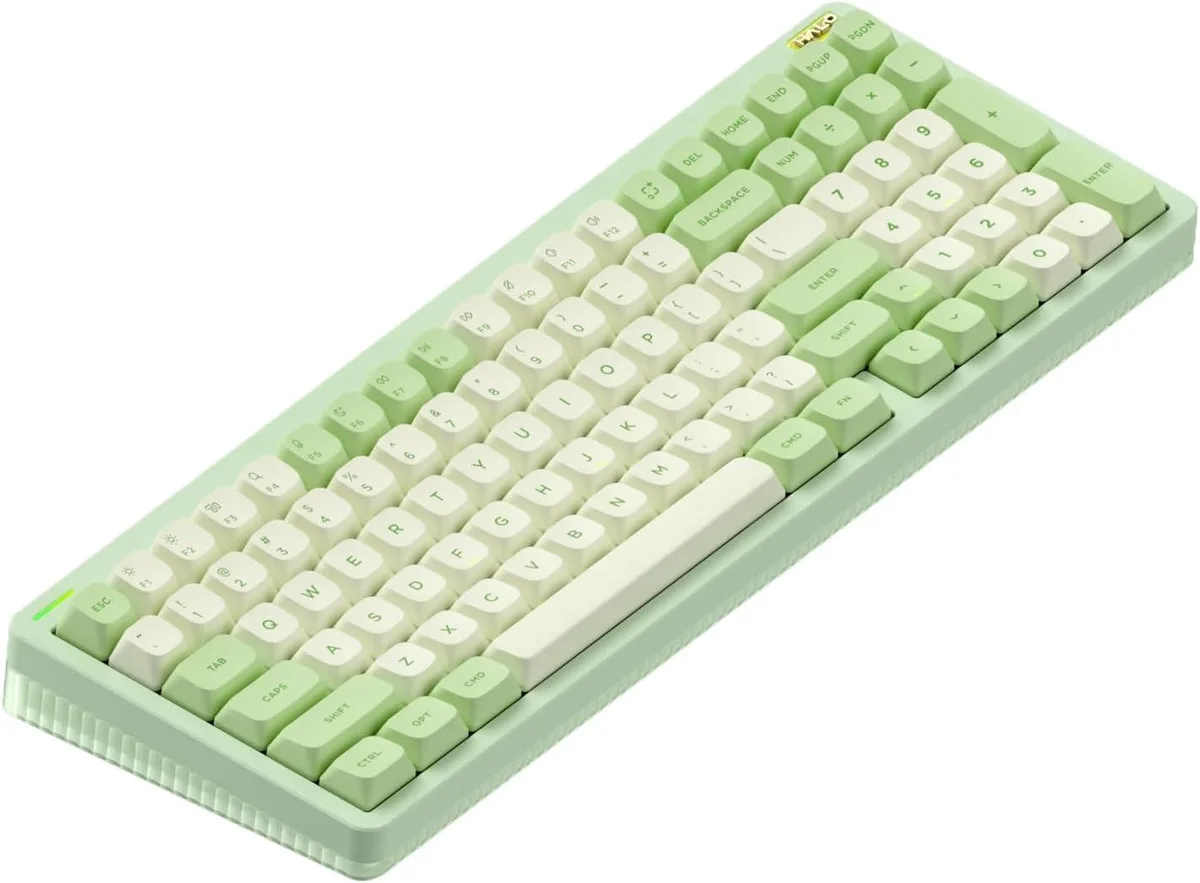
WISDUM Halo96 V2 96% Wireless Mechanical Gaming Keyboard Raspberry Switches 46gf Green
- 96%
$177.99
0.00210435BTC
In stockWe take cryptocurrency — so the coins you hold can buy real hardware.Pay in crypto, spend it on real hardware. Free insured shipping worldwide over $399. Plain, unbranded boxes, sent from Germany.Free insured shipping over $399. Your rate is locked for 30 minutes once checkout opens.Rate locked 30 minutes. Every item sealed, serial-checked and covered by a 24-month warranty.Sealed, 24-month warranty.


WISDUM
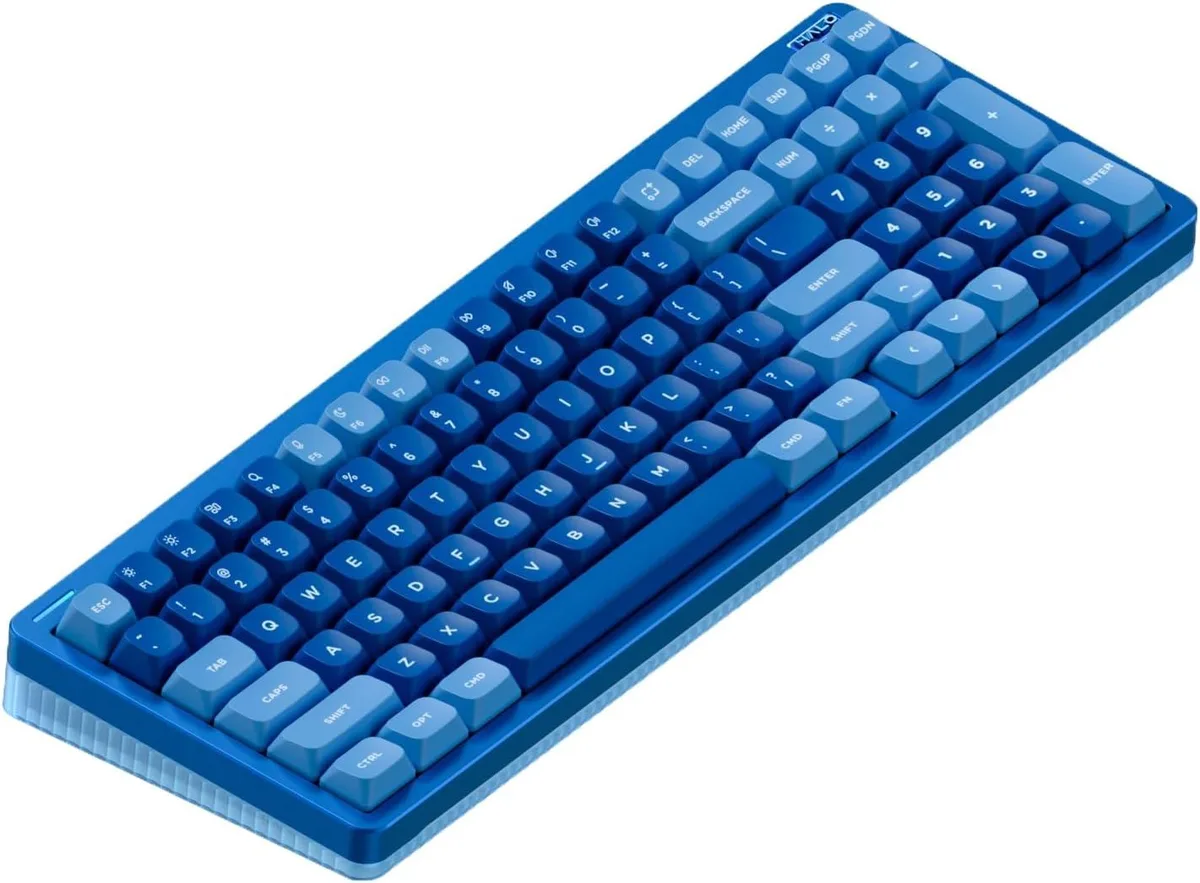
A compact 96% wireless mechanical keyboard with hot-swappable Blue Raspberry switches at 46gf, gasket mount, 1000Hz polling in wired and 2.4GHz modes, Bluetooth 5.0.
Size Raspberry 46gf
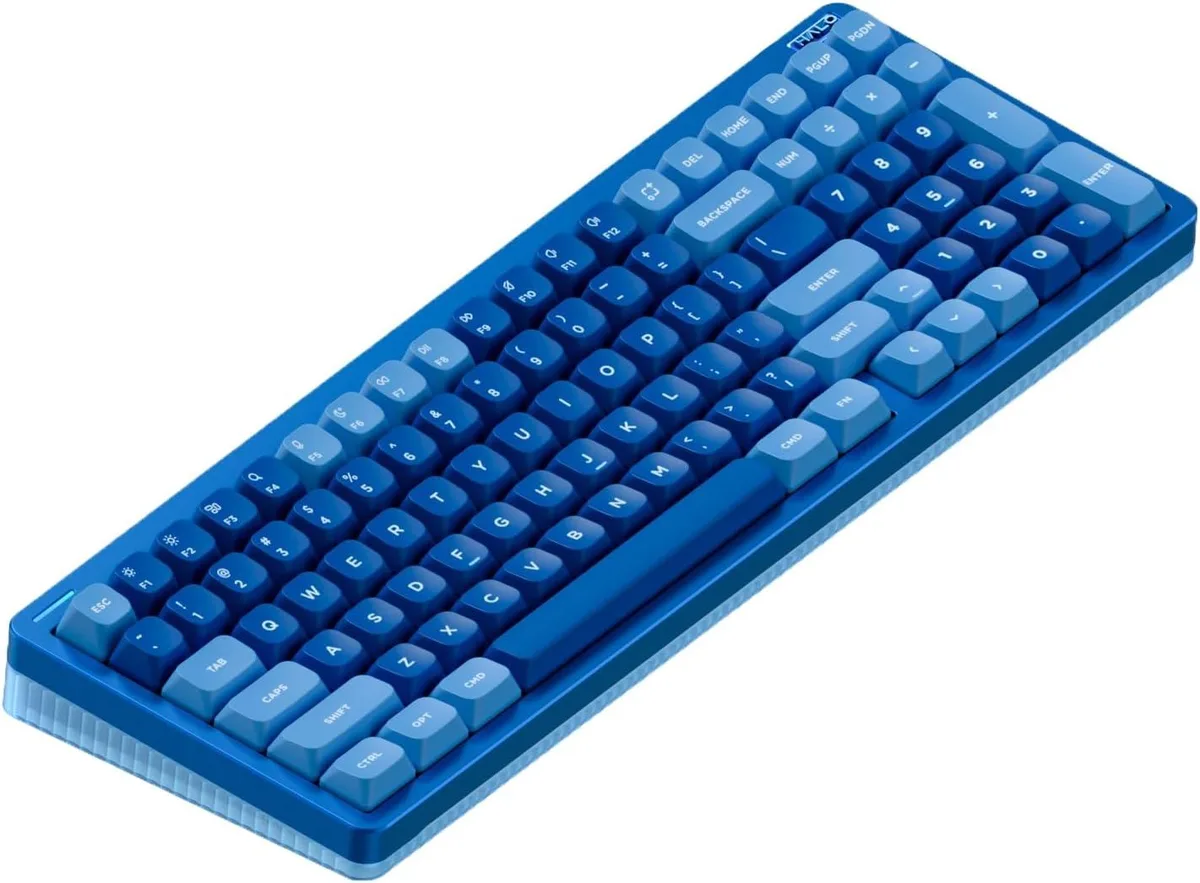
The WISDUM Halo96 V2 is a 96% layout mechanical keyboard with 99 keys and Blue Raspberry switches rated at 46gf actuation force. It targets gamers and typists who want a compact footprint without losing the navigation cluster or number row. Three connection modes — Bluetooth 5.0, 2.4GHz wireless and USB-C wired — cover desktop, laptop and mobile workflows.
A gasket-mounted structure replaces the previous top-mount design to improve typing acoustics and feel. The bottom case uses double-shot moulding with semi-transparent material so the entire surface acts as a light guide for the RGB halo band. Hot-swappable sockets allow switch changes without soldering, and the board supports QMK/VIA for deep key-mapping and lighting customisation across Windows, macOS, Linux, Android and iOS.
In wired and 2.4GHz modes the keyboard reports at 1000Hz for low-latency input. A 4000mAh battery powers the wireless operation, while a physical toggle switches the function row to Mac-specific shortcuts such as Do Not Disturb and Spotlight. Up to four Bluetooth devices can be paired and swapped via FN key combinations.
| Layout | 96% |
|---|
Other versions of this model
Same family, different memory, cooler or clock — compare before you commit.
Bluetooth 5.0 mode runs at the standard Bluetooth report rate; the 1000 Hz polling rate applies to wired USB-C and 2.4 GHz wireless modes.
The board uses standard MX-style stems and a gasket-mounted plate; any MX-compatible keycap set and 3- or 5-pin mechanical switch will fit the 99-key layout.
Plug the 2.4 GHz dongle, hold the designated FN combination until the indicator flashes, then select the keyboard on the new device; the missed step is keeping the dongle inserted during pairing.
Also in this aisle
Same shelf, same checkout — eight coins and a 30-minute rate lock.
What you pay in, and what you read prices in.
Sent from your wallet at checkout
Display only — the catalogue is priced in USD
No currency matches that.
Pick the language the site speaks to you in.
No language matches that.
New here?
Already have one?
There is no automatic reset: this shop sends no mail, so there is no one-time link to ask for. Leave the address on the account and it gets picked up by hand.
Request noted
Nothing is on its way to your inbox — this shop sends no mail at all. Someone picks these up by hand.
Remembered it?