

Werleo
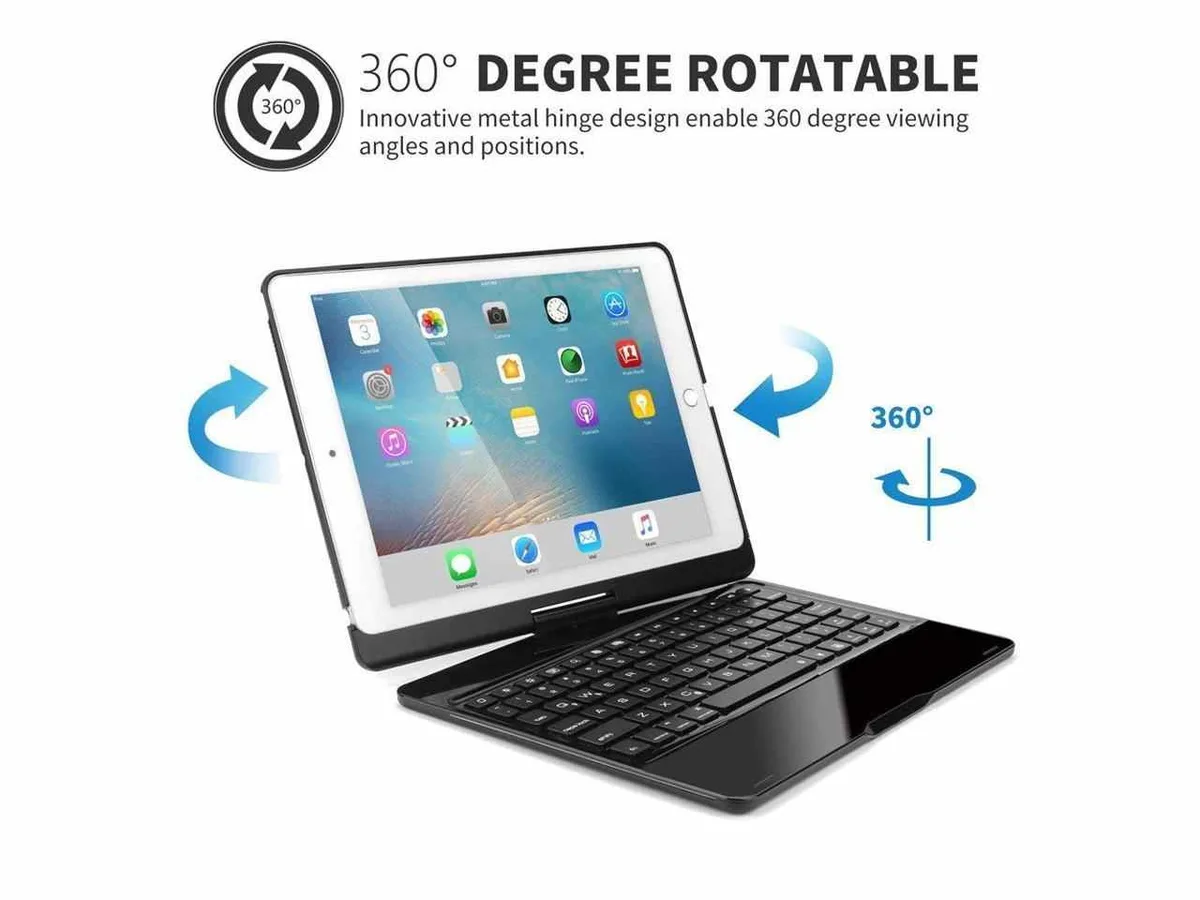
Werleo A1701 10.5" 360° Rotatable Backlit Keyboard Case
A slim aluminium-alloy case with a detachable 7-colour backlit Bluetooth keyboard that rotates 360° and wakes or sleeps the iPad Pro 10.5 automatically
- ColorBlack
- StyleBacklit Keyboard
- Size10"
- Option10-inch
- Designed for iPad Pro 10.5 models A1701 and A1709
- 360-degree rotation for flexible viewing angles
- Seven backlight colours with three brightness levels
- Aluminium alloy panel with chiclet keys for comfortable typing
- Auto sleep and wake function conserves power
Compatible iPad models
This keyboard case fits the iPad Pro 10.5 inch models A1701 and A1709. It combines a protective hard shell with a detachable wireless keyboard. The case adds a laptop-style experience for typing and viewing.
Use-case fit
Suits professionals and students who want a single accessory for typing, viewing media and protecting their tablet. Not suited for owners of other iPad sizes or models, or for users who need a wired keyboard connection or a trackpad.
360-degree rotation
The hinge allows the screen to rotate a full 360 degrees and hold multiple viewing angles. This flexibility supports typing, presenting, watching video or reading in portrait and landscape orientations.
Highlights
- Designed for iPad Pro 10.5 models A1701 and A1709
- 360-degree rotation for flexible viewing angles
- Seven backlight colours with three brightness levels
- Aluminium alloy panel with chiclet keys for comfortable typing
- Auto sleep and wake function conserves power
Specifications
| Color | Black |
|---|---|
| Style | Backlit Keyboard |
| Size | 10" |
| Option | 10-inch |
Questions about this item
Will the 10.5 inch A1701 or A1709 iPad Pro fit securely in this case?
This case is specifically designed for the iPad Pro 10.5 inch models A1701 and A1709. The hard shell moulding matches the exact dimensions and button placement of those models for a secure fit.
How do I pair the wireless keyboard and what step is often missed?
Slide the keyboard power switch to ON then press the Bluetooth pairing key until the indicator flashes. The step often missed is selecting the keyboard in the iPad Bluetooth settings menu to complete the connection.
How do I replace the keyboard battery when it runs out?
The keyboard has a built-in rechargeable battery. Connect the supplied USB cable to the keyboard charging port and a USB power source to recharge it; no battery replacement is required.
Also in this aisle
People compared these
Same shelf, same checkout — eight coins and a 30-minute rate lock.


IXJYLCPC
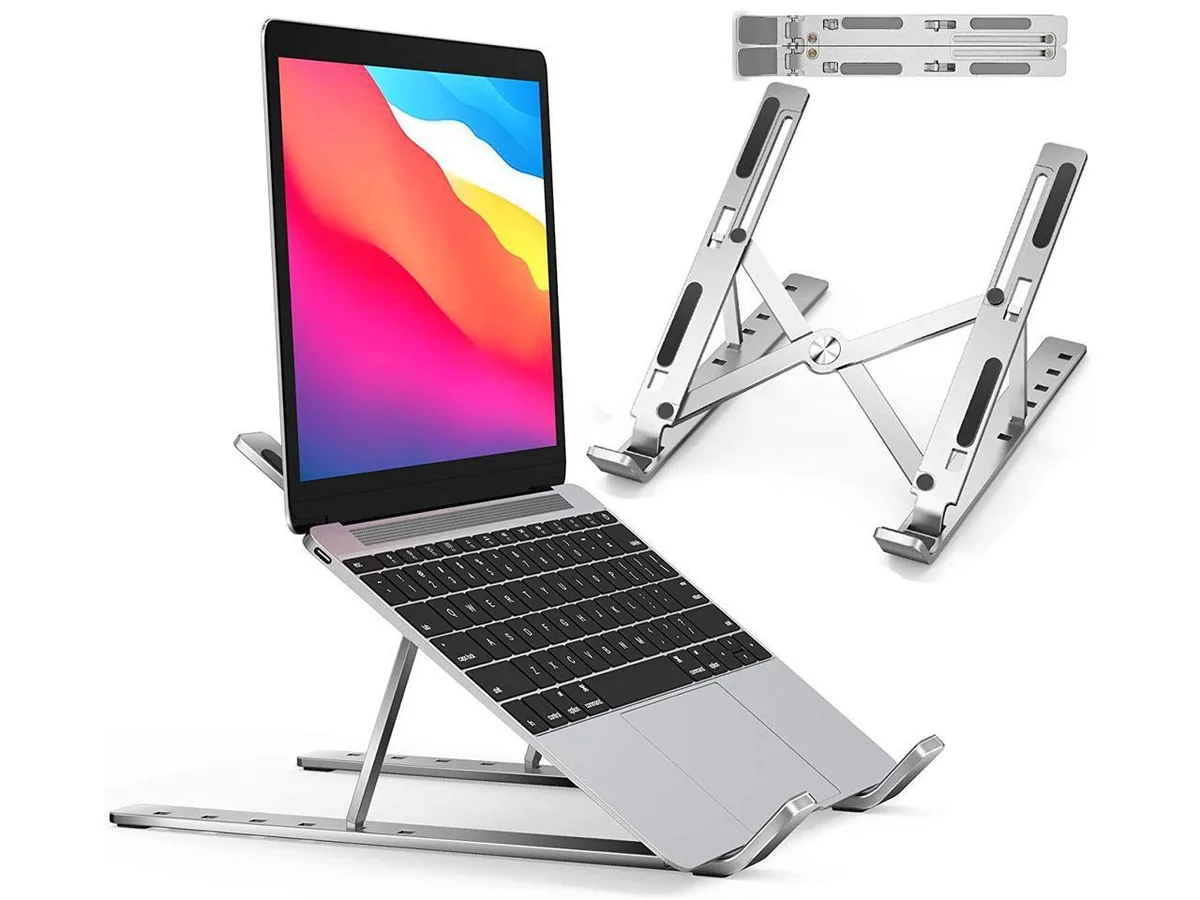
IXJYLCPC C08LS Adjustable Ergonomic Riser Stand Black 10-15.6
- Stand
$31.99
0.00036882BTC
In stock