

Web
Web 1080P Webcam 70° Black
A 1080P USB 2.0 webcam with a 70° lens, built-in dual noise-reducing microphone, privacy cover, and clip or tripod mounting for video calls and streaming
- ColorBlack
- Sharp 1080P video for clear calls
- 70° view fits one person neatly
- Privacy cover blocks the lens when idle
- Dual mic cuts background noise for crisp audio
- USB 2.0 plug-and-play works on Windows, Mac, Android
1080P Webcam 70° View
This USB webcam delivers full-HD 1080P video using a CMOS image sensor and a 70° wide-angle lens. It connects via USB 2.0 and requires no drivers on Windows, Windows 10, Mac OS or Android. The unit includes a built-in dual noise-reducing microphone for stereo audio capture. A privacy cover slides over the lens when the camera is not in use.
Suits calls and streaming; not for wide rooms
The webcam fits home-office video calls, webinars and streaming on platforms such as Zoom, Skype, YouTube, WeChat and Gmail. The fixed 70° field of view is narrow for group meetings or large spaces where a wider angle would capture more participants. Buyers who need a broader view or higher frame rates at 1080P should look at other models.
Clip or tripod mount; check USB port
A mounting clip and a standard ¼-inch tripod thread let you attach the camera to a monitor, desk or tripod. Installation is plug-and-play on supported operating systems. The only common issue is using a USB 2.0 port that cannot supply enough power for the microphone and sensor simultaneously.
Highlights
- Sharp 1080P video for clear calls
- 70° view fits one person neatly
- Privacy cover blocks the lens when idle
- Dual mic cuts background noise for crisp audio
- USB 2.0 plug-and-play works on Windows, Mac, Android
Specifications
| Color | Black |
|---|
Questions about this item
Do I need a free USB 2.0 port to use the 1080P Webcam?
Yes, the webcam connects via USB 2.0 and works plug-and-play with Windows 10, Mac OS or Android without extra drivers.
Will the 70° wide-angle lens still fit on my existing monitor clip?
The unit includes a mounting clip and a ¼-inch tripod thread, so it can sit on a monitor, desk or tripod you already own.
How can I confirm the CMOS sensor is delivering full-HD video after setup?
Open a preview in Zoom, Skype or the Windows Camera app; the image should show 1080P clarity and the dual noise-reducing microphone should register clear audio.
Also in this aisle
People compared these
Same shelf, same checkout — eight coins and a 30-minute rate lock.


Black Box Corporation
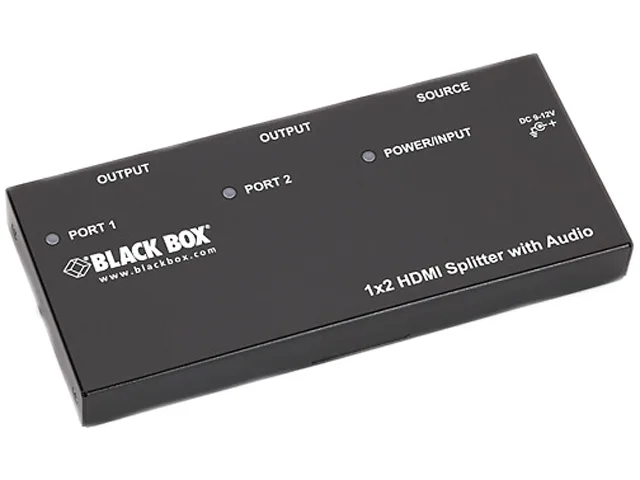
Black Box AVSP-HDMI1X2 HDMI splitter 1×2 with audio
- HDMI
- Approvals: CE, RoHS…
$104.99
0.00121208BTC
In stock