


Vszerda
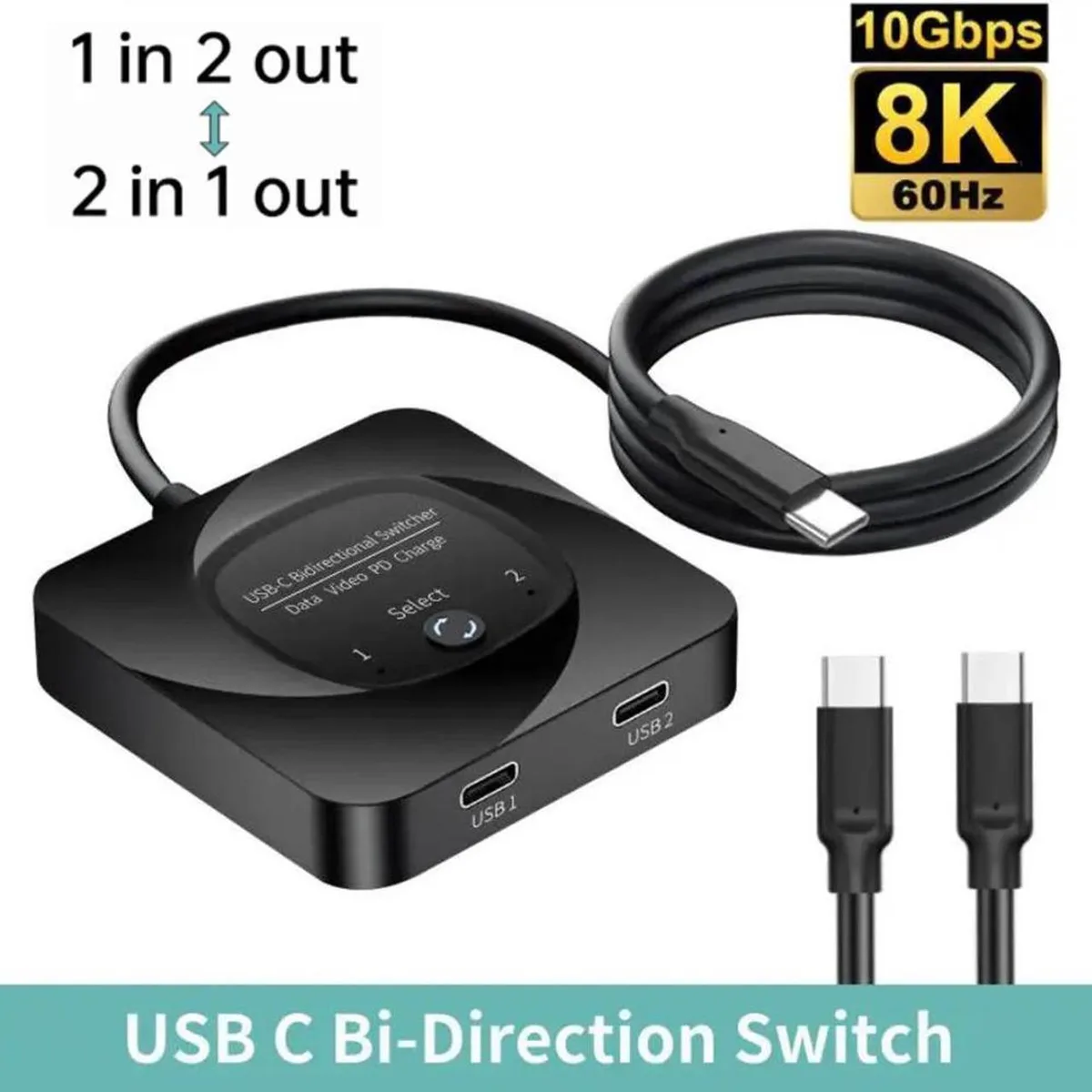
Vszerda USB-C Bi-Directional KVM Switch 8K@60Hz 10Gbps 100W PD
Bi-directional USB-C KVM switch supports 8K at 60 Hz, 10 Gbps data and 100 W power delivery
- TypeAccessories
- Bi-directional switching lets you share one display between two computers
- 10 Gbps data transfer over USB 3.1 Gen 2 for fast peripheral access
- 8K video at 60 Hz delivers ultra-high-definition output
- 100 W Power Delivery passes charging power to the active device
- One-button control changes the active channel instantly
USB-C Bi-Directional KVM Switch
This USB-C switch operates in two modes: connect two source devices to one display or connect one source to two displays. Only the selected destination is active at any time. It suits users who share a single monitor or dock between a laptop and a desktop. Builders who need simultaneous multi-monitor output from one source should look elsewhere.
10 Gbps USB 3.1 Gen 2 Interface
Data moves at up to 10 Gbps when the connected host and cable support the standard. Video reaches 8K at 60 Hz, limited by the weakest link in the chain. The switch requires the included 5 V DC power cable to function. It does not generate its own signal or boost bandwidth beyond what the endpoints provide.
100 W Power Delivery Pass-Through
The unit passes up to 100 W of USB Power Delivery from the selected source to the active destination. Charging follows the switched data path, so only the currently chosen device receives power. Systems that demand more than 100 W or require always-on charging for both ports will need a different solution.
Highlights
- Bi-directional switching lets you share one display between two computers
- 10 Gbps data transfer over USB 3.1 Gen 2 for fast peripheral access
- 8K video at 60 Hz delivers ultra-high-definition output
- 100 W Power Delivery passes charging power to the active device
- One-button control changes the active channel instantly
Specifications
| Type | Accessories |
|---|
Questions about this item
Should I choose the 2 in 1 out or 1 in 2 out mode for my setup?
Use 2 in 1 out to share one display between two computers, or 1 in 2 out to send one computer's signal to either of two displays; only the selected destination is active at any time.
Will the 8K@60Hz rating work with my laptop and monitor?
The switch passes up to 8K at 60 Hz, but the actual resolution depends on the source device, the monitor and the cable you use; all three must support that mode.
What does the USB 3.1 Gen 2 10Gbps rating mean for my external SSD?
The USB-C port runs at USB 3.1 Gen 2 speeds up to 10 Gbps, so an external SSD will transfer at that rate when it is the currently selected destination.
Also in this aisle
People compared these
Same shelf, same checkout — eight coins and a 30-minute rate lock.


Black Box Corporation
Black Box Corporation 4K60 HDMI Dual-Head KVM Switch 4 Port
$774.99
0.00920897BTC
In stock