


Vszerda
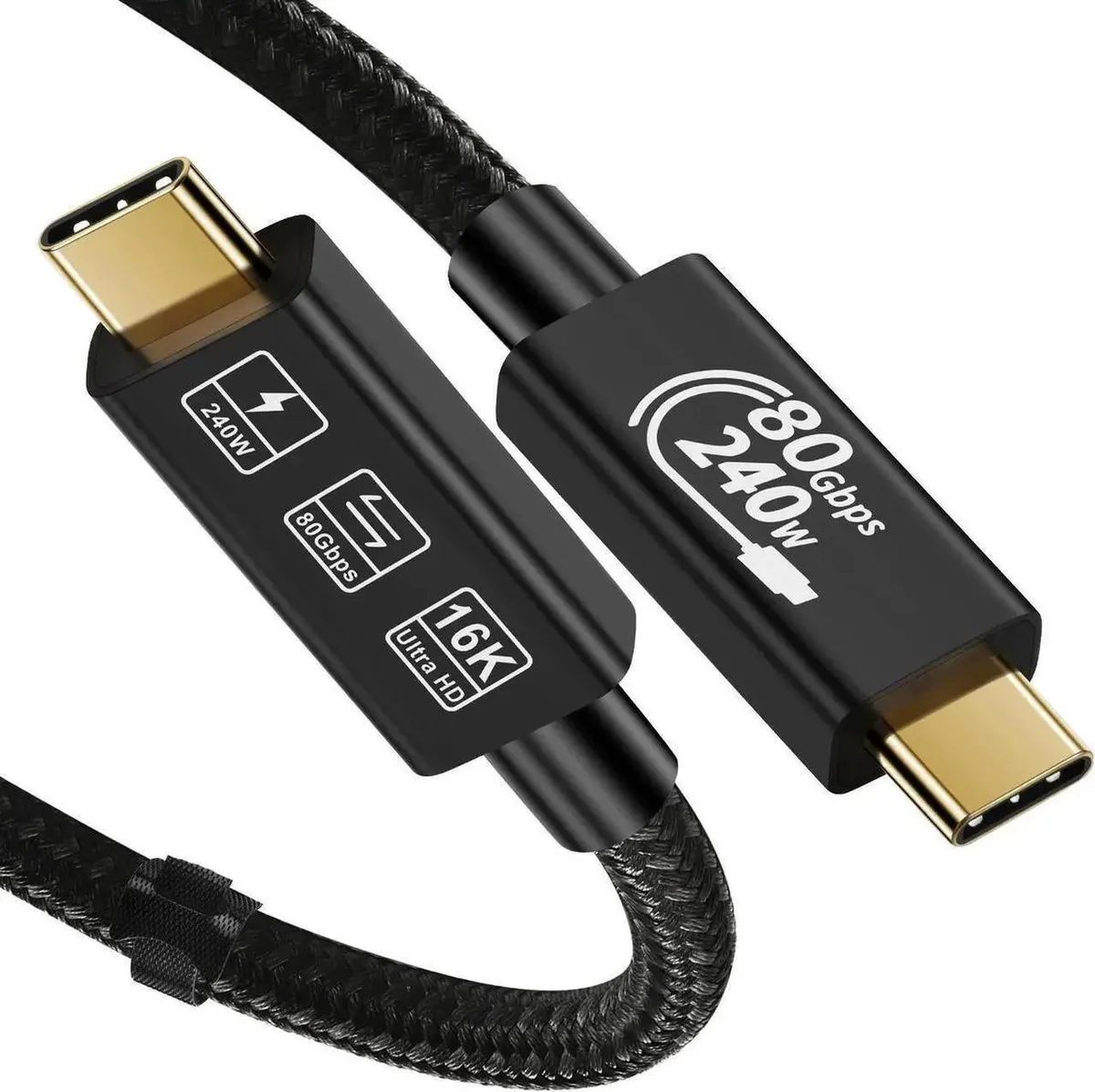
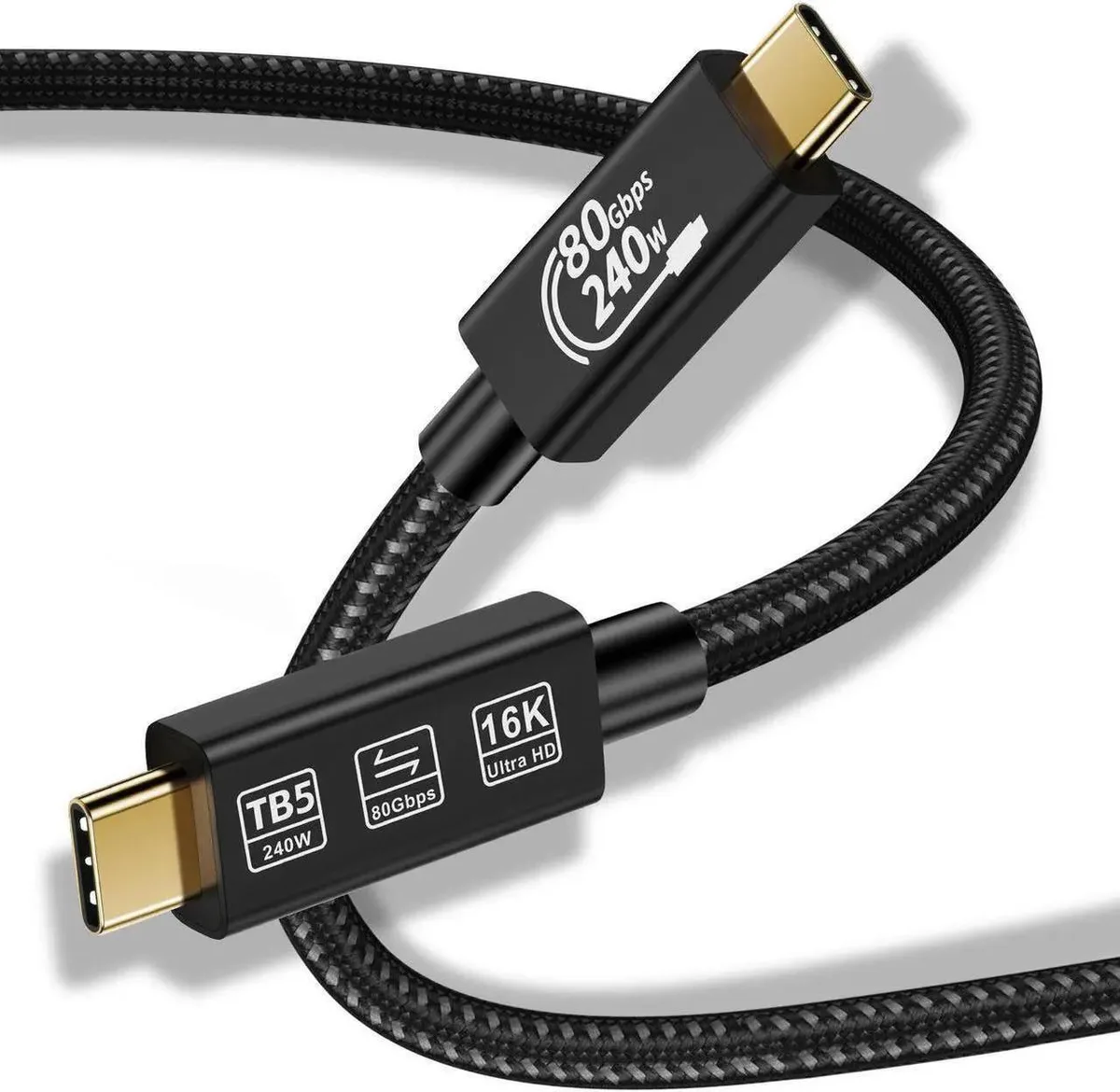
Vszerda Thunderbolt 5 Cable 80Gbps 240W 16K 4.92 FT
Transfers data at 80 Gbps, delivers 240 W power, and drives 16K@60 Hz or dual 8K displays over 4.92 ft
- Transfer files in seconds with 80 Gbps bi-directional bandwidth
- Drive a single 16K display at 60 Hz or dual 8K at 60 Hz
- Power laptops and accessories up to 240 W with compatible charger
- Withstands 5,000 bend cycles in lab testing
- Works with Thunderbolt 4, USB4 and earlier USB-C devices
Thunderbolt 5 Cable 80 Gbps 240W
This Thunderbolt 5 cable delivers 80 Gbps bidirectional bandwidth and up to 240 W power delivery for creators and professionals who move large video files and charge high-power laptops through a single USB-C connection. It supports 16K at 60 Hz or dual 8K at 60 Hz displays for demanding visual workflows.
Upgrade from Thunderbolt 4 or USB 3.2 cables
The jump is worth it when you need up to three times more video bandwidth than Thunderbolt 4 and 50 percent more than DisplayPort 2.1 UHBR20, enabling dual 8K at 60 Hz or triple 4K at 144 Hz setups. Bandwidth Boost reaches 120 Gbps for the best display experience.
Check your host and display capabilities
Verify that your laptop or dock supports Thunderbolt 5 or USB4 Version 2 to unlock the full 80 Gbps data rate and 240 W charging. The cable is backward compatible with Thunderbolt 3, Thunderbolt 4, USB 2.0, USB 3.0, USB 3.2 Gen 1, Gen 2 and Gen 2x2 devices at their native speeds.
Highlights
- Transfer files in seconds with 80 Gbps bi-directional bandwidth
- Drive a single 16K display at 60 Hz or dual 8K at 60 Hz
- Power laptops and accessories up to 240 W with compatible charger
- Withstands 5,000 bend cycles in lab testing
- Works with Thunderbolt 4, USB4 and earlier USB-C devices
Specifications
No published specifications for this item yet.
Other versions of this model
5 more in the same range
Same family, different memory, cooler or clock — compare before you commit.




Questions about this item
What USB-C port spacing does the 4.92 FT cable need for dual 8K@60Hz monitors?
The cable uses standard USB-C connectors on both ends, so it fits any Thunderbolt 5 or USB4 port with normal spacing; no proprietary bracket or adapter is required.
Which end plugs in first when setting up 240W charging with Bandwidth Boost?
Connect the cable to the 240W-capable charger and host device before attaching the display; the 120 Gbps Bandwidth Boost activates automatically once all three links negotiate Thunderbolt 5 speeds.
After how many bends should I plan to replace the cable?
Lab testing rates the cable for 5,000 bends; replace it once you approach that cycle count or if the jacket shows kinks that could affect the 80 Gbps data path.
Also in this aisle
People compared these
Same shelf, same checkout — eight coins and a 30-minute rate lock.



CHIEF MANUFACTURING
CHIEF MANUFACTURING CMS018 18" 457 mm Fixed Extension Column projector accessory
- Extension Column
- Projector
$22.99$22.99
0.00026704BTC
In stock