


Vszerda
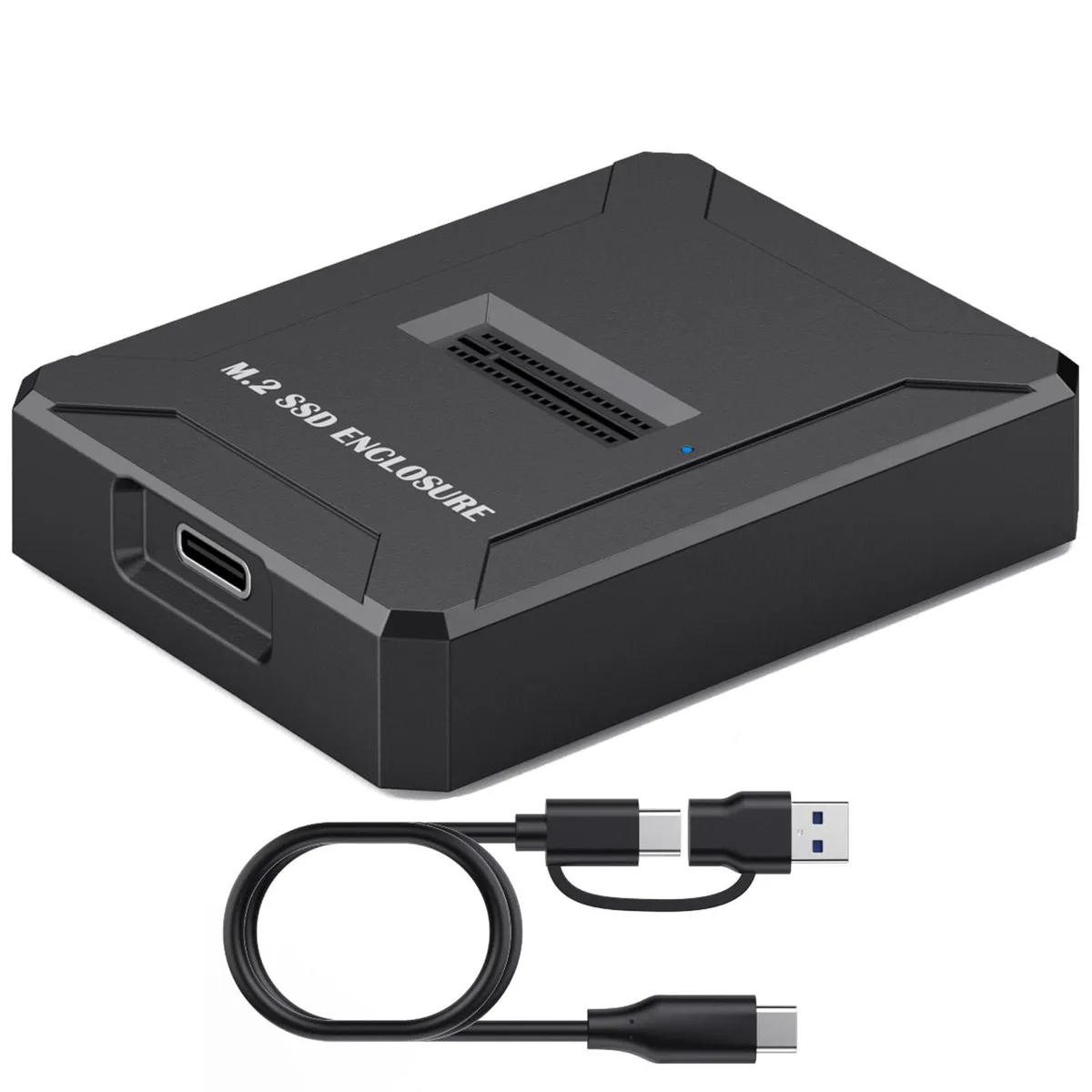
Vszerda M.2 NVMe & SATA SSD Docking Station
Dual-protocol M.2 dock reads NVMe and SATA SSDs at up to 10 Gbps with tool-free insertion and built-in cooling fan
- Dual-protocol M.2 support handles both NVMe and SATA SSDs
- 10 Gbps peak transfer speed moves large files quickly
- Tool-free slot-in design gets you working in seconds
- Built-in cooling fan prevents thermal throttling during heavy use
- USB-C 2-in-1 cable connects to USB-C or USB-A ports
Dual-Protocol M.2 Docking Station
The Vszerda docking station accepts M.2 NVMe and SATA SSDs in 2230, 2242, 2260, 2280 and 22110 form factors. It connects to a host via USB-C using the supplied USB-C to USB-A cable and requires no tools or screws to swap drives. The enclosure is aimed at technicians and power users who need quick, temporary access to bare M.2 modules without opening a computer chassis.
Suits field technicians and multi-drive workflows
The dock serves anyone who routinely clones, images or diagnoses M.2 drives across Windows, macOS and Linux systems. It does not support SATA M.2 B-key SSDs, so users with that keying must look elsewhere. Builders wanting a permanent internal installation or a RAID-capable enclosure will not find those functions here.
Sustained transfer with active cooling
A built-in fan runs continuously to prevent thermal throttling during long sequential reads or writes at up to 10 Gbps for NVMe and 5 Gbps for SATA. The ABS housing adds passive dissipation, keeping performance stable across extended backup or cloning sessions rather than only in short bursts.
Highlights
- Dual-protocol M.2 support handles both NVMe and SATA SSDs
- 10 Gbps peak transfer speed moves large files quickly
- Tool-free slot-in design gets you working in seconds
- Built-in cooling fan prevents thermal throttling during heavy use
- USB-C 2-in-1 cable connects to USB-C or USB-A ports
Specifications
No published specifications for this item yet.
Questions about this item
Which M.2 key types does this dock accept for NVMe and SATA drives?
It supports M.2 NVMe PCIe M key and B+M key SSDs, plus M.2 NGFF SATA B+M key and PCIe AHCI SSDs; SATA M.2 B key is not supported
Will the USB-C 2-in-1 cable work with my older USB 3.0 and 2.0 ports?
Yes, the dock is backward compatible with USB 3.0 and 2.0 ports via the included USB-C to USB-A cable
How can I confirm the dock is running at its rated speed after I connect an NVMe SSD?
Check the operating system's device manager or system report; the link should show a 10 Gbps connection when an NVMe drive is seated correctly
Also in this aisle
People compared these
Same shelf, same checkout — eight coins and a 30-minute rate lock.


STARWELL
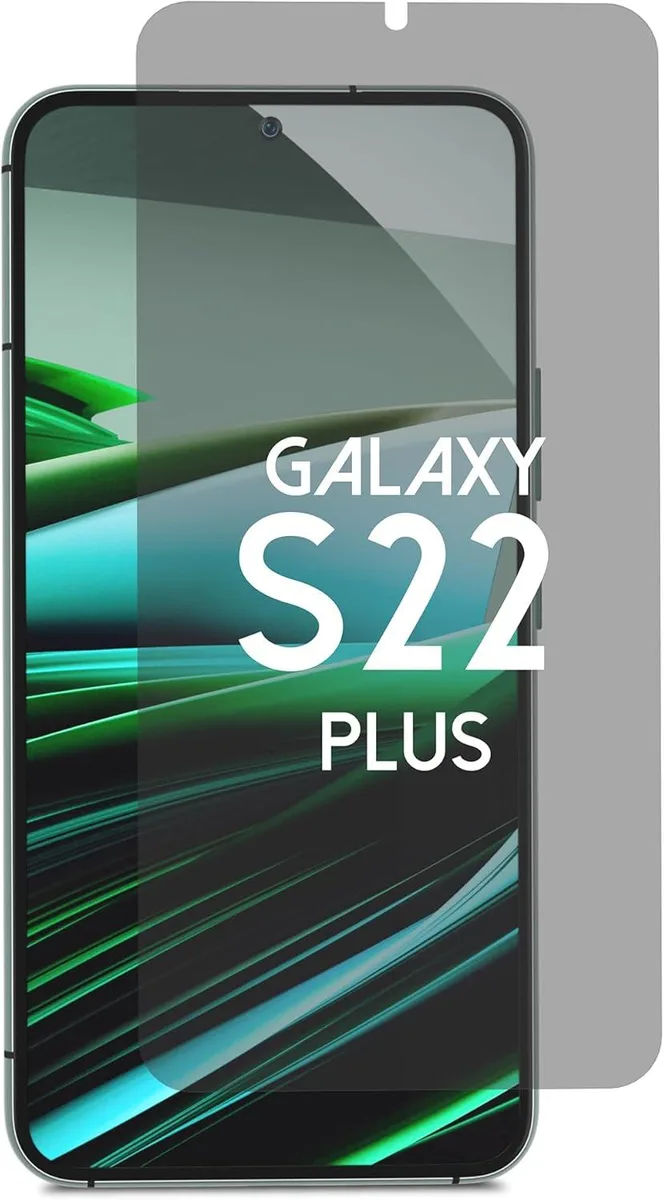
STARWELL Privacy Screen Protector Galaxy S22 Plus 6.6 Blue Light Blocking Alignment Kit
- Screen Protector
$46.99
0.00055105BTC
In stock
STARWELL
STARWELL 4-Pack 9H+ Tempered Glass Screen Protector for iPhone 16 Pro Max 6.9 inch Auto Alignment Kit
- Screen Protector
$37.99
0.00044551BTC
In stock
STARWELL
STARWELL DiamondClear 9H+ Tempered Glass Screen Protector iPhone 17 Pro Max 6.9 2 Pack
- Screen Protector
$44.99
0.0005276BTC
In stock