Vszerda
Vszerda EXP GDC Beast Mini PCI-E/M.2 A Key No Power (Mini PCI-E) docking station
Connects a discrete PCI-E graphics card to a laptop via Mini PCI-E or M.2 A Key for higher GPU performance
- Connect external graphics via Mini PCI-E or M.2 A Key
- 26-pin enhanced cable supports Type 34 and Type 54 ExpressCard interfaces
- 6-pin and 8-pin power connectors supply GPU and dock
- Add PCI-E devices for engineering, data acquisition or GPU computing
- New condition, ready for immediate installation
Vszerda EXP GDC Beast Mini PCI-E/M.2 Dock
The Vszerda EXP GDC Beast is a Mini PCI-E and M.2 A Key docking station that lets a notebook connect an external desktop graphics card or other PCI-E device. It targets laptop owners who need discrete GPU performance for gaming, GPU computing, or industrial tasks such as data acquisition and server debugging. The unit includes a 26-pin enhanced MINI PCI-E data cable supporting Type 34 and Type 54 ExpressCard interfaces. It ships new without an integrated power supply.
Suits builders adding a graphics card via Mini
This dock suits users with an accessible Mini PCI-E or M.2 A Key slot who can provide separate 6-pin GPU power and 8-pin dock power. It is not for buyers whose laptops lack those internal connectors or who cannot supply external power to the graphics card. The design requires manual cabling inside the chassis, so it does not fit users wanting a simple external plug-and-play enclosure.
Relies on Mini PCI-E or M.2 A Key interface
The single specification that decides compatibility is the presence of a Mini PCI-E or M.2 A Key slot wired for PCI-E signalling. Without that specific internal interface the docking station cannot function, regardless of the graphics card chosen.
Highlights
- Connect external graphics via Mini PCI-E or M.2 A Key
- 26-pin enhanced cable supports Type 34 and Type 54 ExpressCard interfaces
- 6-pin and 8-pin power connectors supply GPU and dock
- Add PCI-E devices for engineering, data acquisition or GPU computing
- New condition, ready for immediate installation
Specifications
No published specifications for this item yet.
Questions about this item
Does my laptop need a Mini PCI-E slot to use this docking station?
Yes, the unit connects through a Mini PCI-E interface using a 26-pin cable, so the host machine must expose that slot internally.
Will the 26-pin cable fit both 34 mm and 54 mm ExpressCard slots if I keep an older adapter?
The enhanced cable supports both Type 34 and Type 54 ExpressCard interfaces, allowing use with either width of legacy ExpressCard adapter.
How can I confirm the dock is delivering power to the graphics card after I connect the 6-pin cable?
When the 6-pin connector is seated, the graphics card’s onboard LEDs or fans should spin up, showing the dock is passing auxiliary power correctly.
Also in this aisle
People compared these
Same shelf, same checkout — eight coins and a 30-minute rate lock.


IXJYLCPC
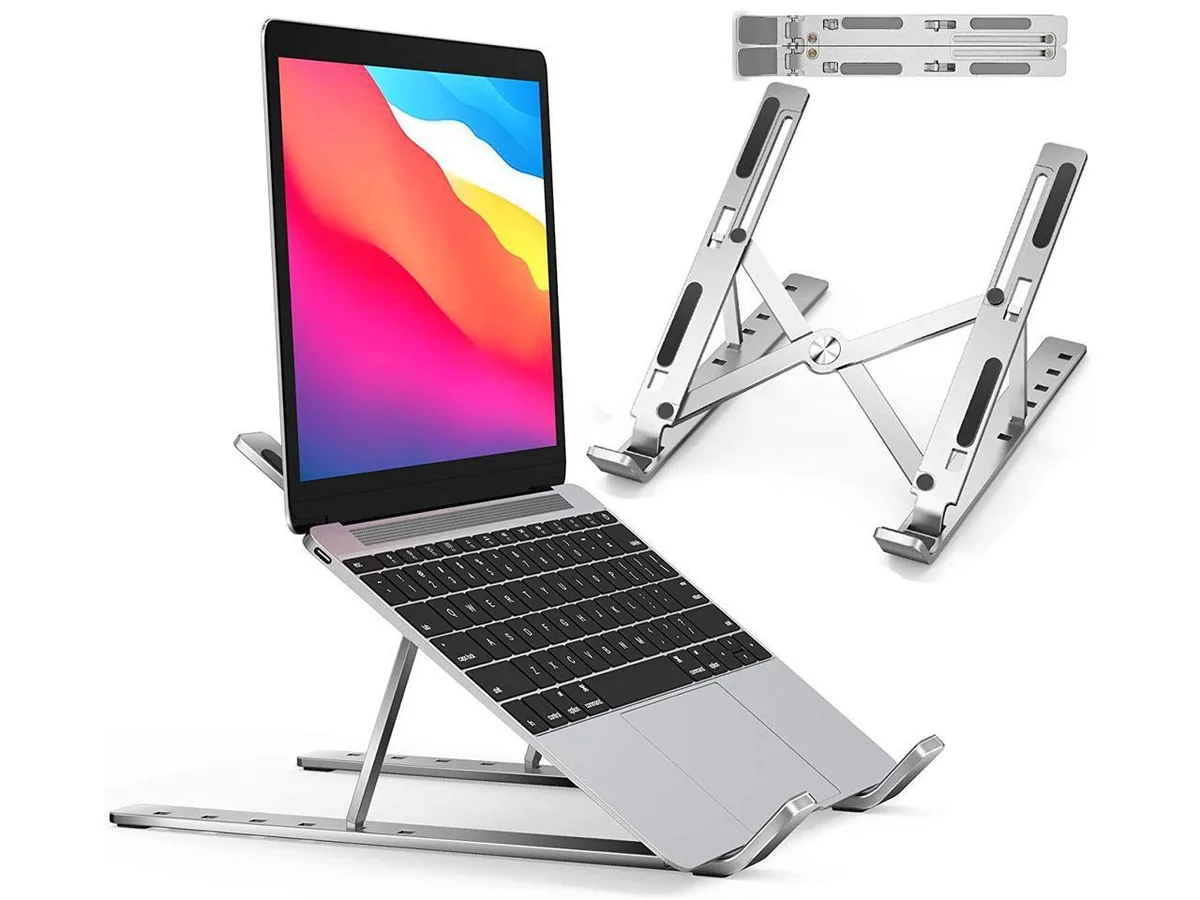
IXJYLCPC C08LS Adjustable Ergonomic Riser Stand Black 10-15.6
- Stand
$31.99
0.00036795BTC
In stock