


Vszerda
Vszerda EXP GDC Beast Mini PCI-E/M.2 A Key Docking Station
Connects a discrete graphics card to a laptop via Mini PCI-E or M.2 A Key with 26-pin cable and 6-pin/8-pin power
- Connect external desktop graphics via Mini PCI-E or M.2 A Key
- 26-pin enhanced cable supports Type 34 and Type 54 ExpressCard slots
- 6-pin and 8-pin power connectors supply GPU and dock independently
- Add PCI-E devices for engineering, data acquisition or GPU computing
- Improve laptop performance for demanding games with discrete graphics
Mini PCI-E and M.2 A Key connectivity
The Vszerda EXP GDC Beast docking station connects a laptop to an external PCI Express graphics card using either a Mini PCI-E slot or an M.2 A Key slot. It ships with an enhanced 26-pin Mini PCI-E data cable that supports both Type 54 and Type 34 Express Card interfaces. The unit includes 6-pin and 8-pin power connectors for the graphics card and the dock itself. It is aimed at users who want to add discrete GPU performance to a compatible notebook.
Suits laptops with Mini PCI-E or M.2 A Key slots
This adapter suits owners of notebooks that expose a Mini PCI-E or M.2 A Key interface and who are prepared to open the chassis for installation. It also fits industrial users adding PCIe devices for measurement, data acquisition or GPU compute tasks. Buyers whose laptops lack these internal slots or who cannot supply external power to the graphics card will not be able to use this dock.
26-pin Mini PCI-E cable with Type 54 and 34 support
The decisive specification is the included 26-pin Mini PCI-E data cable that works with both Type 54 and Type 34 Express Card interfaces. Verify that your laptop provides one of these internal connections before purchasing, as the dock cannot function without a compatible host slot.
Highlights
- Connect external desktop graphics via Mini PCI-E or M.2 A Key
- 26-pin enhanced cable supports Type 34 and Type 54 ExpressCard slots
- 6-pin and 8-pin power connectors supply GPU and dock independently
- Add PCI-E devices for engineering, data acquisition or GPU computing
- Improve laptop performance for demanding games with discrete graphics
Specifications
No published specifications for this item yet.
Questions about this item
Does my laptop need a free Mini PCI-E or M.2 A Key slot to use this docking station?
Yes, the unit connects through a 26-pin Mini PCI-E data cable or an M.2 A Key interface, so an available slot of one of those types is required.
Can I keep using my existing ExpressCard 34 or ExpressCard 54 connection with this dock?
The enhanced Mini PCI-E cable supports both Type 34 and Type 54 ExpressCard interfaces, allowing you to retain that connection method.
How can I confirm the dock is delivering power to my graphics card after setup?
Verify that the 6-pin connector from the dock is firmly seated in the graphics card and that the 8-pin connector is attached to the EXP GDC power supply; the GPU should then be detected by the system.
Also in this aisle
People compared these
Same shelf, same checkout — eight coins and a 30-minute rate lock.


Total Micro Technologies
Total Micro Technologies 65 W AC Adapter 693711001TM for HP ProBook 4540s
- Consumer Electronics
$30.99
0.00036214BTC
In stock
Total Micro Technologies
Total Micro Technologies 24W AC Adapter Microsoft Surface Go
- Consumer Electronics
$32.99
0.00038551BTC
In stock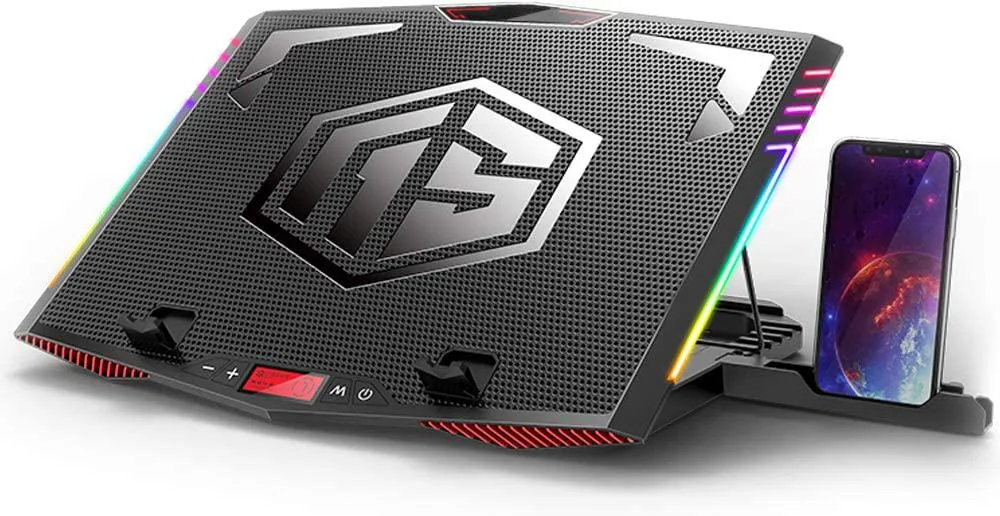
Mickey Technology
Mickey Technology laptop cooling pad 15.6-21 inch 6 fans RGB
- Accessory Case
- Black
$33.99
0.0003972BTC
In stock