


Vszerda
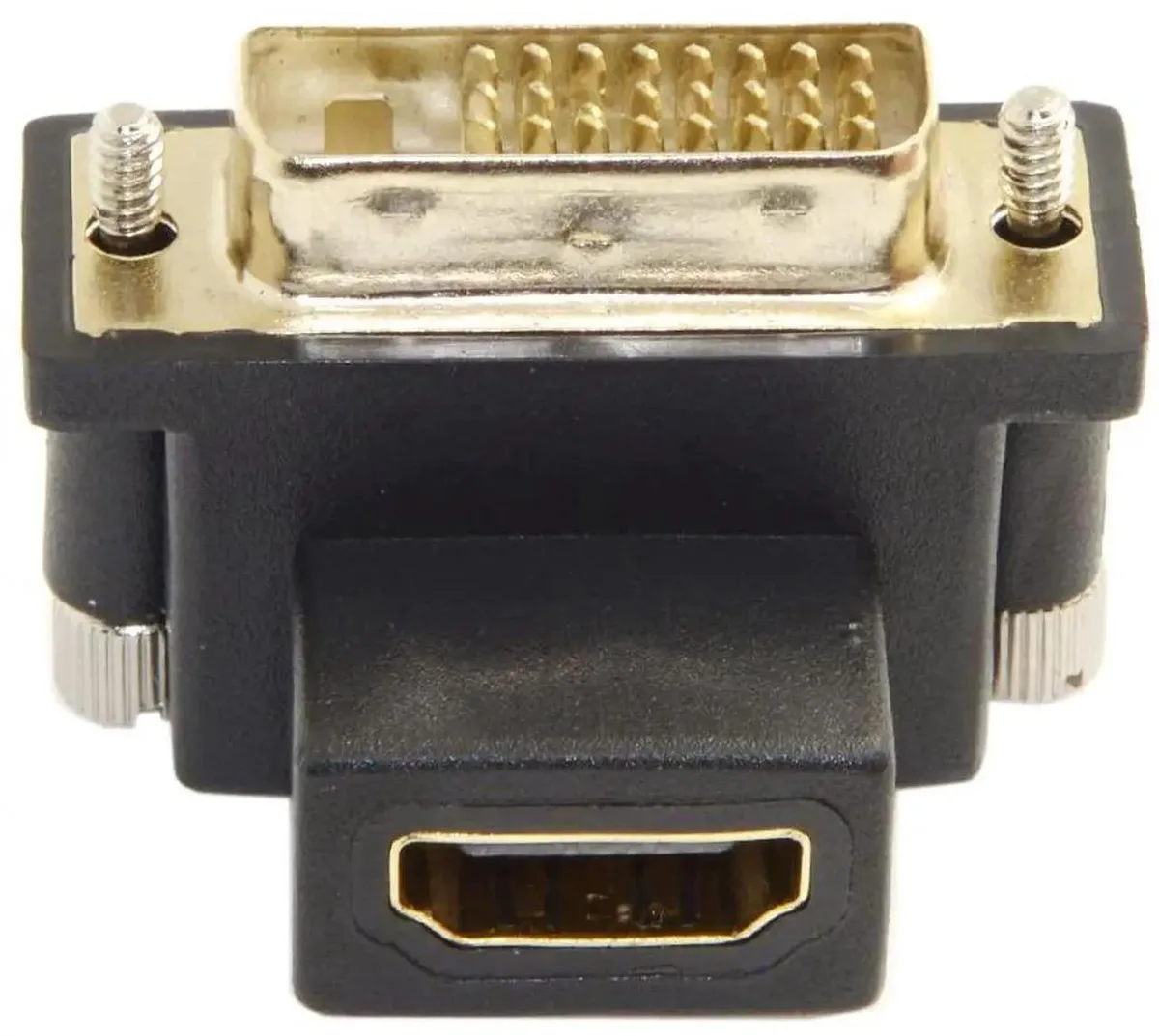
Vszerda DVI Male to HDMI Female Adapter 90 Degree Down Angled video adapter
A 90-degree down-angled DVI male to HDMI female adapter supports resolutions up to 1920 x 1200 and 4K at 60 Hz for tight spaces
- 90-degree angled connector fits tight spaces around ports
- Straight cable routing reduces strain and preserves signal quality
- Supports 1920 x 1200 resolution for sharp desktop images
- Handles 4K at 60 Hz for high-definition video playback
- Works with PC, Mac, monitors, projectors and HDTVs
Compact angled DVI-to-HDMI adapter
This Vszerda adapter converts a DVI male port to an HDMI female socket with a 90-degree down angle. It lets you attach an HDMI cable in tight spaces behind a graphics card or display without bending the lead. The passive design works with both PC and Mac systems and requires no external power.
Replaces awkward straight adapters
A straight DVI-to-HDMI dongle often forces the cable to bend sharply or blocks adjacent ports when rear clearance is limited. The right-angle body keeps the HDMI lead running parallel to the chassis, reducing strain on the connector and improving long-term signal reliability in cramped builds.
Suits tight rear-I/O layouts
Builders fitting a graphics card against a case wall or stacking expansion cards will benefit from the low-profile angle. Users needing active signal conversion for dual-link DVI resolutions above 1920 x 1200 or adaptive-sync passthrough should choose a different adapter type.
Highlights
- 90-degree angled connector fits tight spaces around ports
- Straight cable routing reduces strain and preserves signal quality
- Supports 1920 x 1200 resolution for sharp desktop images
- Handles 4K at 60 Hz for high-definition video playback
- Works with PC, Mac, monitors, projectors and HDTVs
Specifications
No published specifications for this item yet.
Questions about this item
What clearance does the 90 degree down angled DVI male plug need behind the graphics card?
The right-angle design lets the DVI male end sit flush against the port so the HDMI cable runs parallel to the card, requiring only the depth of the adapter itself behind the bracket.
Which side of the adapter inserts first when connecting a DVI source to an HDMI display?
Plug the DVI male end firmly into the graphics card or computer port, then attach the HDMI cable to the female side; reversing the order can bend the angled housing.
How often should the gold-plated contacts be cleaned to maintain 4K 60 Hz signal integrity?
Wipe the DVI and HDMI contacts with a dry lint-free cloth once a year or whenever dust is visible; no liquid cleaners are needed for the passive adapter.
New to this? Which coin should you pay with — what to check, what it costs to pay, and what is never asked for.
Also in this aisle
People compared these
Same shelf, same checkout — eight coins and a 30-minute rate lock.



Black Box Corporation
Black Box Corporation CAT6 EZ-RJ45 Modular Plugs 100-Pack
$95.99
0.00115015BTC
In stock
