


Vszerda
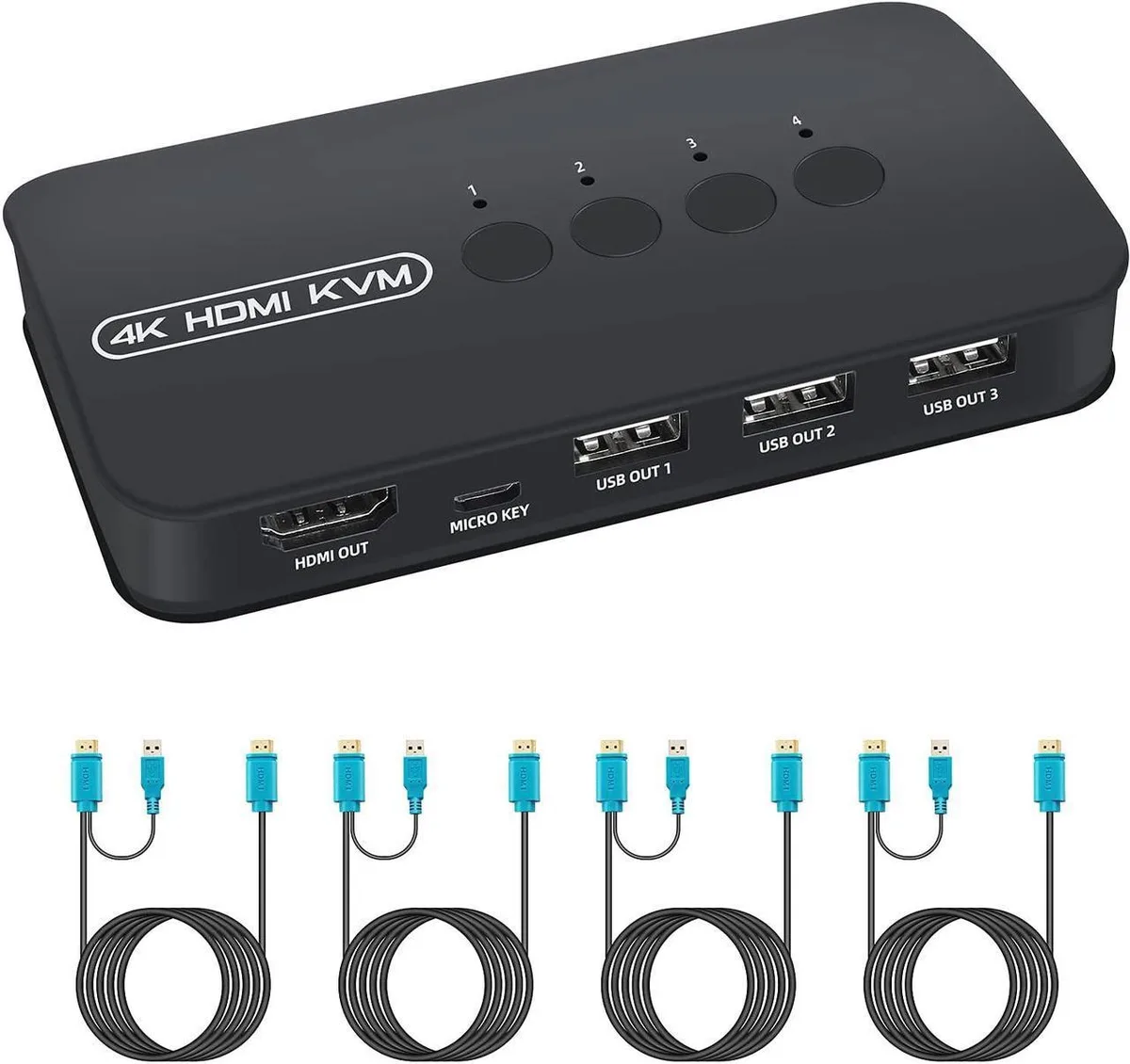
Vszerda 4-Port HDMI KVM Switch 3840x2160@30Hz USB 2.0
A 4-port HDMI KVM switch sharing one 3840x2160@30Hz monitor and three USB 2.0 peripherals across four computers via panel button or wired remote
- Share one 4K monitor across four computers
- Switch instantly via front button or wired remote
- 3840 x 2160 at 30 Hz for crisp 4K visuals
- Three USB 2.0 ports let you share keyboard, mouse and printer
- Driver-free plug-and-play on Windows, Mac, Linux and UNIX
Vszerda 4-Port HDMI KVM Switch
The Vszerda 4-Port HDMI KVM Switch lets you control up to four computers using a single 4K monitor, keyboard, mouse and up to two additional USB 2.0 peripherals. It supports 3840x2160 resolution at 30Hz and works with Windows, Mac OS, Linux, UNIX and DOS. Four 2-in-1 KVM cables and a wired remote button are included for immediate plug-and-play setup.
Who this suits and who it does not
This switch suits users who need to share one display and USB 2.0 devices across four HDMI-equipped computers. It does not suit buyers who need 4K at 60Hz or higher refresh rates, or those who require USB 3.0 or USB-C peripheral support. Builders needing audio switching or EDID emulation should look elsewhere.
Deciding specification: 3840x2160@30Hz over HDMI
The maximum video output is 3840x2160 at 30Hz via HDMI. If your workflow demands 4K at 60Hz or higher, this switch will not meet that requirement. For standard 30Hz 4K office or monitoring tasks, the resolution and refresh rate are the key figures to verify.
Highlights
- Share one 4K monitor across four computers
- Switch instantly via front button or wired remote
- 3840 x 2160 at 30 Hz for crisp 4K visuals
- Three USB 2.0 ports let you share keyboard, mouse and printer
- Driver-free plug-and-play on Windows, Mac, Linux and UNIX
Specifications
No published specifications for this item yet.
Questions about this item
What cables and ports are required to connect four computers to the Vszerda KVM switch?
Each computer needs an HDMI port and a USB 2.0 port; the included 2-in-1 KVM cables combine both connections into a single cable per system.
How do you switch between the four connected computers, and what is the common mistake?
Press the front panel button or use the wired external controller; the frequent error is reversing the HOST and KVM ends of the 2-in-1 cables during initial connection.
Which parts of the Vszerda switch setup may need replacement after extended use?
The four 2-in-1 KVM cables and the wired remote button are the only moving or pluggable components that can wear out and require swapping.
Also in this aisle
People compared these
Same shelf, same checkout — eight coins and a 30-minute rate lock.


Black Box Corporation
Black Box Corporation 4K60 HDMI Dual-Head KVM Switch 4 Port
$774.99
0.00921477BTC
In stock