


VIVE
VIVE Wireless Adapter for Pro/Cosmos vr accessory
Adds wireless freedom to Vive Pro and Cosmos headsets with near-zero latency, 3264 x 1632 resolution at 90 Hz and a swappable battery lasting 2.5 hours
- TypeWireless Adaptor
- Untethered VR movement with near-zero latency Intel WiGig
- Up to 2.5 hours playtime from hot-swappable battery
- Supports 3264 x 1632 resolution at 90Hz refresh rate
- Multi-user play for up to 3 adapters in one 20 x 20 ft space
- Compatible with Vive Pro, Pro 2, Pro Eye and Cosmos series
Wireless Freedom for VIVE Pro and Cosmos
The VIVE Wireless Adapter removes the tether between your headset and PC, delivering room-scale VR without cables. Powered by Intel WiGig technology, it provides a near-zero latency connection for the Vive Pro, Pro Eye, Pro 2 and Cosmos series. An included hot-swappable battery supports up to 2.5 hours of continuous play. The unit installs via an available PCIe slot inside your computer.
Ideal for Single-User and Multi-Player Setups
This adapter suits enthusiasts who want unrestricted movement in a 6M x 6M play area. It also supports up to three simultaneous headsets in one room for local multiplayer experiences. Buyers without a free PCIe expansion slot cannot install the required transmitter card. Users needing longer uninterrupted sessions than the battery provides should consider alternative power solutions.
PCIe Slot Required for Installation
The single specification that decides compatibility is the need for an open PCIe slot on the motherboard. Without this internal connection, the wireless link cannot function regardless of headset model. Verify your system has a compatible slot before purchase.
Highlights
- Untethered VR movement with near-zero latency Intel WiGig
- Up to 2.5 hours playtime from hot-swappable battery
- Supports 3264 x 1632 resolution at 90Hz refresh rate
- Multi-user play for up to 3 adapters in one 20 x 20 ft space
- Compatible with Vive Pro, Pro 2, Pro Eye and Cosmos series
Specifications
| Type | Wireless Adaptor |
|---|
Questions about this item
Does the adapter need a free PCIe slot inside the PC?
Yes, the wireless adapter requires an available PCIe slot on the motherboard for the transmitter card.
What is the correct order for connecting the headset, battery, and PC during setup?
Install the PCIe card and software first, then attach the battery to the headset-mounted receiver before launching the wireless link.
How long does the included battery last before it needs recharging or replacing?
The supplied battery provides up to 2.5 hours of play time and can be swapped for a fresh pack when depleted.
Also in this aisle
People compared these
Same shelf, same checkout — eight coins and a 30-minute rate lock.


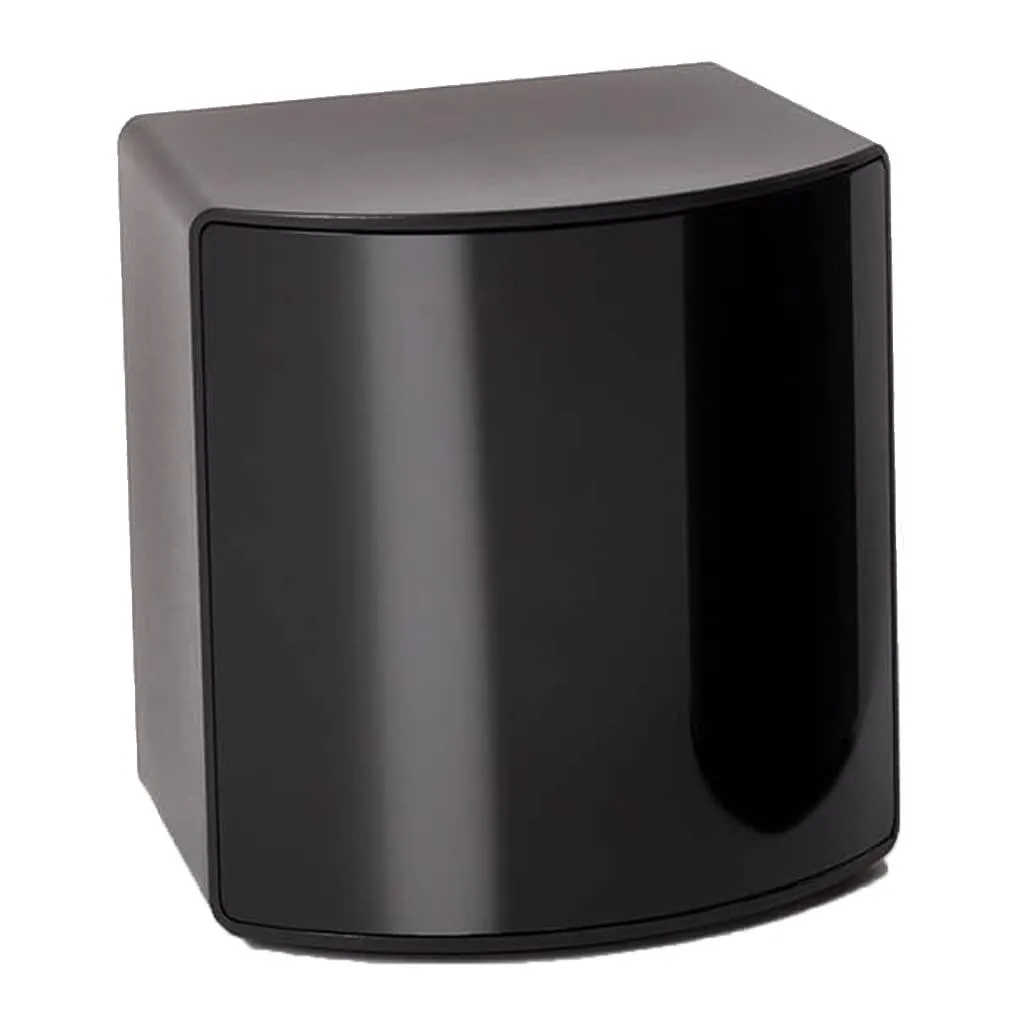
BFKK
BFKK VR Accessory Fit Pack SteamVR 2.0 Base Station 15 ft 4.5 m
- Fit Pack
$256.99
0.00296752BTC
In stock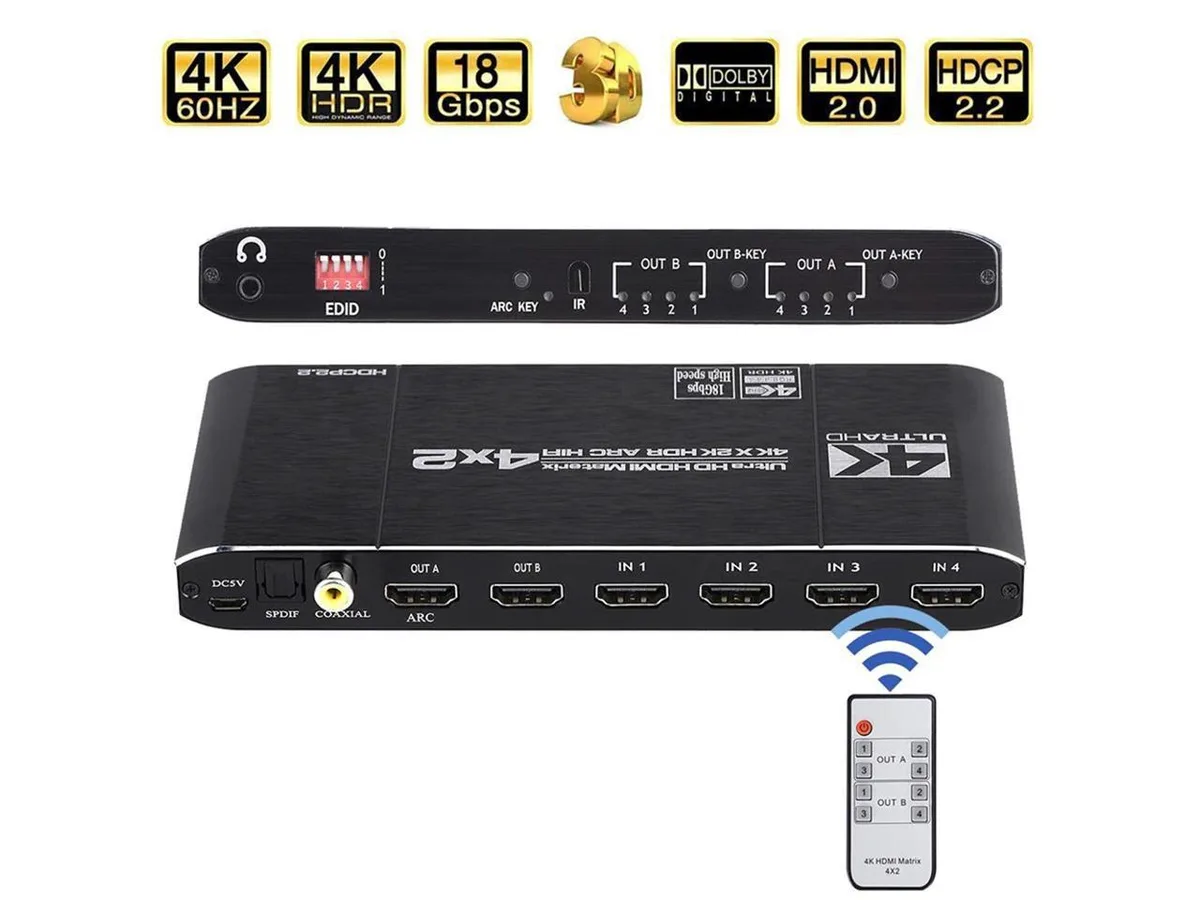
COFIER
COFIER 4K@60Hz HDMI Matrix 4x2 Switch Splitter HDCP 2.2 IR Remote Spdif vr accessory
- Controller
$289.99
0.00334858BTC
In stock