
Klipsch
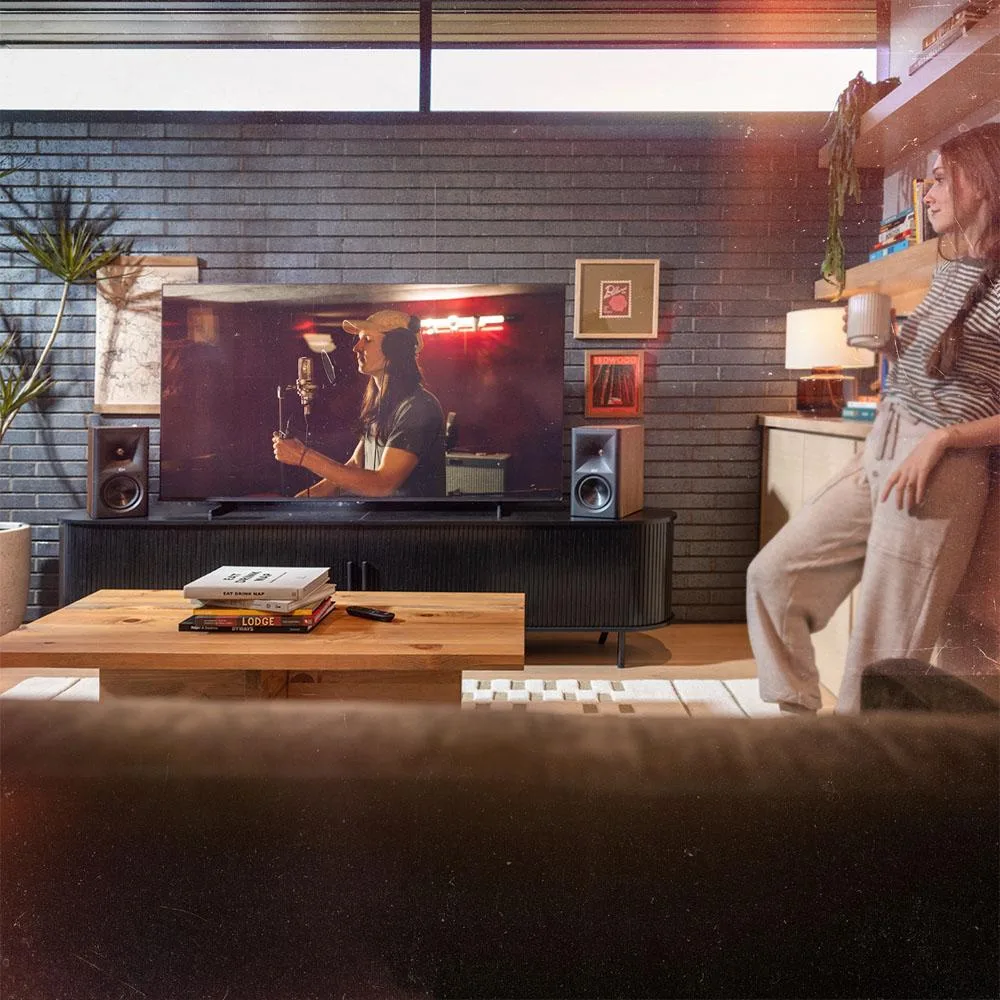
Klipsch The Fives II 5.25" Powered Bookshelf Speaker Pair Walnut
$1,123.99
0.01297895BTC
In stockWe take cryptocurrency — so the coins you hold can buy real hardware.Pay in crypto, spend it on real hardware. Free insured shipping worldwide over $399. Plain, unbranded boxes, sent from Germany.Free insured shipping over $399. Your rate is locked for 30 minutes once checkout opens.Rate locked 30 minutes. Every item sealed, serial-checked and covered by a 24-month warranty.Sealed, 24-month warranty.


ViewSonic
Replacement DLP lamp with genuine OEM bulb inside a compatible housing for ViewSonic projectors
This replacement lamp fits the ViewSonic VS15949 projector and ships with a genuine OEM bulb inside a compatible housing. It restores the original brightness and image quality the projector was designed to deliver. The unit is new and ready to install without modification.
When the factory lamp reaches end of life or suffers a premature failure, this module returns the projector to spec. The jump is worth it whenever the current lamp no longer meets the manufacturer's brightness or colour requirements. An 180‑day warranty covers defective units.
The OEM bulb provides the rated lumen output for typical business presentations, classroom sessions or movie nights. It runs out when the projector demands higher lumen levels than the original specification or when the housing reaches its thermal limit.
| Brand | ViewSonic |
|---|---|
| Type | Projector Lamps |
The VS15949 lamp housing is designed for the ViewSonic VS15949 projector; verify your projector's service manual to confirm exact model compatibility before purchase.
Power off and unplug the projector, let it cool completely, remove the lamp cover, slide the VS15949 module in until the connector clicks, then secure the retaining screw before replacing the cover.
Replace the lamp when brightness drops noticeably or the projector's lamp-hour counter reaches its limit; the 180-day warranty covers defects in the OEM bulb or housing.
Also in this aisle
Same shelf, same checkout — eight coins and a 30-minute rate lock.
What you pay in, and what you read prices in.
Sent from your wallet at checkout
Display only — the catalogue is priced in USD
No currency matches that.
Pick the language the site speaks to you in.
No language matches that.
New here?
Already have one?
There is no automatic reset: this shop sends no mail, so there is no one-time link to ask for. Leave the address on the account and it gets picked up by hand.
Request noted
Nothing is on its way to your inbox — this shop sends no mail at all. Someone picks these up by hand.
Remembered it?


