


Varjo
Varjo Aero VR Headset 2880 x 2720 90 Hz 200 Hz eye tracking
Dual Mini LED LCDs deliver 2880 x 2720 px per eye at 90 Hz with 200 Hz eye tracking for high-fidelity PC VR
- Crisp 2880 x 2720 px per eye resolution from dual Mini LED LCDs
- Smooth 90 Hz refresh rate keeps motion fluid in fast scenes
- Precise 200 Hz eye tracking with sub-degree accuracy for natural interaction
- True-to-life 99% sRGB and 95% DCI-P3 colour from individually calibrated displays
- Comfortable 3-point precision fit headband with active cooling for long sessions
Professional-grade visual fidelity
The Varjo Aero VR headset targets professionals and advanced enthusiasts who demand the highest visual clarity for simulation, design and training workloads. Dual Mini LED LCD panels provide 2880 x 2720 pixels per eye at a 90 Hz refresh rate with 150 nits brightness and 99% sRGB colour coverage. Variable resolution aspheric lenses deliver a peak pixel density of 35 PPD at the centre of the field of view.
Thermal management and power
An active cooling system integrated into the 3-point precision fit headband helps maintain comfort during extended sessions without audible fan noise in typical use. The headset draws power through a single USB-C connection alongside a DisplayPort 1.0 link, requiring a USB-A 3.0 port on the host PC. Replaceable polyurethane face cushions simplify hygiene for shared professional environments.
DisplayPort 1.0 and USB-A 3.0 requirement
This headset connects via a proprietary adapter that mandates both a DisplayPort 1.0 output and a USB-A 3.0 port on the host computer. Systems lacking either interface cannot operate the Aero, regardless of GPU performance. Buyers without these specific ports should verify compatibility before purchase.
Highlights
- Crisp 2880 x 2720 px per eye resolution from dual Mini LED LCDs
- Smooth 90 Hz refresh rate keeps motion fluid in fast scenes
- Precise 200 Hz eye tracking with sub-degree accuracy for natural interaction
- True-to-life 99% sRGB and 95% DCI-P3 colour from individually calibrated displays
- Comfortable 3-point precision fit headband with active cooling for long sessions
Specifications
No published specifications for this item yet.
Questions about this item
How do I connect the headset and which step is often missed?
Connect the headset adapter using both a DisplayPort and a USB-A 3.0 port on your PC; the USB-A 3.0 link is the step most often missed.
What parts will I need to replace or clean over time?
The polyurethane face cushions are replaceable and designed for easy cleaning during extended use.
What visual limit appears first during sustained high-detail sessions?
Peak resolution reaches 35 PPD at the centre of focus, which is the first hard limit under sustained use.
Also in this aisle
People compared these
Same shelf, same checkout — eight coins and a 30-minute rate lock.


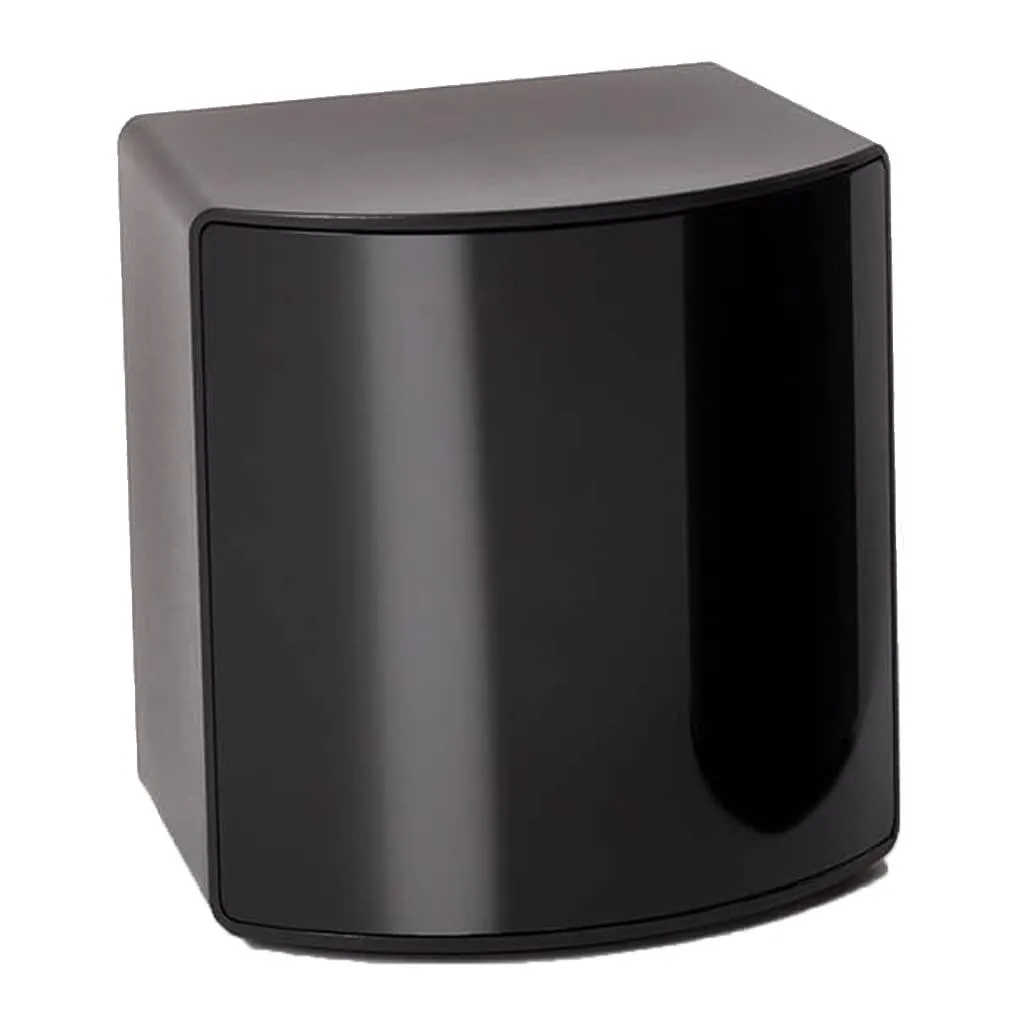
BFKK
BFKK VR Accessory Fit Pack SteamVR 2.0 Base Station 15 ft 4.5 m
- Fit Pack
$256.99
0.00308049BTC
In stock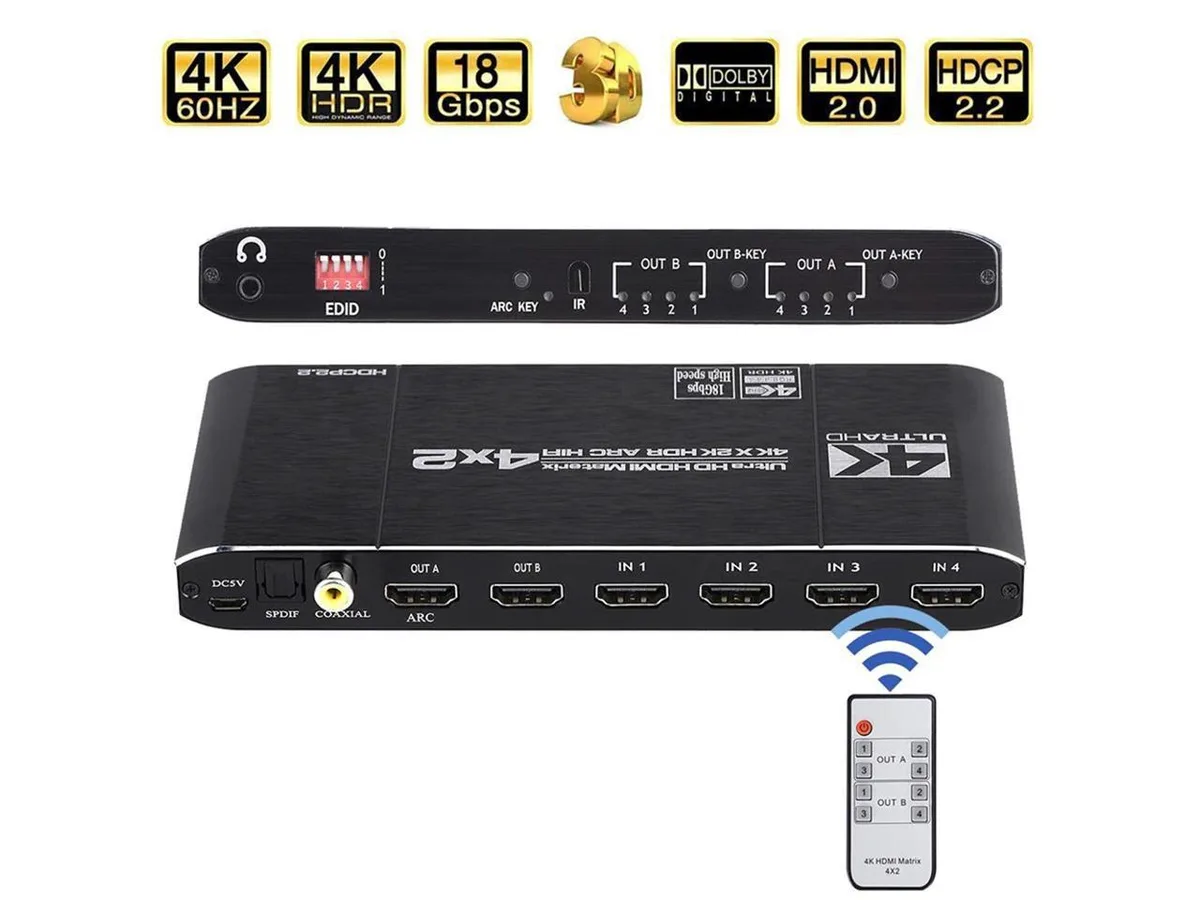
COFIER
COFIER 4K@60Hz HDMI Matrix 4x2 Switch Splitter HDCP 2.2 IR Remote Spdif vr accessory
- Controller
$289.99
0.00347606BTC
In stock