


V4ink
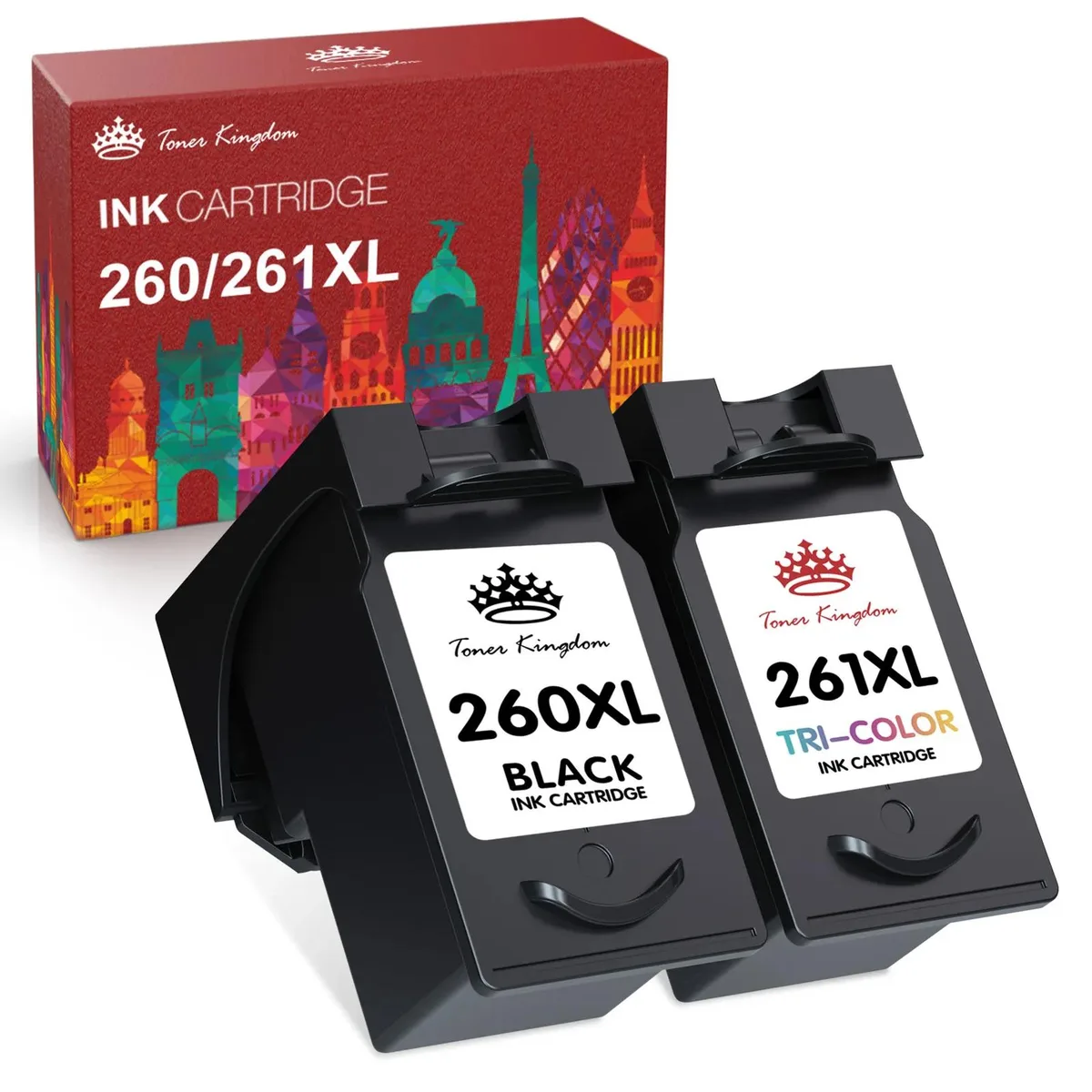
V4ink PG-260XL CL-261XL ink cartridge 2-pack
A two-pack with one black and one colour cartridge for Canon PIXMA TS5320, TS6420 and TR7020 printers, yielding up to 500 black and 400 colour pages
- Approximate Page Yield? For Canon PIXMA TS5320 TS6420 TR7020
- Up to 500 pages from the PG-260XL black cartridge
- Up to 400 pages from the CL-261XL colour cartridge
- Tested to match OEM performance on TS5320 TS6420 TR7020
- Two-cartridge pack covers black and colour in one purchase
- New aftermarket replacements ready for immediate use
Two-cartridge set for Canon PIXMA printers
This pack contains one PG-260XL black cartridge and one CL-261XL colour cartridge built to fit the TS5320, TS6420 and TR7020 models. It suits home users and small offices that want a ready-to-install replacement without ordering separate items.
Replaces original PG-260
The XL versions raise the page yield to approximately 500 pages for black and 400 pages for colour at five percent coverage on A4 paper. The upgrade makes sense when print volumes exceed what the standard capacity cartridges can deliver between changes.
Tested for consistent output over full rated life
Industry quality-control checks verify that each cartridge maintains print density and colour accuracy from the first page to the last rated page. The formulation resists fading so documents and photos stay legible throughout the cartridge lifespan.
Highlights
- Up to 500 pages from the PG-260XL black cartridge
- Up to 400 pages from the CL-261XL colour cartridge
- Tested to match OEM performance on TS5320 TS6420 TR7020
- Two-cartridge pack covers black and colour in one purchase
- New aftermarket replacements ready for immediate use
Specifications
| Approximate Page Yield | ? For Canon PIXMA TS5320 TS6420 TR7020 |
|---|
Questions about this item
Will the PG-260XL and CL-261XL cartridges fit my Canon PIXMA TS5320 printer?
Yes, this two-pack is built for the TS5320, TS6420 and TR7020 models and slots straight into the standard cartridge carriage without any adapters.
What is the correct way to install these cartridges, and what step do people often miss?
Remove the orange protective clip and the sealing tape from each cartridge, then insert the black PG-260XL on the right and the colour CL-261XL on the left until they click; run the print-head alignment afterwards so colours register correctly.
When will I need to replace the PG-260XL black cartridge?
The black cartridge is rated for up to 500 pages at five-per-cent A4 coverage; replace it when prints start fading or the printer reports low ink.
Also in this aisle
People compared these
Same shelf, same checkout — eight coins and a 30-minute rate lock.



CHIEF MANUFACTURING
CHIEF MANUFACTURING CMS018 18" 457 mm Fixed Extension Column projector accessory
- Extension Column
- Projector
$22.99$22.99
0.00027064BTC
In stock