


V4ink
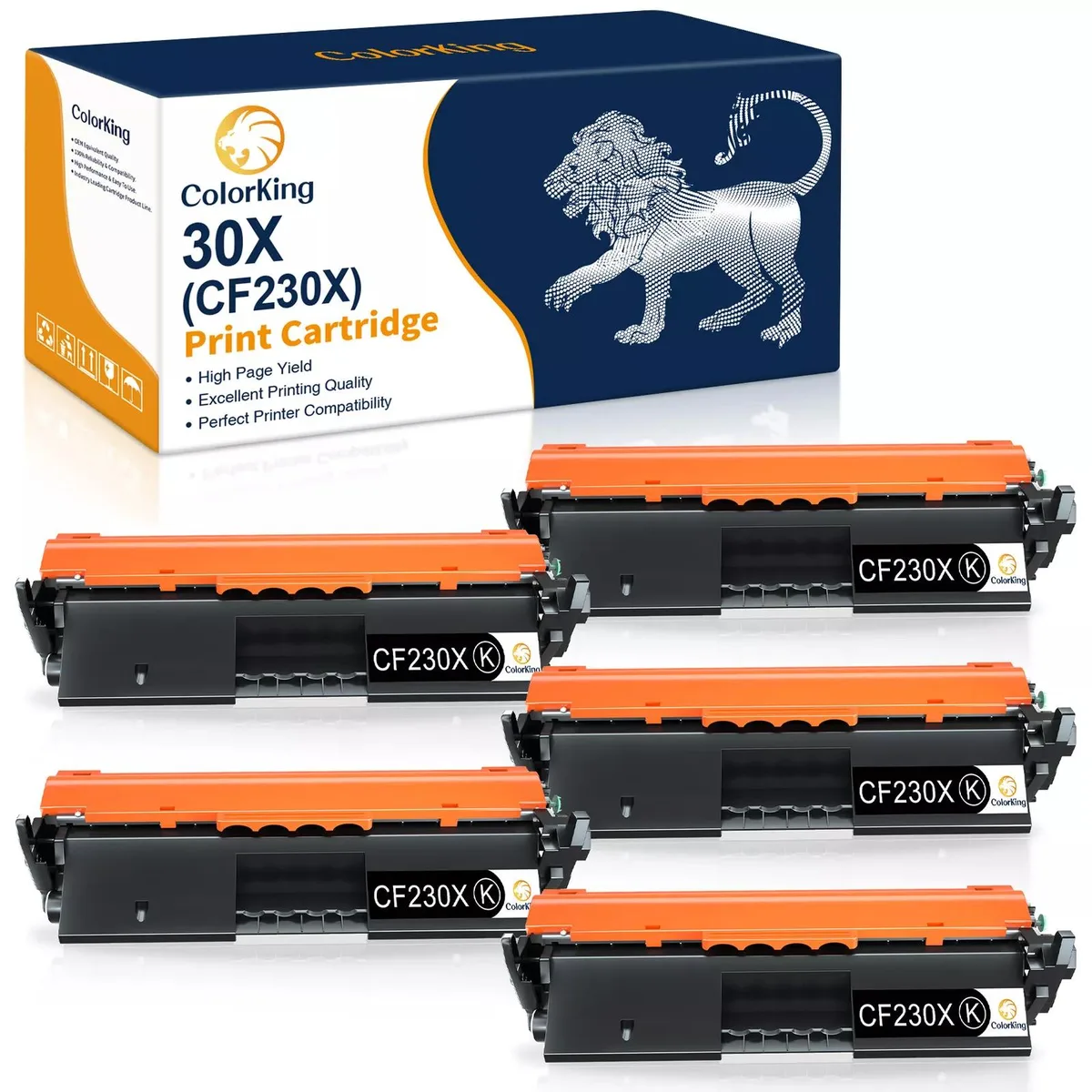
V4ink 5X CF230X 30X High Yield toner cartridges
Five black toner cartridges yield up to 3500 pages each for HP LaserJet Pro M203 and M227 printers
- Compatible Productsfor HP LaserJet Pro M203d M203dw M203dn for HP LaserJet Pro
- High-yield printing with up to 3500 pages per cartridge
- Five black toners included for extended use
- Compatible with HP LaserJet Pro M203 and MFP M227 series
- Simple two-step installation removes guesswork
- New aftermarket cartridges ready for immediate use
V4ink 5-pack CF230X toner
This five-pack supplies black toner cartridges built for HP LaserJet Pro M203 and MFP M227 series printers. Offices and home users who print regularly can replace the original CF230X with these aftermarket units and keep running without interruption.
3500-page yield at five-percent coverage
Each cartridge is rated for up to 3500 pages on A4 paper at five-percent coverage, matching the high-yield 30X specification. Buyers who need significantly higher or lower page counts should verify their typical job volume before ordering.
Two-step installation with orange cap removal
Install by holding the cartridge upside down, removing the orange protective cap, and sliding it into the matching printer slot. The process is straightforward, but forgetting to remove the cap completely is the most common reason the printer fails to recognise the new cartridge.
Highlights
- High-yield printing with up to 3500 pages per cartridge
- Five black toners included for extended use
- Compatible with HP LaserJet Pro M203 and MFP M227 series
- Simple two-step installation removes guesswork
- New aftermarket cartridges ready for immediate use
Specifications
| Brand | HP 30X CF230X |
|---|---|
| Compatible Products | for HP LaserJet Pro M203d M203dw M203dn for HP LaserJet Pro MFP M227fdn M227sdn M227fdw |
Questions about this item
How many pages can one 30X cartridge print in my LaserJet Pro M203dn?
Each cartridge yields up to 3500 pages at 5 percent coverage on A4 paper.
Does the CF230X chip work with the MFP M227fdw without extra steps?
The chip is built for the listed M227 models, so the printer recognises it immediately.
What do I need to remove before sliding the cartridge into the M203dw?
Hold the cartridge upside down and pull off the orange protective plastic cap first.
Also in this aisle
People compared these
Same shelf, same checkout — eight coins and a 30-minute rate lock.



CHIEF MANUFACTURING
CHIEF MANUFACTURING CMS018 18" 457 mm Fixed Extension Column projector accessory
- Extension Column
- Projector
$22.99$22.99
0.00027346BTC
In stock