
V4ink
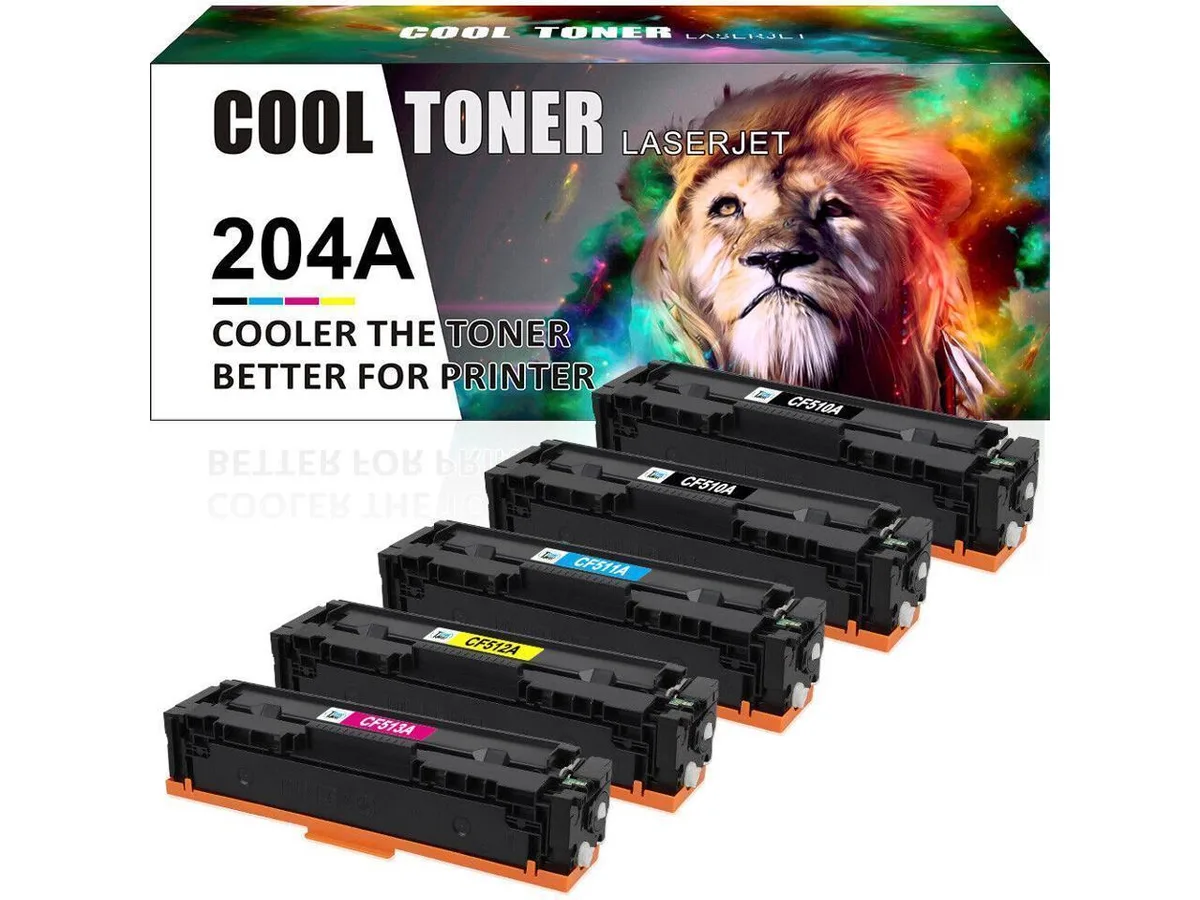
V4ink 5*CF510A (2K+CMY) toner cartridge compatible with 204A Color Pro MFP M180nw M181fw M154a
Five-cartridge set prints 1,100 black and 900 colour pages for HP Color LaserJet Pro M154 M180 M181 models
- Print up to 1100 black pages per cartridge
- Produce 900 colour pages from each toner
- Fits Color LaserJet Pro M154a and M154nw
- Works with MFP M180n and M180nw models
- Compatible with Color LaserJet Pro MFP M181fw
Compatible toner set for Color LaserJet Pro MFP
This five-cartridge pack replaces the 204A series and fits the Color LaserJet Pro MFP M180n, M180nw and M181fw as well as the M154a and M154nw models. It supplies one black cartridge rated for 1100 pages and one each of cyan, magenta and yellow rated for 900 pages. The set is aimed at small offices and home users who need colour output without buying original HP supplies.
Thermal and power behaviour during printing
As a toner cartridge set the product has no active cooling, fan or power draw of its own; heat and noise come only from the printer's fuser and engine. Normal use adds no extra acoustic load beyond the printer's standard operating sound. Power consumption remains whatever the host device specifies for its printing mode.
Replaces original 204A cartridges for listed models
The pack directly substitutes HP 204A black and colour cartridges in the compatible printers named above. The jump is worthwhile when the cost per page of original cartridges exceeds the budget for routine colour documents. It is not suited for users who require HP's proprietary toner formulation for warranty compliance or specialised media handling.
Highlights
- Print up to 1100 black pages per cartridge
- Produce 900 colour pages from each toner
- Fits Color LaserJet Pro M154a and M154nw
- Works with MFP M180n and M180nw models
- Compatible with Color LaserJet Pro MFP M181fw
Specifications
| Brand | CF510A |
|---|
Questions about this item
How do I install the CF510A black cartridge and which step is often missed?
Open the front door, pull the old cartridge straight out, shake the new CF510A gently side to side, remove the orange sealing tape completely, then slide it in until it clicks — forgetting to pull the tape is the common mistake.
When will the colour cartridges need replacing and what is their rated yield?
The CF511A cyan, CF512A yellow and CF513A magenta cartridges are each rated for 900 pages, so plan to swap them once print quality fades or the printer reports low toner.
What limit appears first during long print runs with the 204A set?
The colour cartridges reach their 900-page yield before the black CF510A reaches its 1,100-page rating, so colour toner runs out first under sustained use.
Also in this aisle
People compared these
Same shelf, same checkout — eight coins and a 30-minute rate lock.


Tripp Lite
Tripp Lite U324-003-BK USB 3.0 cable USB-A to USB-A 3 ft
- USB
- Black
$13.99
0.00016668BTC
In stock

MADE IN USA TONER
MADE IN USA TONER TK-8367K Cyan Toner Cartridge 25000 Pages
$48.99
0.00058368BTC
In stock