


V4ink
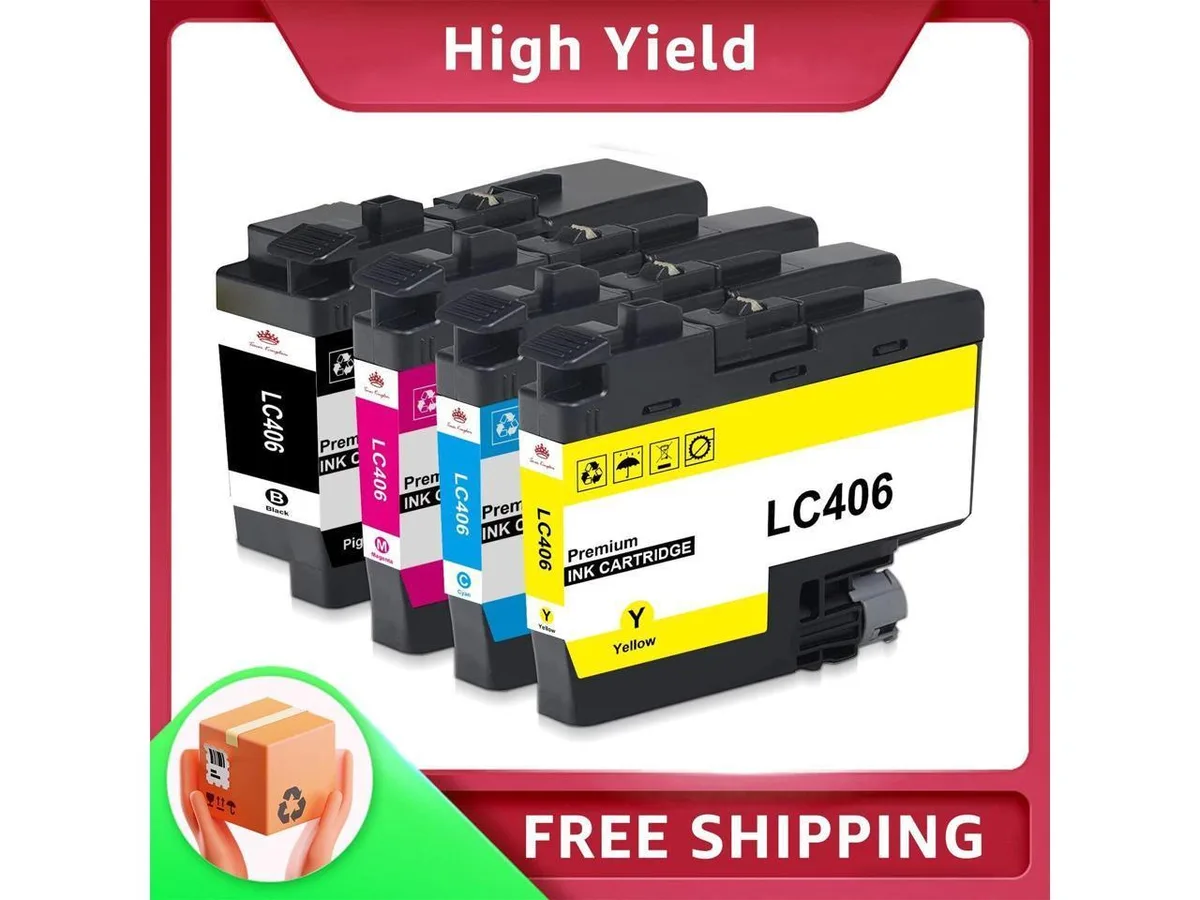
V4ink 4PK LC406 Ink Cartridges Black Cyan Magenta Yellow
Four-cartridge set yields up to 3000 pages black and 1500 pages colour for compatible Brother MFC printers
- Approximate Page YieldFor Brother MFC-J4335DW, For Brother MFC-J4345DW, For Brothe
- Up to 3,000 pages from the black cartridge
- Up to 1,500 pages from each colour cartridge
- Works with Brother MFC-J4335DW, MFC-J4345DW and MFC-J4345DWXL
- Works with Brother MFC-J4535DW, MFC-J5855DW and MFC-J5955DW
- Works with Brother MFC-J6555DW and MFC-J6955DW
Compatible Ink Set for Brother Printers
This four-pack replaces Brother LC406 cartridges and fits the MFC-J4335DW, MFC-J4345DW, MFC-J4345DWXL, MFC-J4535DW, MFC-J5855DW, MFC-J5955DW, MFC-J6555DW and MFC-J6955DW. Each cartridge includes an ink-level chip so the printer reports remaining capacity correctly. The set contains one black, one cyan, one magenta and one yellow cartridge for full-colour printing.
Page Yield and Print Quality
Black cartridges deliver up to 3000 pages and each colour cartridge up to 1500 pages at 5 percent coverage on Letter or A4 paper. The manufacturer highlights strict quality-control testing to ensure output matches original equipment performance for documents and photos. No thermal or power specifications apply to ink consumables.
Installation and Use
Cartridges install directly into the listed Brother inkjet models without additional hardware or firmware steps. The integrated chips communicate with the printer to track ink levels and prevent compatibility errors. This pack does not suit printers that use different LC-series codes or high-yield XL variants not listed above.
Highlights
- Up to 3,000 pages from the black cartridge
- Up to 1,500 pages from each colour cartridge
- Works with Brother MFC-J4335DW, MFC-J4345DW and MFC-J4345DWXL
- Works with Brother MFC-J4535DW, MFC-J5855DW and MFC-J5955DW
- Works with Brother MFC-J6555DW and MFC-J6955DW
Specifications
| Approximate Page Yield | For Brother MFC-J4335DW, For Brother MFC-J4345DW, For Brother MFC-J4345DWXL, For Brother MFC-J4535DW, For Brother MFC-J5855DW, For Brother MFC-J5955DW, For Brother MFC-J6555DW, For Brother MFC-J6955DW |
|---|
Questions about this item
How do I install the LC406 cartridges and which step is often missed?
Open the printer cover, remove the orange protective clip from each cartridge, then insert each colour into its matching slot until it clicks; the step buyers often skip is removing the clip completely before insertion.
What maintenance or replacement will the LC406 set need later?
Each cartridge is a single-use unit; when the printer reports low ink you replace the empty cartridge — black yields up to 3000 pages and each colour up to 1500 pages at 5% coverage.
What limit appears first during long print runs with the LC406 cartridges?
The page-yield limit is reached first — black stops after roughly 3000 pages and cyan, magenta or yellow after roughly 1500 pages at standard 5% coverage.
Also in this aisle
People compared these
Same shelf, same checkout — eight coins and a 30-minute rate lock.


Tripp Lite
Tripp Lite U324-003-BK USB 3.0 cable USB-A to USB-A 3 ft
- USB
- Black
$13.99
0.00016668BTC
In stock

MADE IN USA TONER
MADE IN USA TONER TK-8367K Cyan Toner Cartridge 25000 Pages
$48.99
0.00058368BTC
In stock