


V4ink
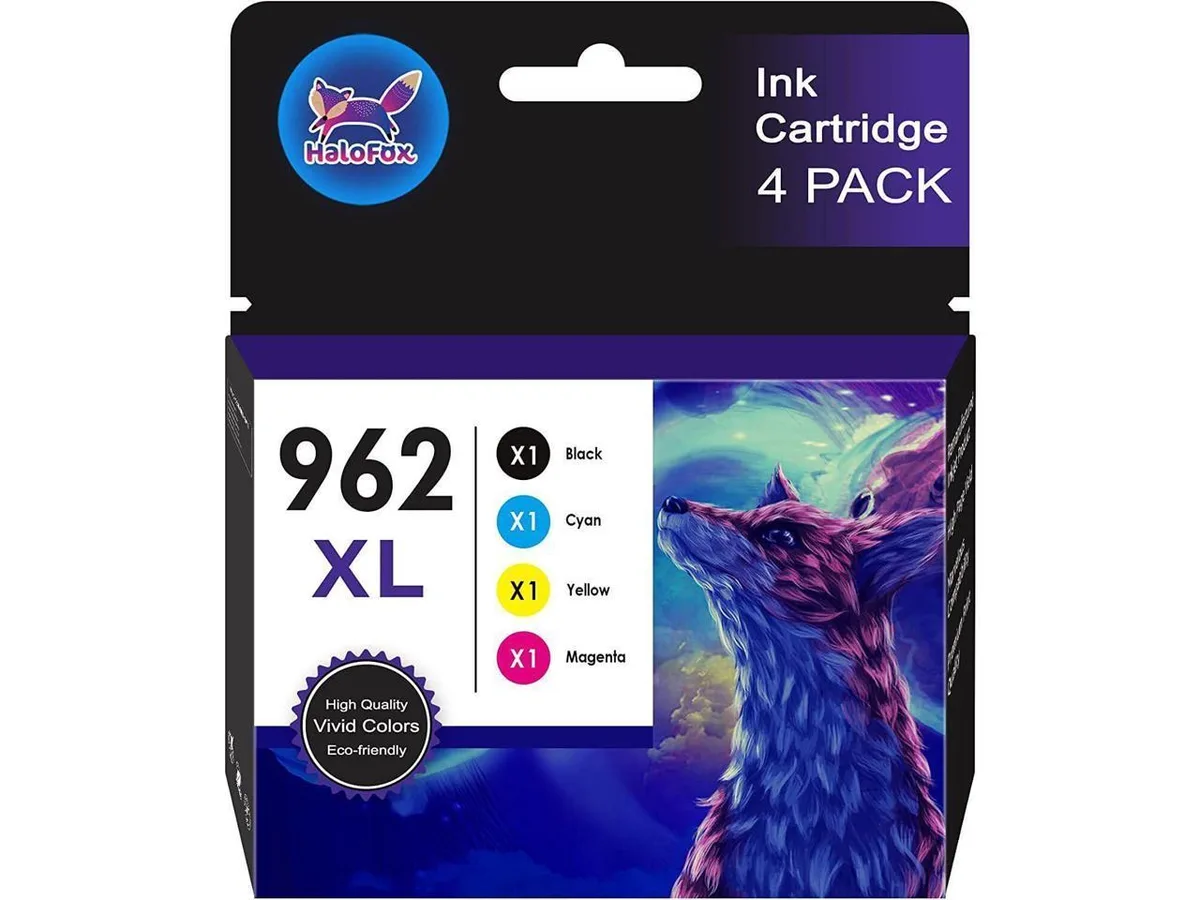
V4ink 4-pack 962XL ink cartridges for OfficeJet Pro 9010 9020 series
Four-pack of compatible 962XL ink cartridges for HP OfficeJet Pro 9010 and 9020 series printers, yielding up to 2000 pages black and 1600 pages colour each
- Up to 2,000 pages per black cartridge at 5% coverage
- Up to 1,600 pages per colour cartridge at 5% coverage
- Works with OfficeJet Pro 9010 and 9020 series printers
- Includes one black, cyan, yellow and magenta cartridge
- Built-in chip ensures printer recognition
Compatible 962XL cartridges for OfficeJet Pro
This four-pack provides one black, cyan, yellow and magenta cartridge for HP OfficeJet Pro 9010 and 9020 series printers. Each cartridge includes a chip so the printer recognises ink levels. The set suits home offices or small businesses that print regularly and want a lower-cost alternative to original supplies.
Inkjet operation with no thermal load
Inkjet printing generates negligible heat and runs silently compared with toner-based devices. Power draw is limited to the printer’s normal operating consumption. There are no fans, radiators or additional cooling requirements to consider when using these cartridges.
Drop-in fit for listed models
The cartridges install directly into OfficeJet Pro 9010, 9012, 9014, 9015, 9016, 9018, 9019, 9020, 9022, 9025, 9026, 9027, 9028 and 9029 printers. Printers enrolled in HP+ service cannot accept compatible ink, so that feature must remain disabled. A “not original” prompt may appear; selecting continue allows normal printing. Buyers who need HP+ integration or original HP supplies should choose a different product.
Highlights
- Up to 2,000 pages per black cartridge at 5% coverage
- Up to 1,600 pages per colour cartridge at 5% coverage
- Works with OfficeJet Pro 9010 and 9020 series printers
- Includes one black, cyan, yellow and magenta cartridge
- Built-in chip ensures printer recognition
Specifications
| Brand | Compatible for HP OfficeJet Pro 9010 Series: 9010 9012 9014 9015 9016 9018 9019 Printer ink cartridges Compatible for HP OfficeJet Pro 9020 Series: 9020 9022 9025 9026 9027 9028 9029 Printer ink cartridges |
|---|
Questions about this item
How do I install the 962XL cartridges in my OfficeJet Pro 9015 and what step do people often miss?
Open the front door, wait for the carriage to centre, press the old cartridge down to release it, then slide the new 962XL in until it clicks; the step most people miss is removing the orange protective clip and tape before insertion.
What maintenance or replacement will the 962XL cartridges need later?
Each cartridge is a sealed unit with an integrated printhead and chip; when ink runs low — up to 2000 pages for black or 1600 for colour at 5 % coverage — you simply replace the whole cartridge, no separate printhead servicing required.
What limit appears first during long print runs with these 962XL cartridges?
The page-yield rating is the first hard limit: black stops at roughly 2000 pages and each colour at 1600 pages (5 % coverage on A4), after which the chip signals empty and the printer pauses until you swap cartridges.
Also in this aisle
People compared these
Same shelf, same checkout — eight coins and a 30-minute rate lock.


Tripp Lite
Tripp Lite U324-003-BK USB 3.0 cable USB-A to USB-A 3 ft
- USB
- Black
$13.99
0.00016718BTC
In stock

MADE IN USA TONER
MADE IN USA TONER TK-8367K Cyan Toner Cartridge 25000 Pages
$48.99
0.00058543BTC
In stock