


V4ink
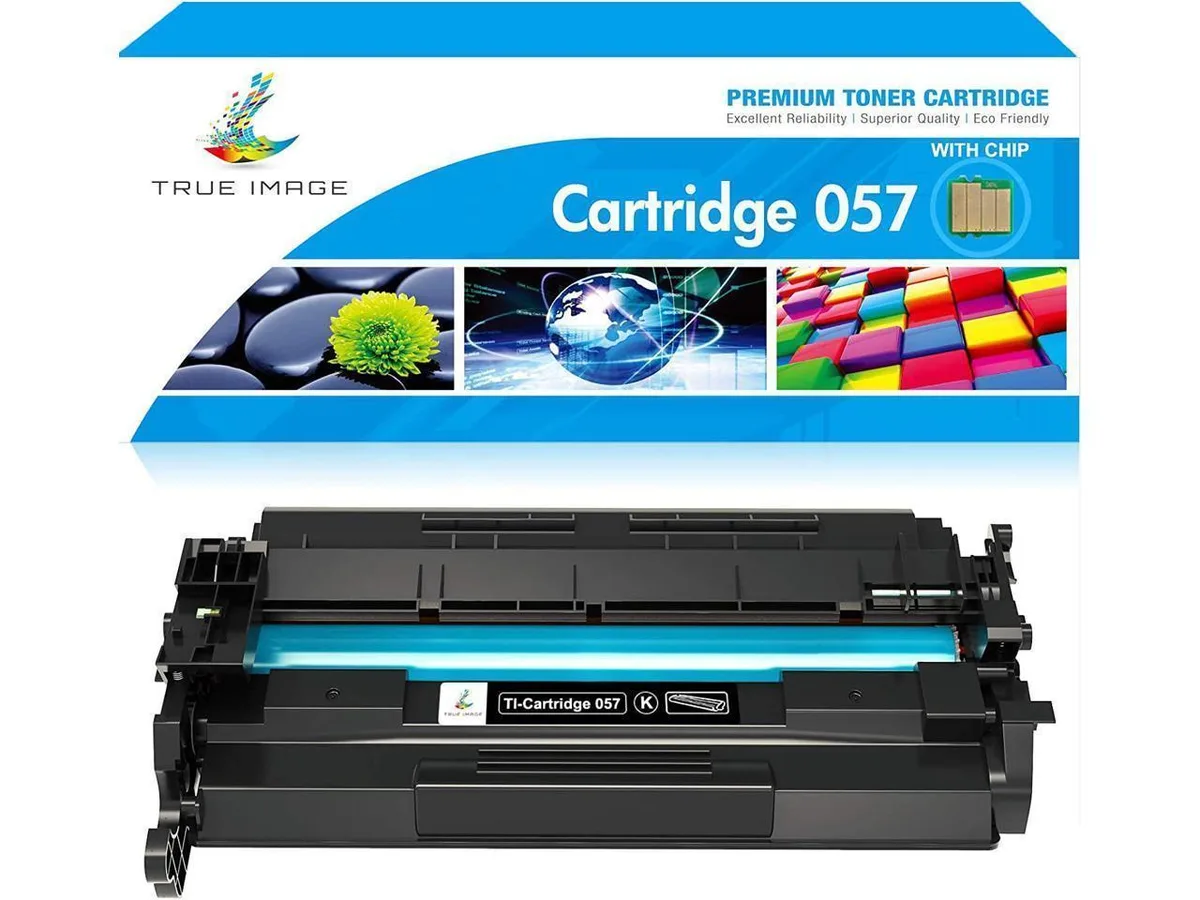
V4ink 057H toner cartridge (black, 1 pack, 3100 pages)
High-yield black toner cartridge prints 3,100 pages and fits Canon ImageCLASS MF445dw, MF448dw, MF449dw, LBP226dw, LBP227dw and LBP228dw printers
- High-yield black toner prints up to 3100 pages per cartridge
- Compatible with Canon ImageCLASS MF445dw MF448dw MF449dw models
- Works with Canon LBP226dw LBP227dw LBP228dw printers
- Includes chip for reliable printer recognition and tracking
- New aftermarket cartridge delivers consistent black print quality
V4ink 057H toner cartridge
The V4ink 057H is a new aftermarket toner cartridge that prints black at a rated yield of 3100 pages. It includes an installed chip so the printer recognises it immediately. The cartridge fits Canon ImageCLASS MF445dw MF448dw MF449dw and LBP226dw LBP227dw LBP228dw models.
Replaces Canon 057 and 057H cartridges
This cartridge replaces the original Canon 057 and 057H supplies for the same printer series. The jump is worth it when you want a lower cost per page without changing hardware. It delivers the same 3100 page rating at 5 percent coverage on Letter or A4 media.
Suits offices using listed ImageCLASS printers
Buyers who own a compatible MF440 or LBP220 series device and need a single black cartridge will find this a direct fit. Shops that require colour output or a multi-pack bundle should look elsewhere because this pack contains only one black unit.
Highlights
- High-yield black toner prints up to 3100 pages per cartridge
- Compatible with Canon ImageCLASS MF445dw MF448dw MF449dw models
- Works with Canon LBP226dw LBP227dw LBP228dw printers
- Includes chip for reliable printer recognition and tracking
- New aftermarket cartridge delivers consistent black print quality
Specifications
| Brand | CRG057 |
|---|
Questions about this item
Will the CRG-057H cartridge fit my Canon ImageCLASS MF445dw printer?
Yes, this cartridge is compatible with the Canon ImageCLASS MF445dw as well as the MF448dw, MF449dw, LBP226dw, LBP227dw and LBP228dw models.
How do I install the cartridge and what step is often missed?
Open the front cover, pull out the old cartridge, remove the sealing tape from the new one, shake it gently side to side, then slide it in until it clicks and close the cover.
When will I need to replace this cartridge and what indicates it?
The cartridge yields approximately 3100 pages at 5% coverage; replace it when printouts become faint or the printer displays a low-toner message.
Also in this aisle
People compared these
Same shelf, same checkout — eight coins and a 30-minute rate lock.



CHIEF MANUFACTURING
CHIEF MANUFACTURING CMS018 18" 457 mm Fixed Extension Column projector accessory
- Extension Column
- Projector
$22.99$22.99
0.00027686BTC
In stock